
11 Best Sora Alternatives in 2026 (After the Shutdown)
OpenAI is winding down Sora in 2026. Here are the 11 best Sora alternatives — free and paid AI video generators ranked by quality, price, and ease of use.
11 Best Sora Alternatives in 2026 (After the Shutdown)
The best Sora alternatives in 2026 are Imgveo, Google Veo 3.1, Kling AI, and Runway — they match or beat Sora's quality while being easier to access and cheaper to run. Most also offer a free tier, so you can start creating today without an invite code or a $200/month plan.
This matters now because Sora is going away. OpenAI announced it was winding down Sora in 2026: the consumer Sora app and website were retired in April 2026, with the Sora API scheduled to shut down later in 2026. If Sora was part of your workflow, you need a replacement.
Below are the 11 best alternatives, tested and ranked by output quality, price, ease of access, and the kind of work each one is best at.
Quick comparison: top Sora alternatives at a glance
| Tool | Best for | Free tier | Access |
|---|---|---|---|
| Imgveo | All-in-one: many top models in one place | Yes (free credits) | Instant, no invite |
| Google Veo 3.1 | Best overall quality + native audio | Limited | Instant |
| Kling AI | Best value, generous free credits | Yes (daily credits) | Instant |
| Runway | Precise control, image-to-video | Limited credits | Instant |
| Seedance 2 | Character consistency & motion | Via platforms | Instant |
| Hailuo (MiniMax) | Expressive, creative motion | Yes | Instant |
| Pika | Social clips & image animation | Yes (watermarked) | Instant |
| Luma Dream Machine | Fast cinematic short clips | Yes (watermarked) | Instant |
| Synthesia | Avatar-led training videos | Trial | Instant |
| HeyGen | Personalized & business video | Free tier | Instant |
Why Sora users are switching now
Sora's wind-down isn't just an inconvenience — it changes the math for everyone who built a workflow around it.
First, access is ending on a clock. With the consumer app already retired and the API set to follow, any pipeline that still calls Sora needs a migration plan before it breaks mid-project.
Second, the alternatives caught up. Through 2025 and into 2026, models from Google, Kuaishou (Kling), Runway, and others closed the quality gap — and several now beat Sora on resolution, native audio, or motion control.
Third, most replacements are easier to get into. Sora's invite-gated, premium-tier rollout kept many creators out. The tools below are available instantly, usually with a free tier, and often at a fraction of the cost.
The takeaway: switching now is lower-risk than waiting for the API cutoff, and you'll likely end up with a tool that fits your workflow better than Sora ever did.
What to look for in a Sora alternative
Before picking a tool, weigh four things that actually affect your results:
- Output quality — realism, motion, and prompt adherence at full screen, not just thumbnails.
- Access and cost — no invite codes, a usable free tier, and pricing that scales with how much you create.
- Generation modes — text-to-video, image-to-video, and whether you can guide it with a reference image.
- Audio — native sound and dialogue save a separate editing step.
The "best" tool depends on your use case. Here's how the top options stack up.
1. Imgveo — best all-in-one Sora alternative
Best for: Creators who want several leading AI video and image models in one place, without juggling subscriptions.
Instead of betting on a single model, Imgveo gives you access to multiple top-tier video and image generators from one dashboard. You can go from text to video, image to video, or use a start-and-end frame — and switch models to match the shot you need.
Strengths
- Multiple premium models in one workspace — no tool-hopping
- Text-to-video, image-to-video, and start/end-frame modes
- Free credits to start; clear credit pricing as you scale
- Commercial-friendly and beginner-friendly
Trade-offs
- A credit system means heavy users should pick a plan that fits their volume
Verdict: If you want the simplest way to replace Sora without locking into one model, start here.
2. Google Veo 3.1 — best overall quality
Best for: Narrative scenes, establishing shots, and anything that needs native audio.
Veo 3.1 is the strongest all-rounder in 2026. It leads on prompt adherence, generates native audio (dialogue, ambient sound, music), and supports high-resolution landscape and portrait output.
Strengths: Top-tier realism, native sound, strong prompt following. Trade-offs: Free access is limited; the best quality sits behind paid tiers.
3. Kling AI — best value
Best for: Creators who want near-flagship quality on a budget.
Kling delivers roughly 80–90% of Sora-class quality at a fraction of the cost, with one of the most generous free tiers (daily credits that refresh). It supports both text-to-video and image-to-video and is actively improving.
Strengths: Excellent quality-to-price ratio, generous free credits, real API. Trade-offs: Peak-time queues on the free tier.
Tip: Kling-family models are available inside Imgveo, so you can try this style of output alongside others without a separate account.
4. Runway — best for creative control
Best for: Professionals who need to direct the shot.
Runway's strength is control: reference-image support, camera direction, and fine-grained tools for image-to-video. If you care about getting a specific result rather than a lucky one, Runway is hard to beat.
Strengths: Precise camera and motion control, strong image-to-video, clear commercial rights. Trade-offs: Premium pricing; a steeper learning curve.
5. Seedance 2 — best for character consistency
Best for: Multi-shot scenes where a character must stay consistent.
Seedance 2 leads on character consistency and natural motion dynamics, which makes it a strong pick for short narratives and product characters that appear across several clips.
Strengths: Consistent characters, fluid motion, per-second flexibility. Trade-offs: Best accessed through a platform rather than a standalone consumer app.
6. Hailuo (MiniMax) — best for expressive motion
Best for: Creative, unusual prompts that need lively movement.
Hailuo punches above its weight on expressive, natural motion and handles imaginative prompts well — a great everyday option when you want speed without a heavy workflow.
Strengths: Expressive motion, fast, good free quality. Trade-offs: Less control than Runway for precise shots.
7. Pika — best for social clips and image animation
Best for: Fast, fun, social-first content.
Pika shines when you already have something to work from — a photo, a frame, or a short clip — and want to animate or restyle it. Its effects are built for the quick creative loop that feeds Reels, TikTok, and Shorts.
Strengths: Beginner-friendly, fast, fun effects, free tier. Trade-offs: Watermarks and resolution limits on free; quality varies.
8. Luma Dream Machine — best for fast cinematic clips
Best for: Quick, cinematic image-to-video on short clips.
Luma is among the fastest tools for turning a still into a smooth, cinematic few-second clip, with a generous free allowance for experimentation.
Strengths: Speed, cinematic feel, easy to start. Trade-offs: Short clip lengths; limited advanced controls.
9. Synthesia — best for avatar-led training
Best for: Corporate training, e-learning, and explainer videos.
Synthesia isn't a Sora-style cinematic generator — it's the leader for avatar-led presenter videos, with captions and narration in 120+ languages and templates built for business.
Strengths: Realistic avatars, multilingual, enterprise-ready. Trade-offs: Template-based; not for cinematic scenes.
10. HeyGen — best for personalized business video
Best for: Sales outreach and personalized video at scale.
HeyGen specializes in avatar and voice-driven video you can personalize for each recipient — strong for B2B sales and customer communication.
Strengths: Personalization at scale, realistic avatars, API. Trade-offs: Niche use case; costs rise at volume.
11. Pika, Luma, and friends as a free starter stack
Best for: Trying AI video with zero budget.
If you just want to experiment, combine free tiers: Kling's daily credits for quality, Pika or Luma for quick animation, and Imgveo's free credits to test several models side by side. You'll learn what fits your style before paying for anything.
Free Sora alternatives: what you actually get
"Free" means different things across these tools, so here's what to expect before you sign up.
Daily-refresh credits are the most generous model. Kling, for example, tops up your balance every day, so you can keep making short clips indefinitely without paying — ideal for learning and low-volume use.
Monthly free credits give you a fixed allowance that resets each month. Runway and Pika work this way; you get a handful of generations to evaluate quality before committing.
Watermarks and resolution caps are the usual trade-offs on free tiers. Pika and Luma watermark free output and cap resolution, and most tools reserve full commercial rights for paid plans — so check the terms before using a free clip in client work or ads.
The smartest free strategy is to combine tiers: use Imgveo's free credits to compare several models side by side, Kling's daily credits for steady output, and Pika or Luma for quick animation. You'll learn what fits your style before spending a cent.
How to choose the right Sora alternative
Match the tool to the job:
- Want one tool that does most things? Start with Imgveo and switch models per shot.
- Need the best single-model quality and audio? Choose Veo 3.1.
- On a tight budget? Kling gives the most for free.
- Need to direct the shot precisely? Runway.
- Making training or avatar videos? Synthesia or HeyGen.
Then test before you commit: generate the same idea on your shortlist and compare quality, speed, and cost per finished clip.
Switching from Sora: a 4-step migration checklist
Moving off Sora is straightforward if you do it deliberately:
- Audit your Sora workflow. List what you actually used it for — text-to-video, image-to-video, specific aspect ratios, audio — so you can match features rather than brand names.
- Shortlist two or three replacements. Pick one all-rounder (Imgveo or Veo), one value option (Kling), and one specialist if you need it (Runway for control, Synthesia for avatars).
- Re-test your best prompts. Run the prompts that worked well in Sora through each candidate. Prompt phrasing carries over surprisingly well, and this quickly reveals which model matches your style.
- Back up anything still on Sora before the cutoff, then commit to your new tool and rebuild any automations against its API.
Do this once and you'll be fully off Sora — often with better results than before.
Frequently asked questions
Is Sora really shutting down? Yes. OpenAI announced it was winding down Sora in 2026. The consumer Sora app and site were retired in April 2026, with the API set to shut down later in the year — so moving to an alternative now is the safe choice.
What is the best free Sora alternative? Kling AI has one of the most generous free tiers, and Imgveo gives you free credits to test multiple models at once. Pika and Luma also offer free (watermarked) generations.
Which Sora alternative has the best quality? Google Veo 3.1 is the strongest all-rounder for realism and native audio, while Runway leads on controlled, directed shots.
Do I need an invite code to use these? No. Unlike Sora's invite-gated rollout, the tools above — including Imgveo, Kling, Runway, and Veo — are available instantly without invite codes.
Can I turn a photo into a video? Yes. Imgveo, Runway, Kling, Pika, and Luma all support image-to-video, so you can animate a photo or a product shot.
Are these alternatives cheaper than Sora? Almost always. Sora required a premium ChatGPT tier, while Kling, Pika, and Luma start free or near-free, and Imgveo gives you free credits to begin. Even the pro plans from Runway and Veo typically cost less than Sora's top tier.
Which alternative is most like Sora? For Sora-style cinematic realism, Google Veo 3.1 is the closest match on quality and adds native audio. If you want that quality without juggling tools, Imgveo lets you reach several flagship models from one place.
Do I need technical skills to switch? No. Most alternatives are point-and-click web apps. If you used Sora through ChatGPT, tools like Imgveo, Pika, and Kling will feel just as simple — upload or type, pick your options, and generate.
The bottom line
Sora's shutdown isn't a setback — it's a chance to switch to tools that are easier to access and often better value. For most creators, the fastest path is to start with Imgveo to try several leading models in one place, then add a specialist like Veo, Kling, or Runway as your needs sharpen.
The one mistake to avoid is waiting until the API cutoff to act. Pick a replacement now, re-test your go-to prompts this week, and you'll move on from Sora without a single missed deadline — and probably with sharper results than you were getting before.
Ready to replace Sora?
Create your first AI video with Imgveo free →
Related reading
- AI Video Platforms Compared: How to Choose the Right Tool
- Image-to-Video AI: The Complete Guide
- The Future of AI-Powered Video Creation: 7 Trends
Want to try it yourself? Explore text-to-video and image-to-video tools or see pricing.
Published by Imgveo Team
Author

Categories
More Posts

Can ChatGPT Upscale Images? We Tested It (2026 Answer)
ChatGPT can't truly upscale — it regenerates a similar image capped near 1024px, and faces or text may change. We tested it against a real 4x upscaler.
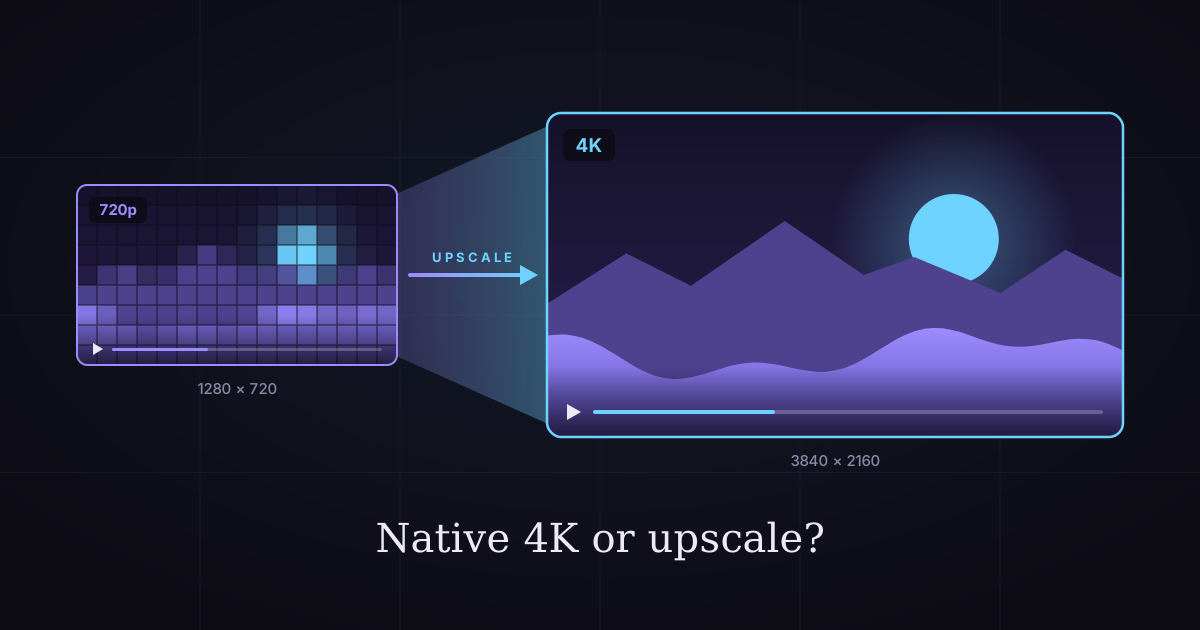
Native 4K vs Upscaled AI Video: Cost & Quality Compared
Should you generate AI video in 4K or upscale it? We priced 17 models both ways: upscaling saves up to 78% on some, costs more on others.
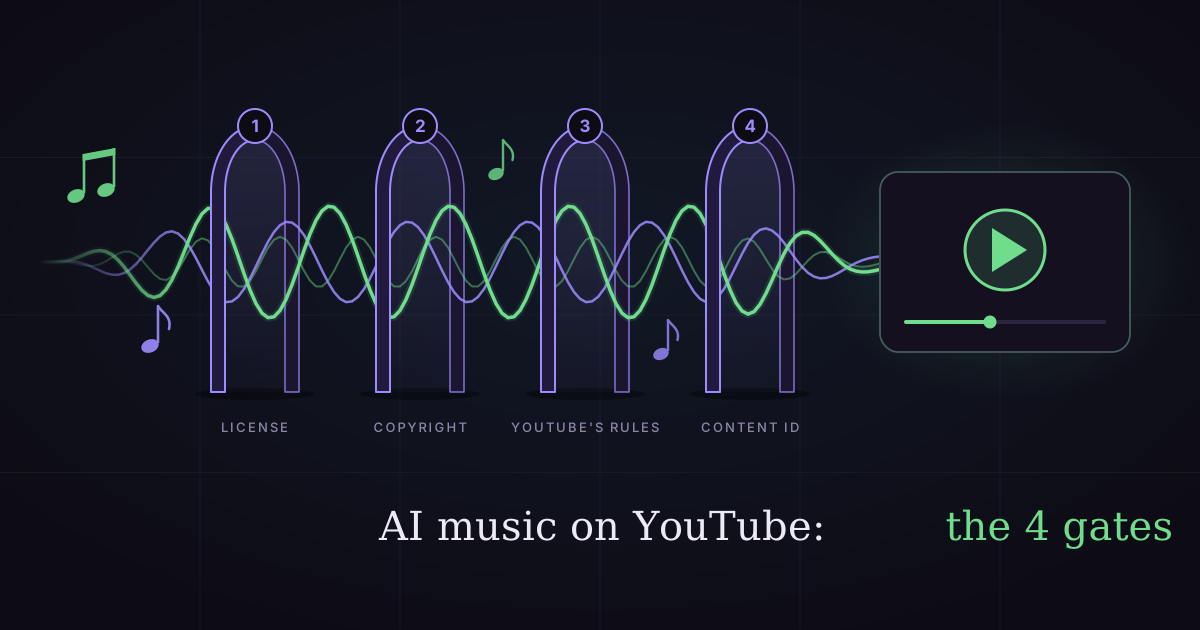
Can You Use AI Music on YouTube? (Copyright & Money, 2026)
Yes, but four gates decide whether an AI song can earn money on YouTube: your license, copyright, YouTube's AI rules and Content ID. Full checklist inside.