AI Image Upscaler
Before and After: See the Difference
Drag the slider. Every result below is a real, unretouched 4x upscale produced by this exact tool.
 BeforeAfter
Skin texture, stubble, and individual hairs are rebuilt instead of smoothed away.
What Is an AI Image Upscaler?
An AI image upscaler is an online tool that increases a picture's resolution — here, a fixed 4x — while generating realistic detail instead of stretching pixels. Trained on millions of photos, the AI predicts the texture, edges, and patterns a larger version of your image should contain.
Traditional resizing spreads the same pixels across a larger canvas, which is why enlarged photos look soft. An AI image upscaler creates new pixels that fit the content, so hair, product edges, and fine lines stay crisp at four times the original size.
How to Upscale an Image Online in 3 Steps
Upload your image
Drop a JPG, PNG, or WebP up to 10MB into the box above — or start from one of the sample pictures.
Run the 4x upscale
Click Upscale. The AI analyzes your picture and rebuilds it at four times the resolution in a few seconds.
Compare and download
Check the before-and-after slider, then download the full-resolution file — no watermark, yours to use anywhere.
4x Upscaling, Up to 4K Output and Beyond
One pass multiplies both dimensions by four — sixteen times the pixels. A 600×400 snapshot becomes 2400×1600, and anything from roughly 960×540 upward lands at 4K or larger.
Fixed 4x enhancement
Every upscale multiplies width and height by 4 while denoising and sharpening as it goes. No settings to tune, no wrong choices to make.
Built for real-world sources
Compressed screenshots, small web images, and phone photos all work. The AI removes JPEG artifacts as it enlarges, so messy inputs come out cleaner than they went in.
Input and output at a glance
- Input formats
- JPG, PNG, WebP
- Max input size
- 10MB
- Output size
- 4x width and height (16x pixels)
- Watermark
- None
- Cost
- 2 credits per image
One Upscaler, Tuned for Every Kind of Image
There is no model to pick — the AI adapts to the content. Here is what that means for the four kinds of images people upscale most.
Photos & portraits
Faces are the hardest test for any image upscaler. Detail comes back in skin and hair without the waxy, over-smoothed look cheap tools produce.
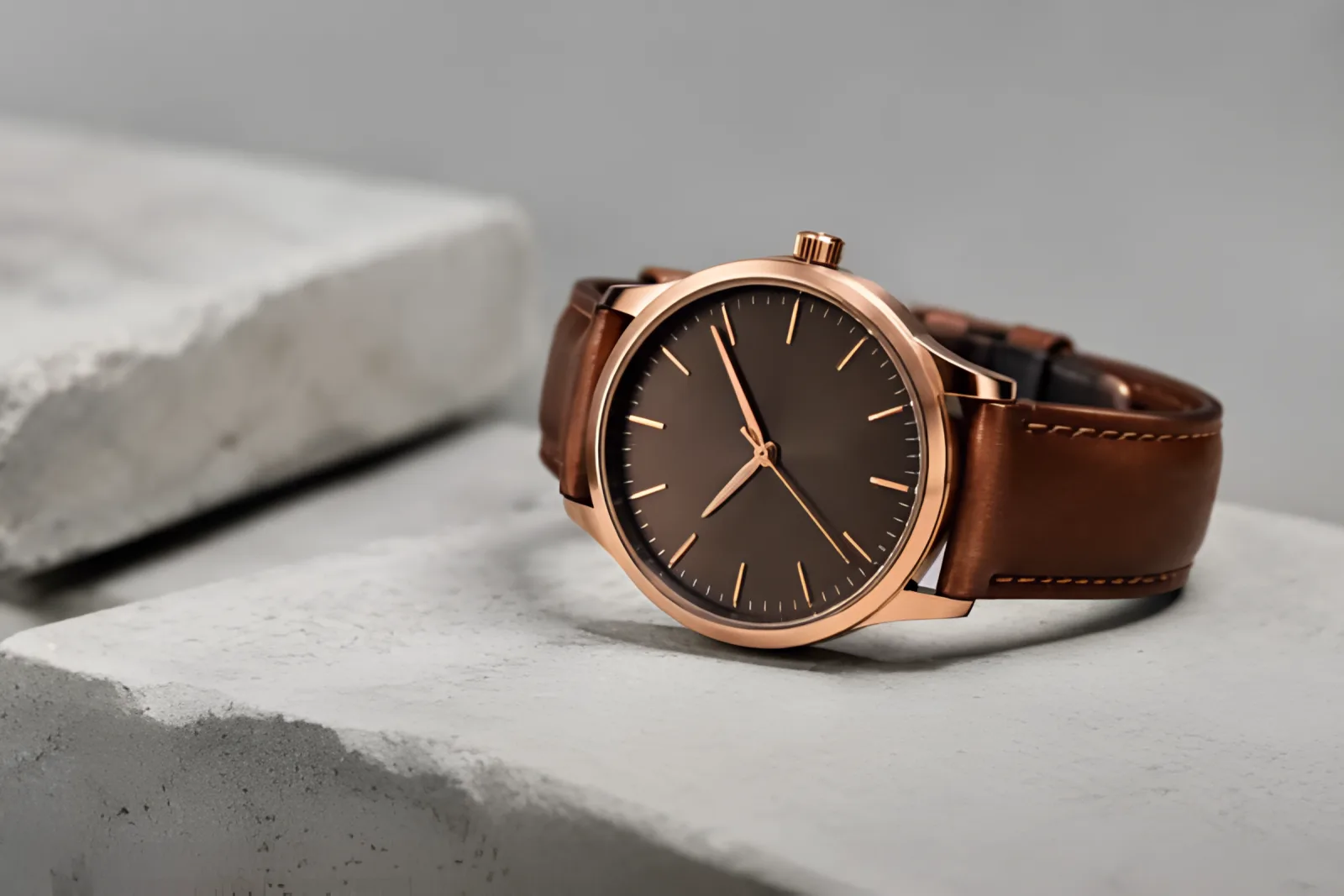
Product shots
Clean edges and true colors survive the enlargement, so zoomed-in marketplace photos and print catalogs stay sharp where it counts.
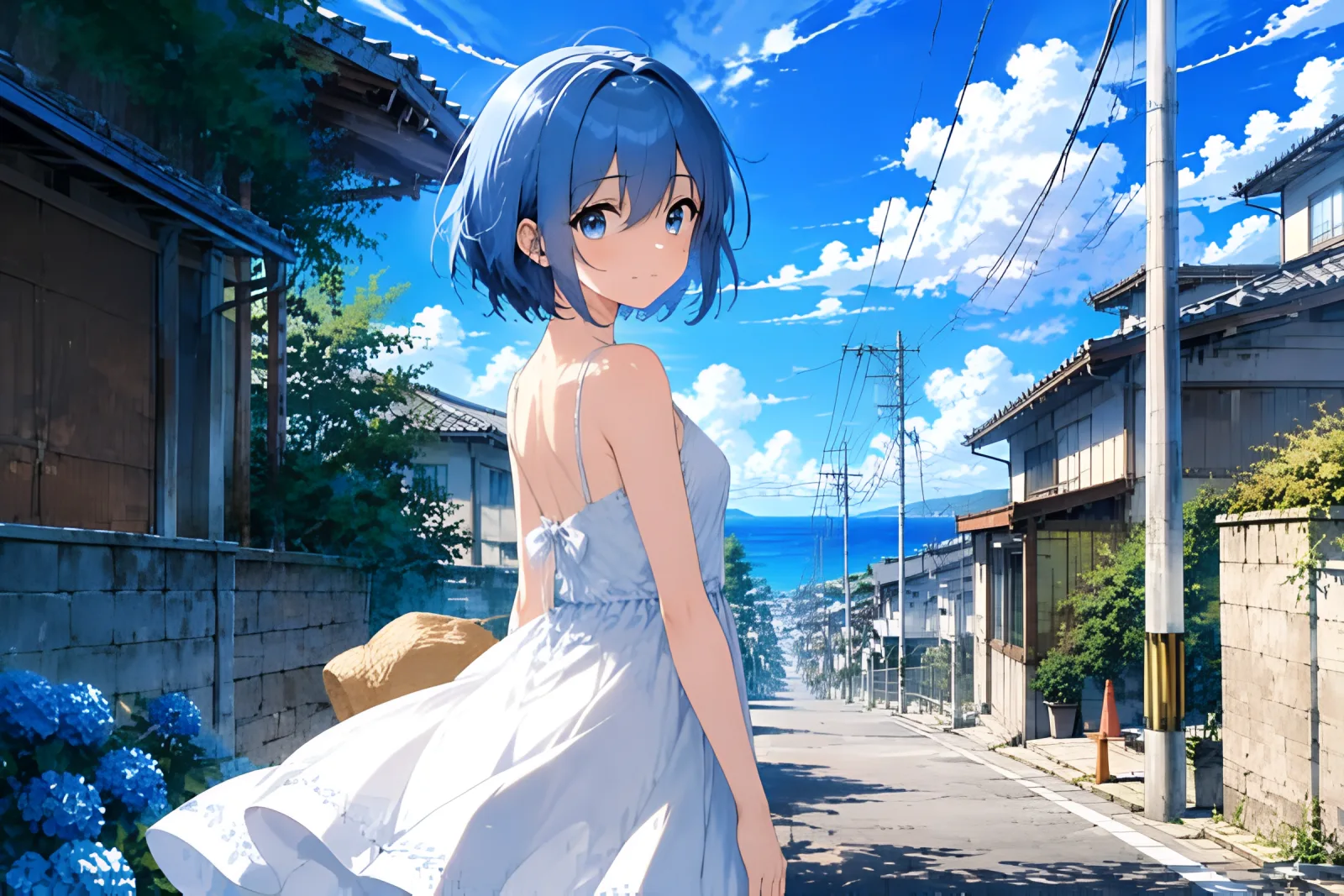
Anime & illustrations
Flat colors and line art stay free of halos and banding — you can upscale anime images 4x without anything getting repainted.
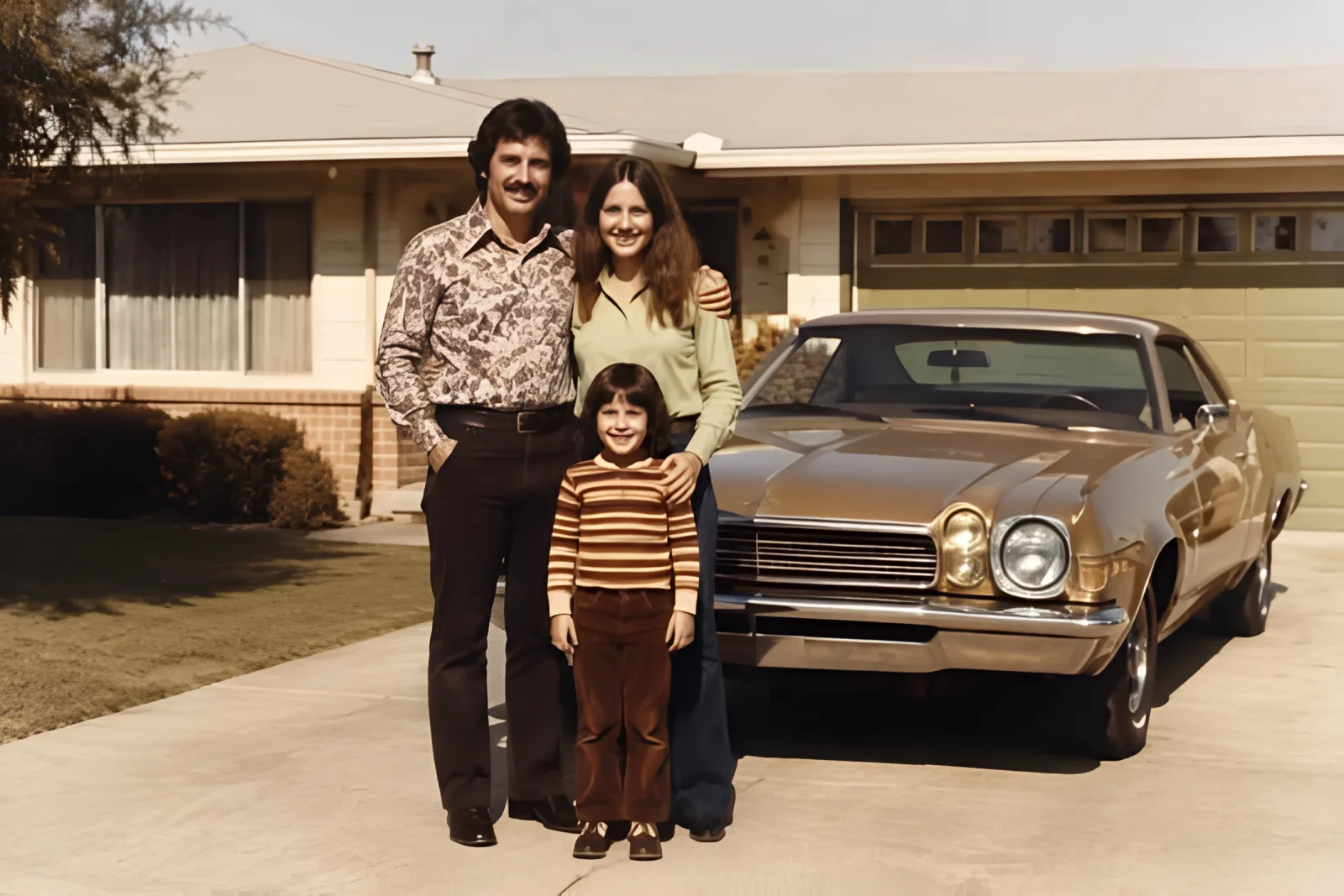
Old & scanned photos
Scans and prints from film cameras regain definition while keeping the grain that makes them feel authentic rather than artificial.
AI Upscaling vs. Traditional Resizing
Both make a picture larger; only one makes it better. Traditional interpolation (bicubic, nearest-neighbor) redistributes the pixels you already have. AI upscaling generates the detail a larger image should have.
| What you compare | Traditional resizing | AI upscaling |
|---|---|---|
| Sharpness | Soft — edges blur as size grows | Crisp — edges are redrawn at the new size |
| Detail | Nothing new; pixels just get bigger | New, realistic texture is generated |
| Noise & artifacts | Enlarged along with everything else | Cleaned up during the upscale |
| Faces & fine lines | Quickly turn mushy | Reconstructed and legible |
| Speed | Instant | A few seconds |
If the result is going anywhere that matters — a client, a storefront, a printer — resizing alone will not hold up. Upscale the image instead.
Upscaler, Enhancer, or Enlarger: Which Do You Need?
The three terms get mixed up constantly. Here is the difference at a glance — and why low-resolution images should start with an upscale.
Image upscaler
What it does: Increases resolution and generates new detail. That is this tool.
When to use it: Small, blurry, or compressed images that need to be bigger and sharper.
Image enhancer
What it does: Improves color, lighting, and contrast at the same resolution.
When to use it: Photos that are already big enough but look dull or flat.
Image enlarger
What it does: Stretches dimensions without adding any detail.
When to use it: Quick layout mockups where quality does not matter.
Searching for a picture quality enhancer or an image resolution enhancer? For low-resolution sources, upscaling is the step that actually adds quality — run it first, then fine-tune colors and lighting afterwards.
What Can You Use an Image Upscaler For?
Any time an image is too small for its destination, a 4x upscale is the fix. These are the six jobs it gets hired for most.
Print & posters
Printing needs around 300 DPI. A 4x upscale turns a web-size photo into an A4-ready file without visible softness.
E-commerce listings
Marketplaces reject small photos and shoppers zoom in hard. Upscale product images so they meet resolution rules and survive the zoom view.
Social media
Platforms recompress everything you post. Starting from a sharp 4x upscale keeps your pictures looking clean after their compression.
Old photo restoration
Digitized family photos are usually small scans. Upscaling brings back enough detail to reprint and reframe them.
Blogs & web design
Hero images look best above 2000px wide. Upscale stock or archive pictures instead of hunting for larger versions.
AI-generated art
Most generators output around 1K. Upscale AI images to 4K before printing, selling, or animating them.
Free to Start, Simple Credit Pricing
No trial tricks and no watermark ladder: every upscale costs 2 credits, and the free plan includes 20 credits each month — about 10 free upscales at full resolution.
Free plan
- 20 credits per month — around 10 upscales
- Full 4x resolution output
- No watermark, ever
- Commercial use included
Need more volume?
- Paid plans from $19.90/month with 1,500 credits
- One-time credit packs from $10, valid for 90 days
- Credits are shared across every image and video tool
Image Upscaler FAQ
Want every AI model in one place?
Open Imgveo Studio to run this and every other AI video and image model from a single workspace, with one credit balance.
Explore More AI Image Tools
AI Image Editor
Fine-tune your upscaled photo with prompt-based edits — remove objects, swap backgrounds, retouch.
Open the editorAI Video Upscaler
Upload a clip, pick 1080p, 2K or 4K, and download a sharper MP4 in a few minutes with the AI video upscaler.
Upscale a videoImage to Layers
Split a design into a clean background and separate PNG layers, then upscale only the layer you need.
Split into layersBackground Remover
Remove the background from any photo in seconds, then upscale the clean cutout to 4K.
Remove a backgroundUpscale Your First Image Now
Free to start, 2 credits per image, results in seconds — sharper pixels are one upload away.
Upscale an image free