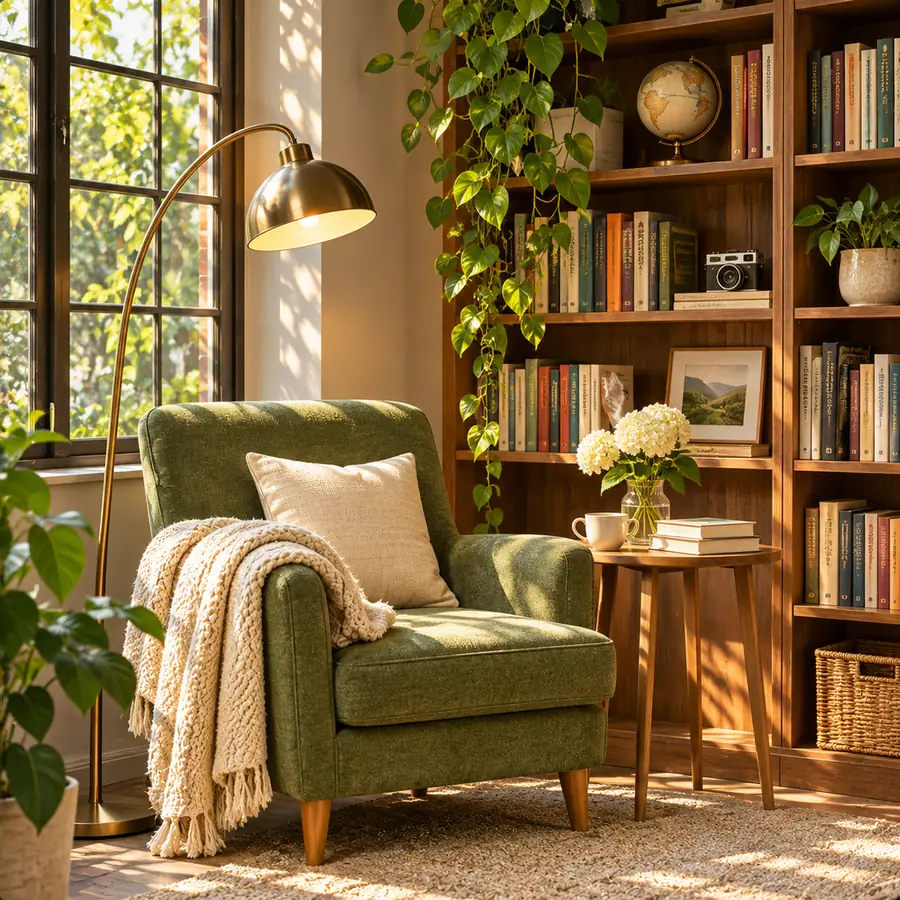
 示意圖
午後陽光中的閱讀角落
文字生圖 · 1:1 · 1K
提示詞: A cozy reading nook with a green velvet armchair, a knitted throw and a tall wooden bookshelf, soft afternoon sunlight through a window, plants, photorealistic interior, no text
OpenAI 的 ChatGPT Images 2.5 同款模型,適合海報、標籤、圖解與照片。最高 4K,最多 14 張參考圖可編輯或合成。
涵蓋攝影、繪畫與插畫的四個靈感。點一個載入生成器,再調整細節。
示意圖文字生圖 · 1:1 · 1K
提示詞: A cozy reading nook with a green velvet armchair, a knitted throw and a tall wooden bookshelf, soft afternoon sunlight through a window, plants, photorealistic interior, no text
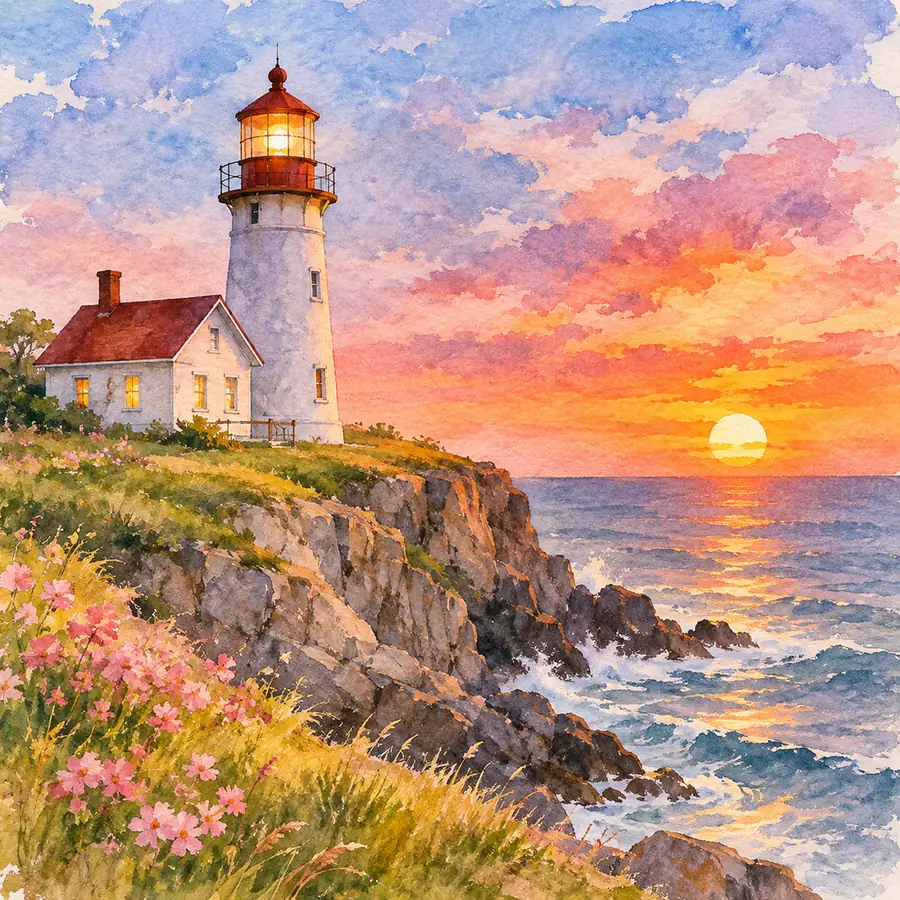 示意圖
文字生圖 · 1:1 · 1K
提示詞: A watercolor painting of a white lighthouse on a rocky cliff at sunset, pink wildflowers in the foreground, loose brush strokes, warm sky, no text
 示意圖
文字生圖 · 1:1 · 1K
提示詞: A surprised young man in a purple hoodie and a yellow beanie holding a giant slice of pepperoni pizza with stretchy cheese, bright yellow and blue background, studio photo, no text
 示意圖
文字生圖 · 1:1 · 1K
提示詞: An isometric illustration of a small bright office with four people working at desks, plants, a bookshelf and big windows, soft colors, no text
GPT Image 2.5 是 OpenAI 的圖像模型,也就是 ChatGPT Images 2.5 背後的引擎,2026 年 9 月發布。它能生成新圖,也能編輯你上傳的照片。海報、標籤和圖解這類文字一定要正確的場合,常常首選它。
在 Imgveo 上,它支援 1K、2K 與 4K 三種解析度、8 種長寬比,1K 每張 10 點數,上方的生成器最多可用 14 張參考圖。失敗的圖像會退還點數。
OpenAI 提供該模型的兩個版本。Imgveo 執行的是預設的快速版 Flare:試一段提示詞、看結果、再試一次,出圖快才順手。
你現在就能生成的內容。所有數字都來自生成器本身的設定。
OpenAI 把 GPT Image 2.5 做成取捨不同的兩個模型。許多文章把它們混為一談,這裡說清楚差別。
OpenAI 的預設版本,著重速度,方便你一輪輪快速調整提示詞。Imgveo 上的每張 GPT Image 2.5 圖像都由 Flare 生成。
速度較慢,由 OpenAI 針對精準編輯調校。Imgveo 不提供它;如果你需要更重度的編輯,可以改用這裡的 Nano Banana Pro。
三者都在 Imgveo 上執行,也都能做到 4K。GPT Image 2.5 和 GPT Image 2 價格相同,Nano Banana Pro 每張較貴。
海報、標籤、圖解的預設首選,也適合用多張參考照片做編輯。
價格相同,長寬比更多,包括 4:5 和 9:21。已經在它上面跑得順的提示詞和風格可以繼續用,需要那些額外畫幅時也選它。
Google 的重量級模型,適合多語言文字與細節最豐富的圖像。
| GPT Image 2.5 | GPT Image 2 | Nano Banana Pro | |
|---|---|---|---|
| 開發商 | OpenAI | OpenAI | |
| 每張點數,1K | 10 | 10 | 28 |
| 每張點數,2K | 15 | 15 | 28 |
| 每張點數,4K | 25 | 25 | 36 |
| 長寬比 | 8 | 11 | 10 |
價格不含參考圖。加入參考圖會稍貴一些,詳見下方價格表。
不需安裝,也不用訂閱 ChatGPT:本頁頂部的生成器就能執行它。
描述一張新圖,或加入最多 14 張參考圖:要編輯的照片、要合成的產品,或一張粗略草圖。
把確切的文字放進引號,並說明各放在哪裡:標題在頂部,標籤在各個部件上,小字在底部。
按鈕上會顯示確切的點數。先用 1K 打草稿,滿意的那張再用 2K 或 4K 算繪。
標題、標籤和手寫字體,是 GPT Image 2.5 最能展現價值的地方。四種版面,附上各自的提示詞。
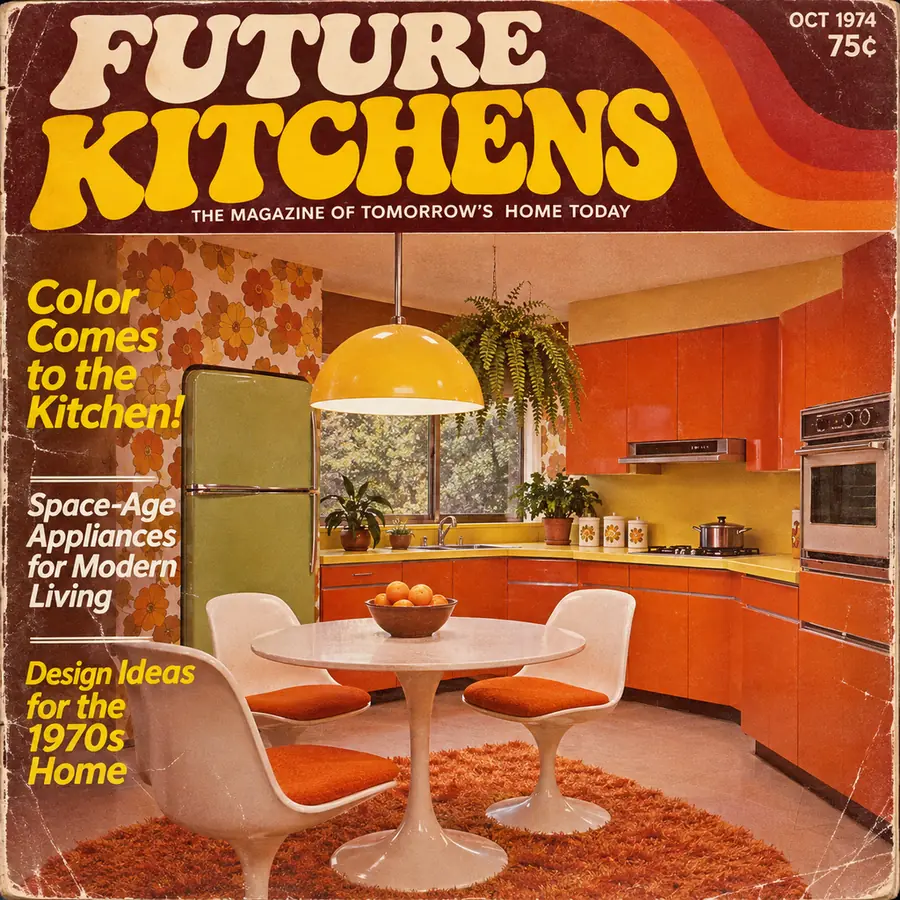 示意圖
提示詞
A retro 1970s magazine cover titled "FUTURE KITCHENS" with the line "The Magazine of Tomorrow's Home Today", a photo of a colorful orange kitchen, cover lines "Color Comes to the Kitchen!" and "Design Ideas for the 1970s Home", "OCT 1974" and "75¢" in the corner
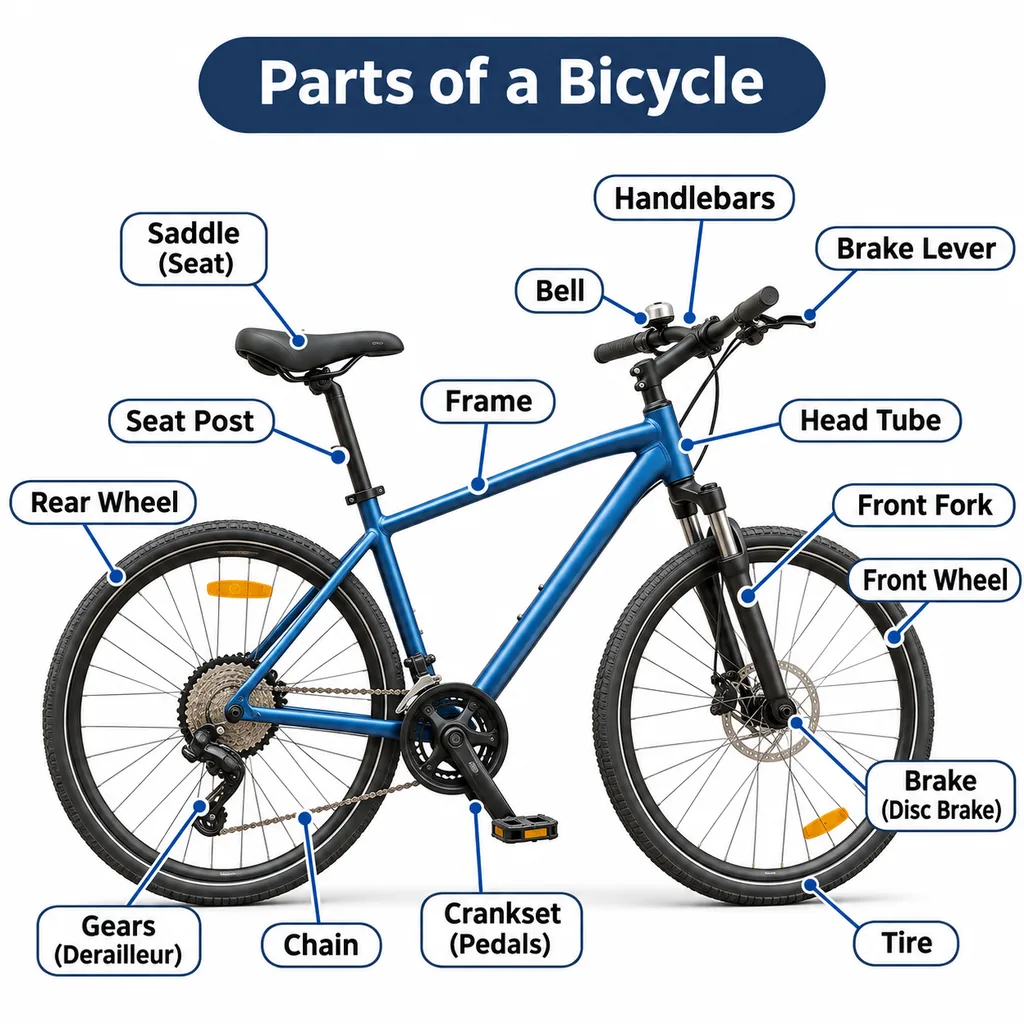 示意圖
提示詞
A labeled diagram titled "Parts of a Bicycle": a blue bicycle on a white background with arrows to Saddle, Handlebars, Frame, Front Fork, Chain, Pedals, Brake and Tire, clean sans-serif labels in rounded boxes
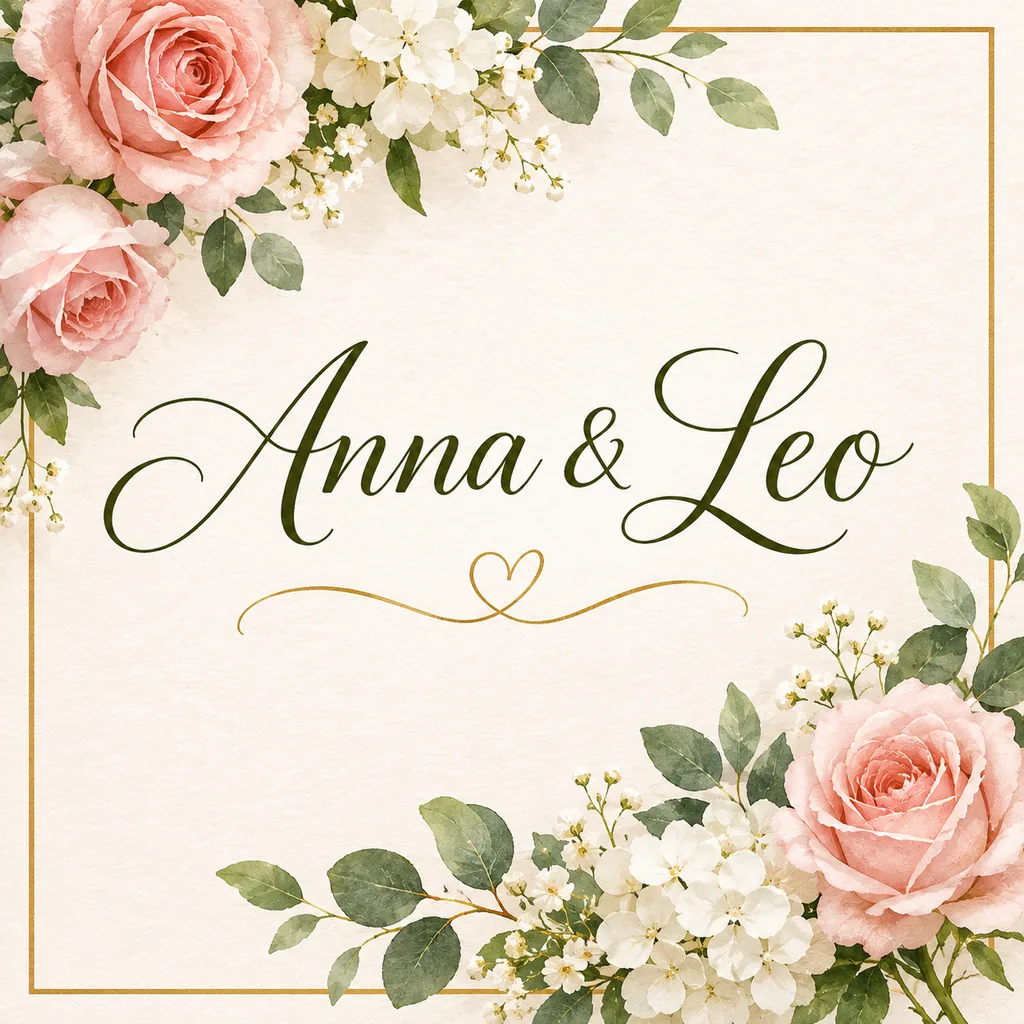 示意圖
提示詞
A wedding invitation card with elegant script lettering that reads "Anna & Leo", pink roses and white flowers around the border, a thin gold frame, cream paper
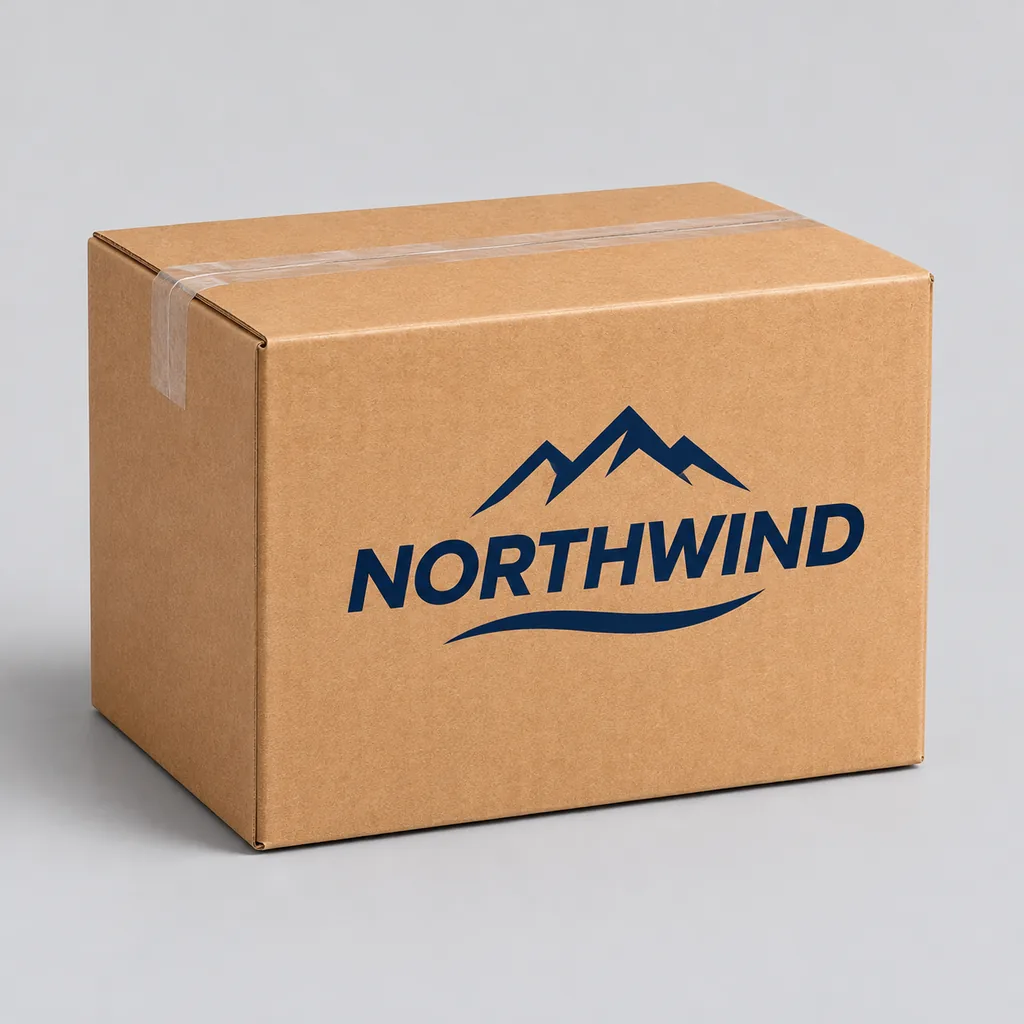 示意圖
提示詞
A cardboard shipping box on a plain light gray background with the brand name "NORTHWIND" and a mountain logo printed in navy on the side, product mockup
手繪版面,拍照後作為參考圖上傳,再描述成品的樣子:「把這張草圖變成乾淨的扁平插畫,保留版面。」草圖裡的方框和箭頭會變成畫面構圖。
標題、標籤和名字都放進引號,寫成它們最終該有的樣子。
「雜誌封面」「附標註的圖解」「置中的邀請函」:一個版面詞就能定下結構。
「粗體 70 年代字樣」「優雅手寫體」「簡潔無襯線標籤」,都能引導整體觀感。
文字多半是乾淨的,但不是每次都是。請檢查名字、數字和拼字。
版面、主體、文字、風格,最後是格式。依這個順序寫五個部分,海報、包裝和照片都適用。
是什麼類型的圖:封面、海報、圖解、產品圖、人像。
畫面裡的主角,再加兩三個具體細節。
每個字都放進引號,並說明放在哪裡。
年代、媒材與色彩:70 年代印刷品、水彩、扁平向量、攝影棚照片。
長寬比與解析度,在生成器裡設定:封面用 3:4,產品用 1:1。
把括號裡的字換成你自己的。
文字生圖 · 3:4 · 2K
A [era or style] [magazine or book] cover titled "[TITLE]" with the line "[subtitle]", [main image], cover lines "[line 1]" and "[line 2]", [color palette]
文字生圖 · 1:1 · 2K
A labeled diagram titled "[TITLE]": [object] on a white background with arrows to [part 1], [part 2], [part 3] and [part 4], clean sans-serif labels
文字生圖 · 1:1 · 2K
A [box, bag or bottle] on [background] with the brand name "[BRAND]" and [logo idea] printed in [color], [lighting], product mockup
圖像編輯 · 4:3 · 2K
Turn this sketch into a [style] image. Keep the layout: [what is where]. Add [colors and details], and set the text "[TEXT]" where the sketch shows it
4K 要 25 點數;先用 1K 以 10 點數把版面調對。
「一個關於烹飪的標題」只會得到隨機的標題。請直接寫出標題。
小圖上放十個標籤會糊成一團。字少一點、大一點比較好讀。
按圖像張數與解析度計費,與 GPT Image 2 相同。下面的每個數字都來自為生成器計價的同一套程式碼。
| 解析度 | 文字生圖 | 附參考圖 | Nano Banana Pro |
|---|---|---|---|
| 1K | 10 | 12 | 28 |
| 2K | 15 | 18 | 28 |
| 4K | 25 | 35 | 36 |
一張圖像 1K 為 10 點數,2K 為 15 點數,4K 為 25 點數。一次生成四張,費用就是四倍。
Starter 方案每月的 1,500 點數,大約可生成 150 張 1K 的 GPT Image 2.5 圖像,或 100 張 2K 圖像。
如果某張圖像生成失敗,對應點數會自動退回你的餘額。你只需為收到的圖像付費。
文字與版面和畫面同樣重要的工作。
雜誌、書籍和活動封面,標題依你寫的樣子排版。
附標註的部件、箭頭與步驟,用於課程、手冊和部落格文章。
姓名和日期用手寫體或襯線字體,搭配花卉或圖案邊框。
在正式印刷之前,先看看品牌名印在盒子、袋子和標籤上的樣子。
一張方形圖裡放進產品、標題和行動呼籲。
為網站和簡報準備的等距場景、水彩與扁平向量插畫。
打開 Imgveo Studio,在一個工作台裡用同一套點數執行本工具以及所有其他 AI 影片和圖像模型。
把 GPT Image 2.5 和大家常拿來比較的模型放在一起看看。
把文字放進引號寫好提示詞,或上傳草圖與照片,最高 4K 生成。失敗的圖像會退還點數。
ChatGPT 和 GPT 是 OpenAI 的商標。Imgveo 為獨立平台,與 OpenAI 沒有任何關聯。