LogoImgveo AI
  • Home
  • Studio
  • AI Music
  • Pricing
  • Blog
LogoImgveo AI

Create AI videos from text, images, and start-end frames.

Email
AI Video Tools
  • All-in-One AI Generator
  • AI Video Effects
  • AI Video Generator
  • Text to Video
  • Image to Video
  • First & Last Frame
  • AI Product Video Generator
  • Video Upscaler
  • AI Lip Sync
  • AI Talking Photo
  • AI Music Generator
  • AI Hug Video Generator
  • AI Kissing Video Generator
  • AI Dance Video Generator
  • AI Fight Generator
  • Earth Zoom Out AI
  • AI Squish Effect
  • AI Handshake Generator
AI Image Tools
  • Text-to-Image AI
  • AI Headshot Generator
  • AI Anime Generator
  • AI Product Photo Generator
  • AI Character Generator
  • AI Baby Generator
  • AI Image Editor
  • AI Clothes Changer
  • AI Muscle Generator
  • AI Action Figure Generator
  • AI Plush Toy Generator
  • Image Upscaler
  • Background Remover
  • Image to Layers
  • AI Interior Design
Video Models
  • Seedance 2
  • Seedance 2.5
  • Kling 2.6
  • Kling 3.0
  • Kling 4.0
  • Veo 3.1
  • Hailuo 3
  • Hailuo 2.3
  • Wan 3.0
  • Grok Imagine
  • Wan 2.7
Image Models
  • GPT Image 1.5
  • GPT Image 2
  • GPT Image 2.5
  • Nano Banana
  • Nano Banana 2
  • Nano Banana Pro
  • Seedream 5.0
  • Seedream 5.5
  • FLUX.2
  • Qwen Image 3.0
  • Z-Image
  • All AI Models
Compare
  • Veo 3.1 vs Kling 3.0
  • Seedance 2.0 vs Veo 3.1
  • Nano Banana 2 vs Seedream
  • Veo 3 vs Kling 3 vs Seedance 2
  • Kling 3 vs Seedance 2
  • Kling 4.0 vs Kling 3.0
  • Kling 4.0 vs Seedance 2.5
  • GPT Image 2.5 vs Nano Banana Pro
  • Sora Alternatives
  • Pollo AI Alternative
Company
  • About Us
  • Contact Us
  • Blog
  • Pricing
  • Privacy Policy
  • Terms of Service
© 2026 Imgveo AI All Rights Reserved.

GPT Image 2.5 AI Image Generator

OpenAI's model behind ChatGPT Images 2.5, for posters, labels, diagrams and photos. Up to 4K, with up to 14 reference images to edit or combine.

G01

GPT Image 2.5 prompts to try

Four ideas across photo, painting and illustration. Click one to load it into the generator, then change the details.

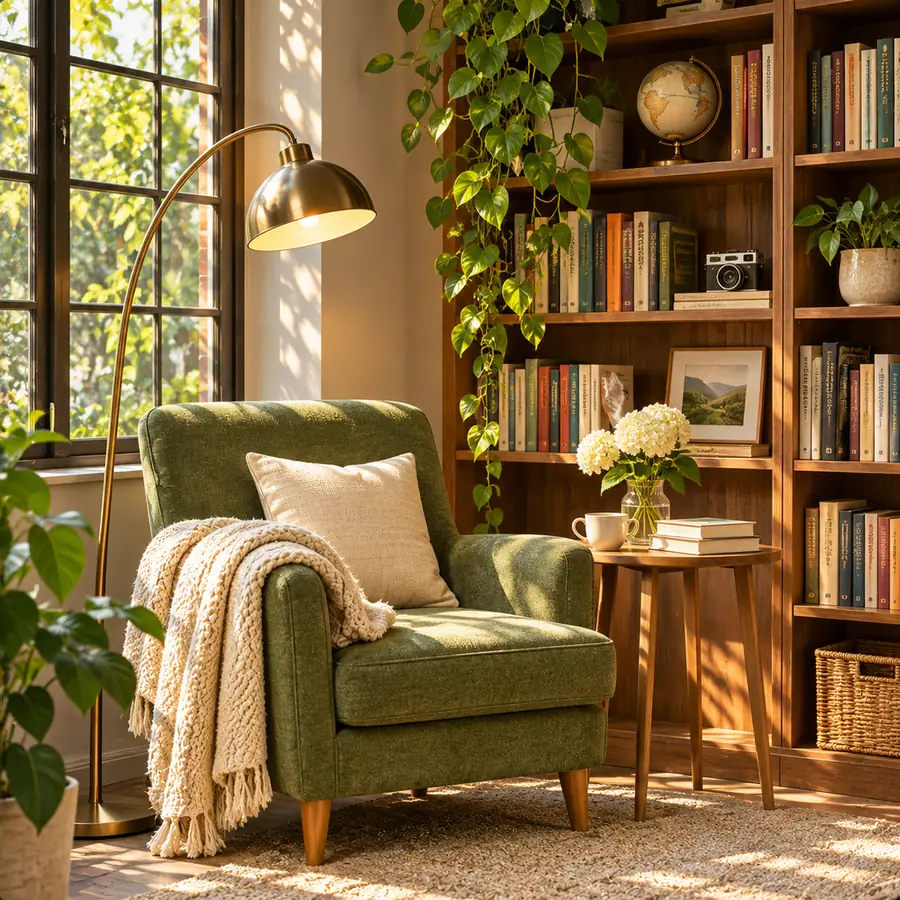
Illustration of a GPT Image 2.5 prompt idea: a green armchair and a tall bookshelf in soft afternoon lightIllustration

Reading nook in afternoon light

Text to image · 1:1 · 1K

Prompt: A cozy reading nook with a green velvet armchair, a knitted throw and a tall wooden bookshelf, soft afternoon sunlight through a window, plants, photorealistic interior, no text
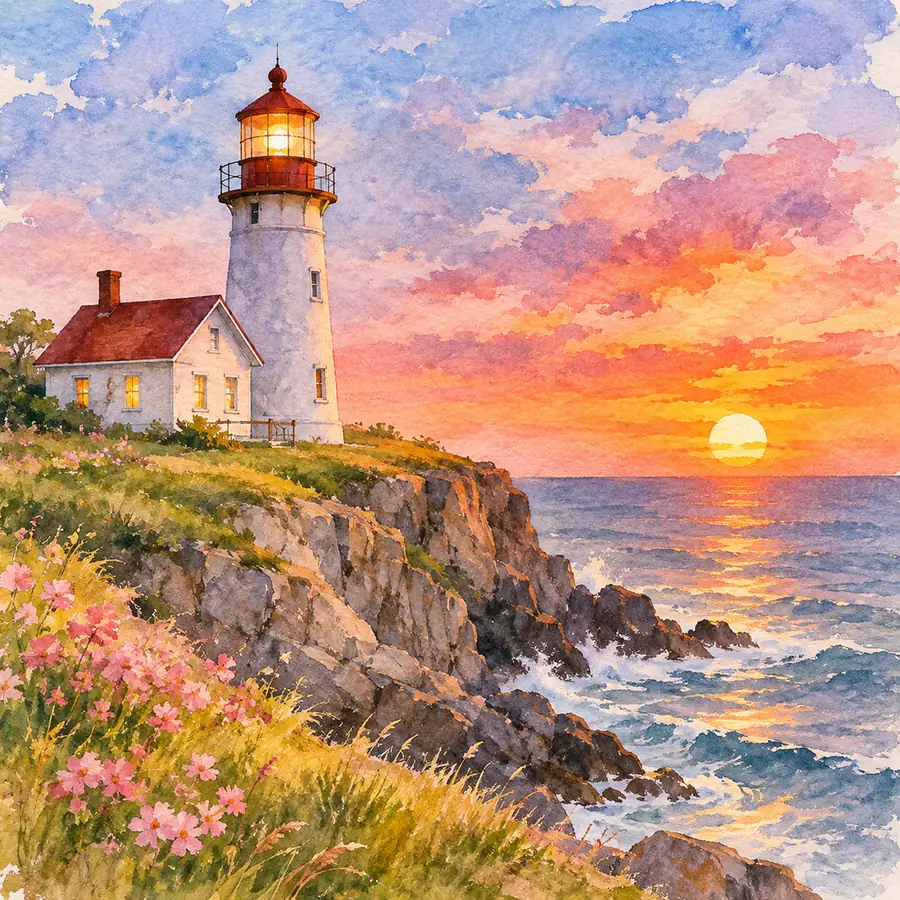
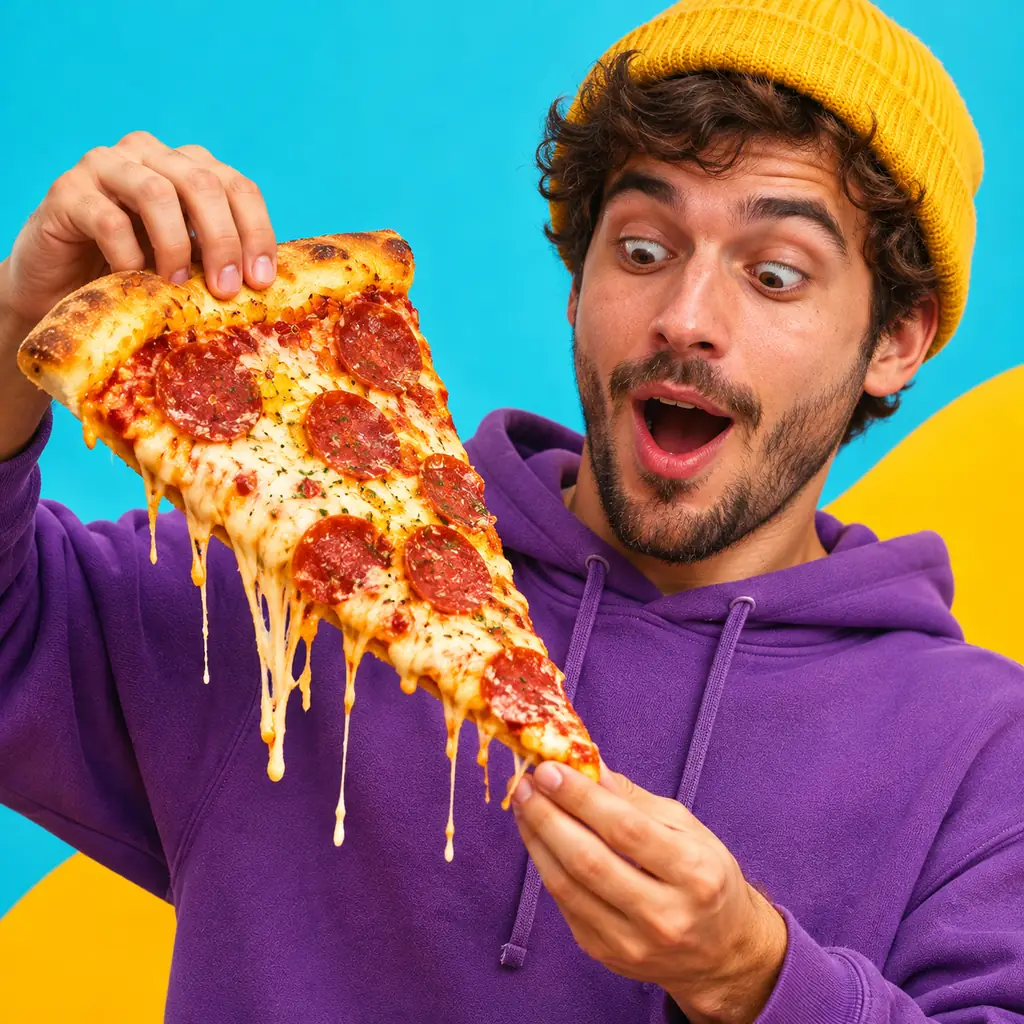
Illustration of a GPT Image 2.5 prompt idea: a watercolor lighthouse on a cliff at sunsetIllustration

Watercolor lighthouse

Text to image · 1:1 · 1K

Prompt: A watercolor painting of a white lighthouse on a rocky cliff at sunset, pink wildflowers in the foreground, loose brush strokes, warm sky, no text

Illustration of a GPT Image 2.5 prompt idea: a surprised man holding a giant slice of pizzaIllustration

Big reaction shot

Text to image · 1:1 · 1K

Prompt: A surprised young man in a purple hoodie and a yellow beanie holding a giant slice of pepperoni pizza with stretchy cheese, bright yellow and blue background, studio photo, no text

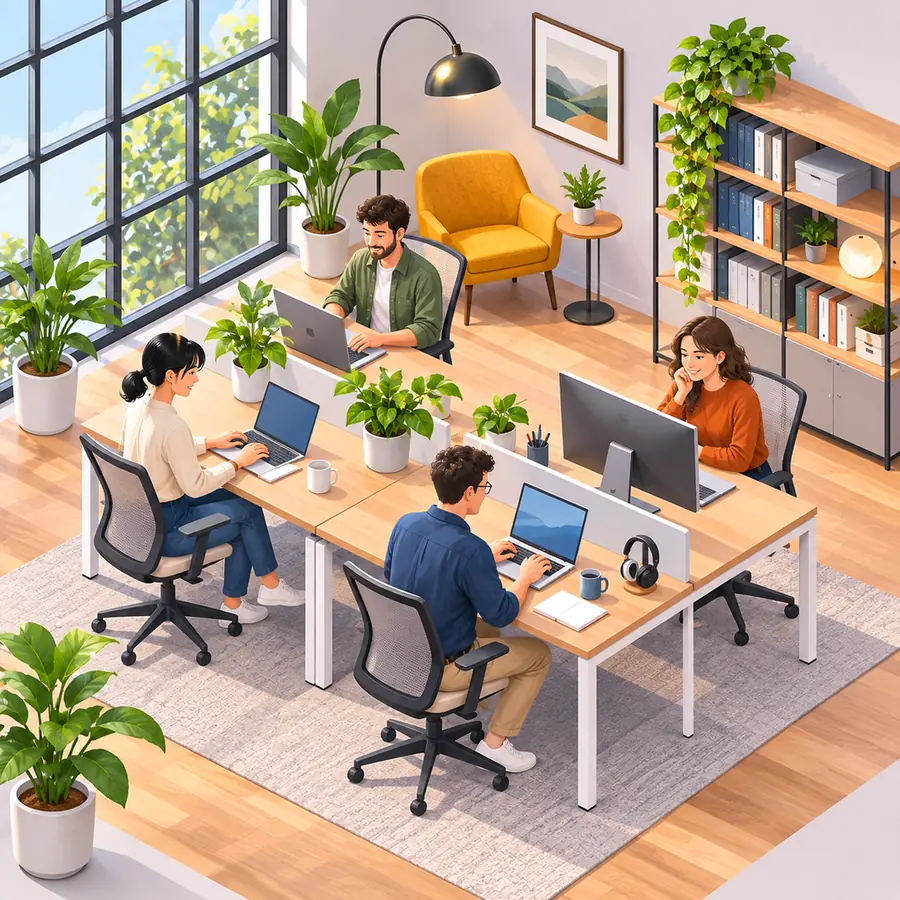
Illustration of a GPT Image 2.5 prompt idea: an isometric small office with people workingIllustration

Isometric office

Text to image · 1:1 · 1K

Prompt: An isometric illustration of a small bright office with four people working at desks, plants, a bookshelf and big windows, soft colors, no text

G02

What is GPT Image 2.5?

GPT Image 2.5 is OpenAI's image model behind ChatGPT Images 2.5, released in September 2026. It makes new images and edits photos you upload, and it is a common pick for posters, labels and diagrams, where the words have to read correctly.

On Imgveo it renders at 1K, 2K or 4K in 8 aspect ratios, costs 10 credits per image at 1K, and takes up to 14 reference images in the generator above. Failed images are refunded.

OpenAI offers the model in two versions. Imgveo runs Flare, the fast default, because quick turns suit trying a prompt, reading the result and trying again.

FlareSunburst

GPT Image 2.5 on Imgveo today

What you can generate right now. Every number comes from the generator's own settings.

Version
Flare (fast)Sunburst is not offered
Resolution
1K, 2K or 4K
Reference images
Up to 14Per image, in the generator above
Aspect ratios
1:1 · 3:2 · 2:3 · 4:3 · 3:4 · 16:9 · 9:16 · 21:9
Price
From 10 credits per image25 credits at 4K

G03

Flare and Sunburst: the two versions

OpenAI ships GPT Image 2.5 as two models with different trade-offs. Most write-ups mix them up; here is the difference.

Flare

Runs on Imgveo

OpenAI's default. It favors speed, so you can iterate on a prompt in quick rounds. Every GPT Image 2.5 image on Imgveo is made with Flare.

Sunburst

Not offered

Slower, and tuned by OpenAI for precise edits. Imgveo doesn't offer it; if you need heavier editing, Nano Banana Pro is the alternative here.

G04

GPT Image 2.5, GPT Image 2 or Nano Banana Pro?

All three run on Imgveo and all three reach 4K. GPT Image 2.5 and 2 cost the same; Nano Banana Pro costs more per image.

GPT Image 2.5

The default for posters, labels, diagrams and edits from several reference photos.

GPT Image 2

Same price, more aspect ratios, including 4:5 and 9:21. Keep it for prompts and styles that already work on it, or when you need one of those extra formats.

Nano Banana Pro

Google's heavier model, for text in many languages and the most detailed images.

GPT Image 2.5GPT Image 2Nano Banana Pro
MakerOpenAIOpenAIGoogle
Credits per image, 1K101028
Credits per image, 2K151528
Credits per image, 4K252536
Aspect ratios81110

Prices without reference images. Adding them costs a little more; see the price table below.

G05

How to make an image with GPT Image 2.5 in 3 steps

No setup and no ChatGPT subscription: the generator at the top of this page runs it.

01

Write the prompt, or upload images

Describe a new image, or add up to 14 reference images: photos to edit, products to combine, or a rough sketch.

“”
02

Spell out the text and the layout

Put the exact words in quotes and say where each goes: headline at the top, labels on the parts, small print at the bottom.

1K2K4K
03

Pick 1K, 2K or 4K and generate

The button shows the exact credits. Draft at 1K, then render the one you keep at 2K or 4K.

G06

Text and layout that hold together

Headlines, labels and lettering are where GPT Image 2.5 earns its place. Four layouts, with the prompt behind each.

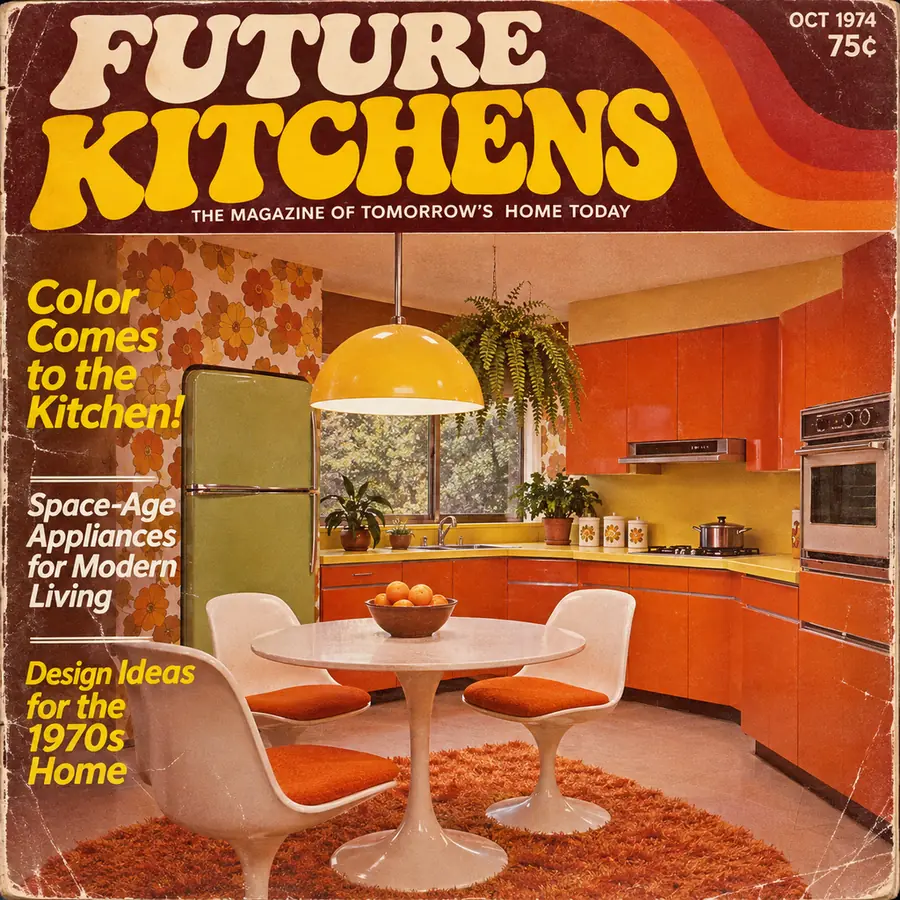
Illustration of a retro 1970s magazine cover titled FUTURE KITCHENSIllustration

Retro magazine cover

Prompt

A retro 1970s magazine cover titled "FUTURE KITCHENS" with the line "The Magazine of Tomorrow's Home Today", a photo of a colorful orange kitchen, cover lines "Color Comes to the Kitchen!" and "Design Ideas for the 1970s Home", "OCT 1974" and "75¢" in the corner

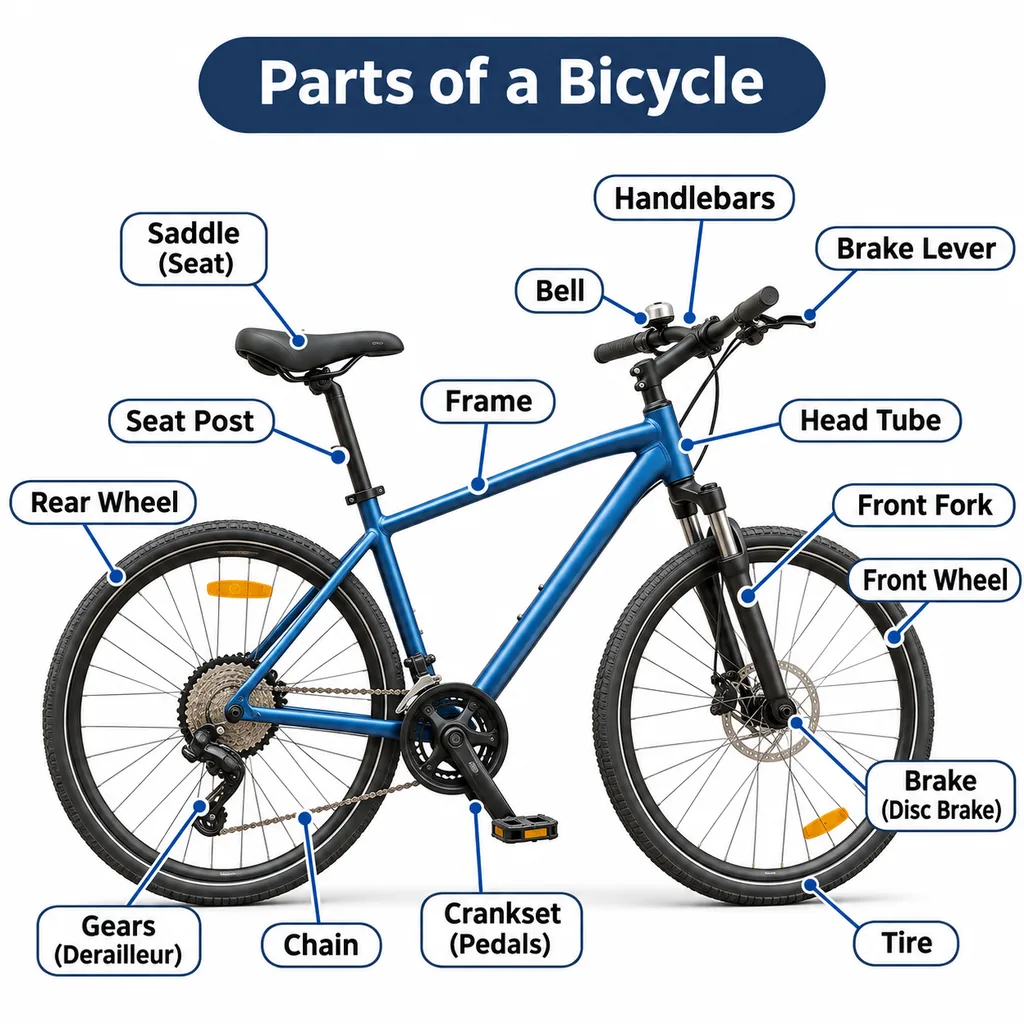
Illustration of a labeled bicycle diagram with arrows to the main partsIllustration

Labeled diagram

Prompt

A labeled diagram titled "Parts of a Bicycle": a blue bicycle on a white background with arrows to Saddle, Handlebars, Frame, Front Fork, Chain, Pedals, Brake and Tire, clean sans-serif labels in rounded boxes

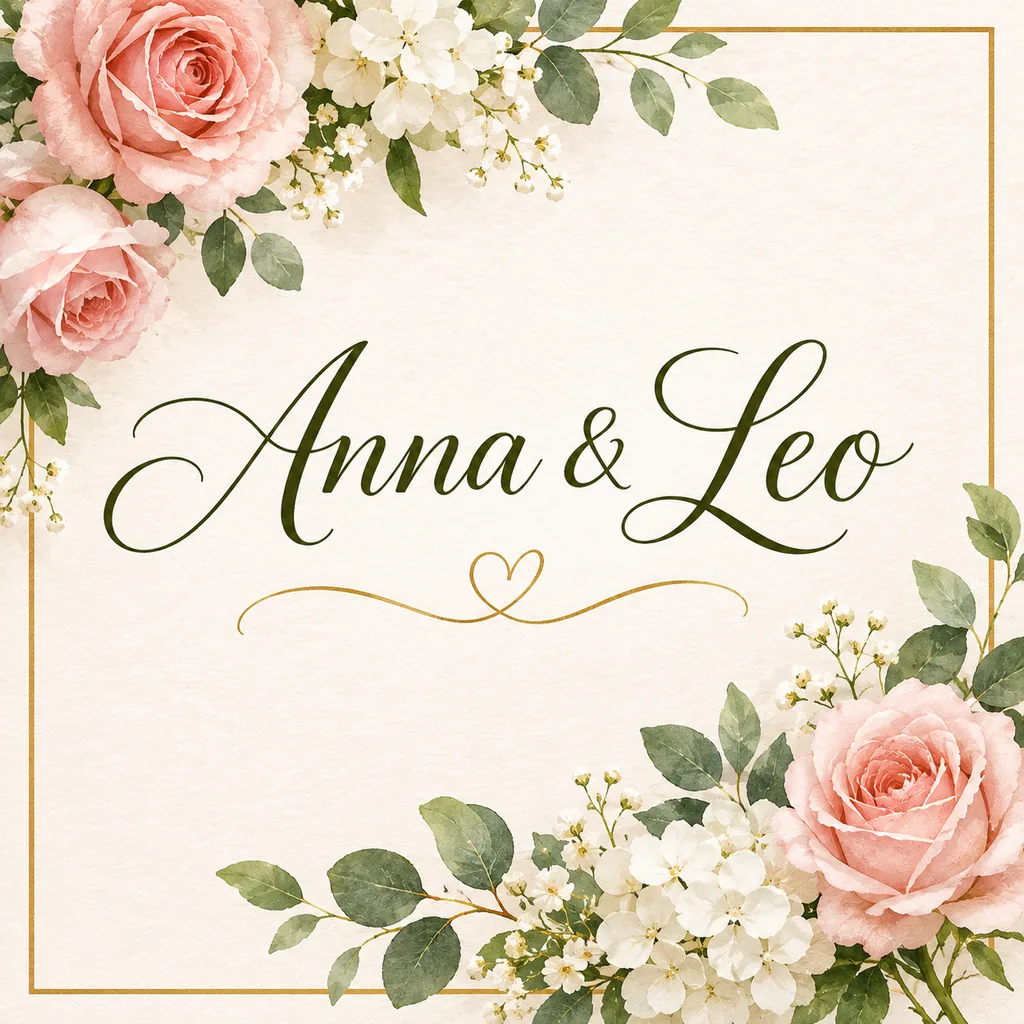
Illustration of a wedding invitation with script lettering reading Anna & LeoIllustration

Script lettering

Prompt

A wedding invitation card with elegant script lettering that reads "Anna & Leo", pink roses and white flowers around the border, a thin gold frame, cream paper

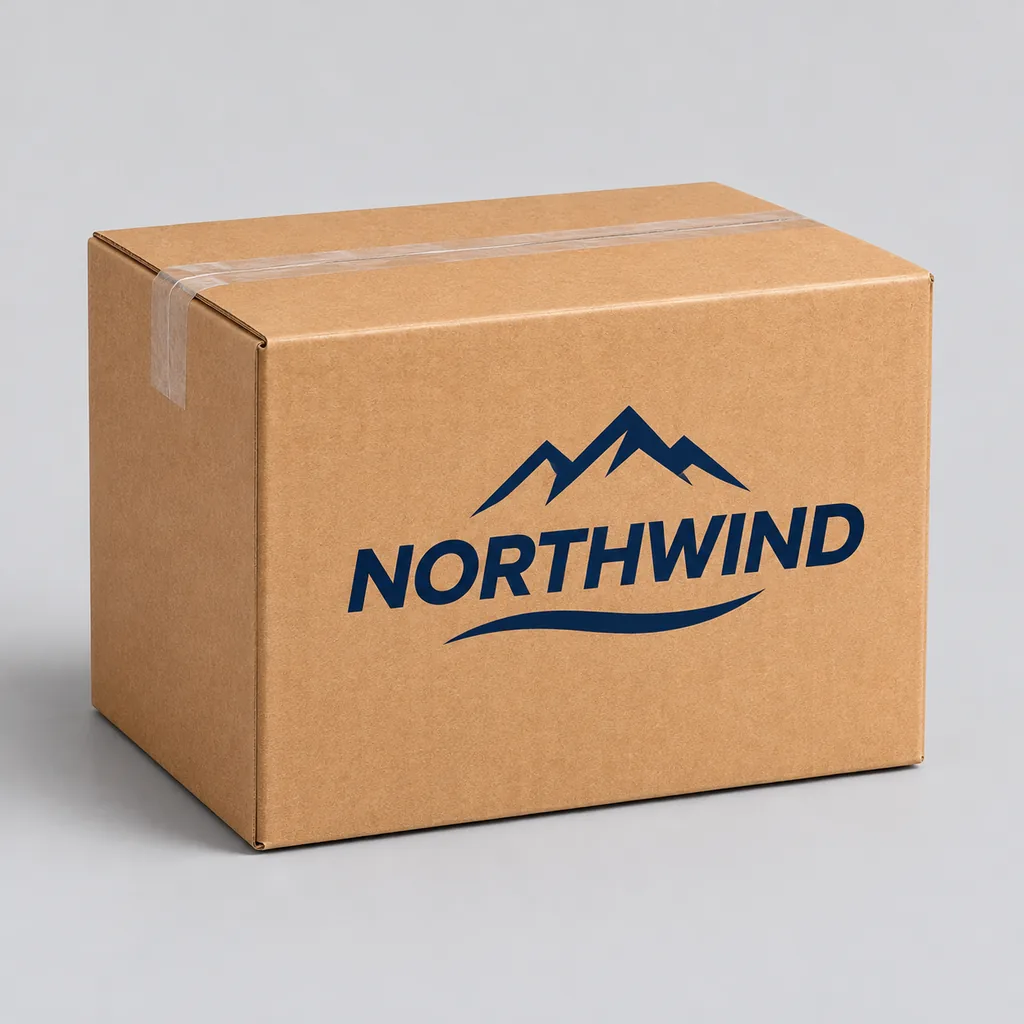
Illustration of a cardboard shipping box printed with the brand name NORTHWINDIllustration

Brand on packaging

Prompt

A cardboard shipping box on a plain light gray background with the brand name "NORTHWIND" and a mountain logo printed in navy on the side, product mockup

From a rough sketch to a finished image

Draw the layout by hand, photograph it and upload it as a reference. Then describe the finished look: "Turn this sketch into a clean flat illustration, keep the layout." The boxes and arrows become the composition.

Four rules for clean text and layout

Quote every word

Headlines, labels and names go in quotation marks, exactly as they should appear.

Name the layout

"Magazine cover", "labeled diagram", "centered invitation": a layout word sets the structure.

Give the type a style

"Bold 1970s lettering", "elegant script", "clean sans-serif labels" all steer the look.

Proofread before you publish

Text comes out clean most of the time, not every time. Check names, numbers and spelling.

G07

A GPT Image 2.5 prompt formula and four templates

Layout, subject, text, style, then format. Five parts, in that order, cover posters, packaging and photos alike.

  1. 01

    Layout

    What kind of image: cover, poster, diagram, product shot, portrait.

  2. 02

    Subject

    The main thing in it, with two or three concrete details.

  3. 03

    Text

    Every word in quotes, with where it goes.

  4. 04

    Style

    Era, medium and color: 1970s print, watercolor, flat vector, studio photo.

  5. 05

    Format

    Aspect ratio and resolution, set in the generator: 3:4 for covers, 1:1 for products.

Four templates to copy

Replace the words in brackets.

Magazine or book cover

Text to image · 3:4 · 2K

A [era or style] [magazine or book] cover titled "[TITLE]" with the line "[subtitle]", [main image], cover lines "[line 1]" and "[line 2]", [color palette]

Labeled diagram

Text to image · 1:1 · 2K

A labeled diagram titled "[TITLE]": [object] on a white background with arrows to [part 1], [part 2], [part 3] and [part 4], clean sans-serif labels

Packaging mockup

Text to image · 1:1 · 2K

A [box, bag or bottle] on [background] with the brand name "[BRAND]" and [logo idea] printed in [color], [lighting], product mockup

Sketch to finished image

Image edit · 4:3 · 2K

Turn this sketch into a [style] image. Keep the layout: [what is where]. Add [colors and details], and set the text "[TEXT]" where the sketch shows it

Three mistakes that waste credits

01

Drafting at 4K

4K costs 25 credits; get the layout right at 1K for 10 first.

02

Describing text instead of writing it

"A title about cooking" gets you a random title. Write the title.

03

Crowding the layout

Ten labels on a small image blur together. Fewer, larger words read better.

G08

GPT Image 2.5 price: credits per image

You pay per image, by resolution, the same as GPT Image 2. Every number below comes from the same code that prices the generator.

ResolutionText to imageWith reference imagesNano Banana Pro
1K101228
2K151828
4K253536
Nano Banana ProGPT Image 2.528101K28152K36254K

How the price works

One image costs 10 credits at 1K, 15 at 2K and 25 at 4K. Four images at once cost four times as much.

What a plan buys

The Starter plan's 1,500 monthly credits cover about 150 GPT Image 2.5 images at 1K, or 100 at 2K.

Failed images are refunded

If an image fails, its credits go back to your balance automatically. You only pay for the images you receive.

G09

What you can make with GPT Image 2.5

Jobs where the words and the layout matter as much as the picture.

Covers and posters

Magazine, book and event covers with a headline set the way you wrote it.

Diagrams and explainers

Labeled parts, arrows and steps for lessons, manuals and blog posts.

Invitations and cards

Names and dates in script or serif lettering, framed with flowers or patterns.

Packaging and brand mockups

Your brand name on boxes, bags and labels before anything is printed.

Social ads

A product, a headline and a call to action in one square image.

Illustrations

Isometric scenes, watercolor and flat vector art for sites and slides.

G10

GPT Image 2.5 FAQ

Want every AI model in one place?

Open Imgveo Studio to run this and every other AI video and image model from a single workspace, with one credit balance.

Open in Studio

G11

More AI image models and tools

Compare GPT Image 2.5 with the models people weigh it against.

GPT Image 2The previous OpenAI model, at the same price.Nano Banana ProGoogle's model for text in many languages and fine detail.GPT Image 1.5The older, lighter OpenAI model.All AI modelsEvery video and image model on Imgveo, with live prices.

Compare: GPT Image 2.5 vs Nano Banana Pro

G12

Make your first GPT Image 2.5 image

Write your prompt with the words in quotes, or upload a sketch or photos, and generate at up to 4K. Failed images are refunded.

Start creatingSee pricing

ChatGPT and GPT are trademarks of OpenAI. Imgveo is an independent platform and is not affiliated with OpenAI.