LogoImgveo AI
  • Home
  • Studio
  • AI Music
  • Pricing
  • Blog
LogoImgveo AI

Create AI videos from text, images, and start-end frames.

Email
AI Video Tools
  • All-in-One AI Generator
  • AI Video Effects
  • AI Video Generator
  • Text to Video
  • Image to Video
  • First & Last Frame
  • AI Product Video Generator
  • Video Upscaler
  • AI Lip Sync
  • AI Talking Photo
  • AI Music Generator
  • AI Hug Video Generator
  • AI Kissing Video Generator
  • AI Dance Video Generator
  • AI Fight Generator
  • Earth Zoom Out AI
  • AI Squish Effect
  • AI Handshake Generator
AI Image Tools
  • Text-to-Image AI
  • AI Headshot Generator
  • AI Anime Generator
  • AI Product Photo Generator
  • AI Character Generator
  • AI Baby Generator
  • AI Image Editor
  • AI Clothes Changer
  • AI Muscle Generator
  • AI Action Figure Generator
  • AI Plush Toy Generator
  • Image Upscaler
  • Background Remover
  • Image to Layers
  • AI Interior Design
Video Models
  • Seedance 2
  • Seedance 2.5
  • Kling 2.6
  • Kling 3.0
  • Kling 4.0
  • Veo 3.1
  • Hailuo 3
  • Hailuo 2.3
  • Wan 3.0
  • Grok Imagine
  • Wan 2.7
Image Models
  • GPT Image 1.5
  • GPT Image 2
  • GPT Image 2.5
  • Nano Banana
  • Nano Banana 2
  • Nano Banana Pro
  • Seedream 5.0
  • Seedream 5.5
  • FLUX.2
  • Qwen Image 3.0
  • Z-Image
  • All AI Models
Compare
  • Veo 3.1 vs Kling 3.0
  • Seedance 2.0 vs Veo 3.1
  • Nano Banana 2 vs Seedream
  • Veo 3 vs Kling 3 vs Seedance 2
  • Kling 3 vs Seedance 2
  • Kling 4.0 vs Kling 3.0
  • Kling 4.0 vs Seedance 2.5
  • GPT Image 2.5 vs Nano Banana Pro
  • Sora Alternatives
  • Pollo AI Alternative
Company
  • About Us
  • Contact Us
  • Blog
  • Pricing
  • Privacy Policy
  • Terms of Service
© 2026 Imgveo AI All Rights Reserved.

Qwen Image 3.0 AI Image Generator

Alibaba’s Qwen Image 3.0 is built for pictures with words in them: posters, menus, signs and infographics. Put your text in quotes and generate.

Q01

Qwen Image 3.0 prompts with the text written in

Each idea spells out every word that should appear. Click one to load it into the generator, then change the words to yours.

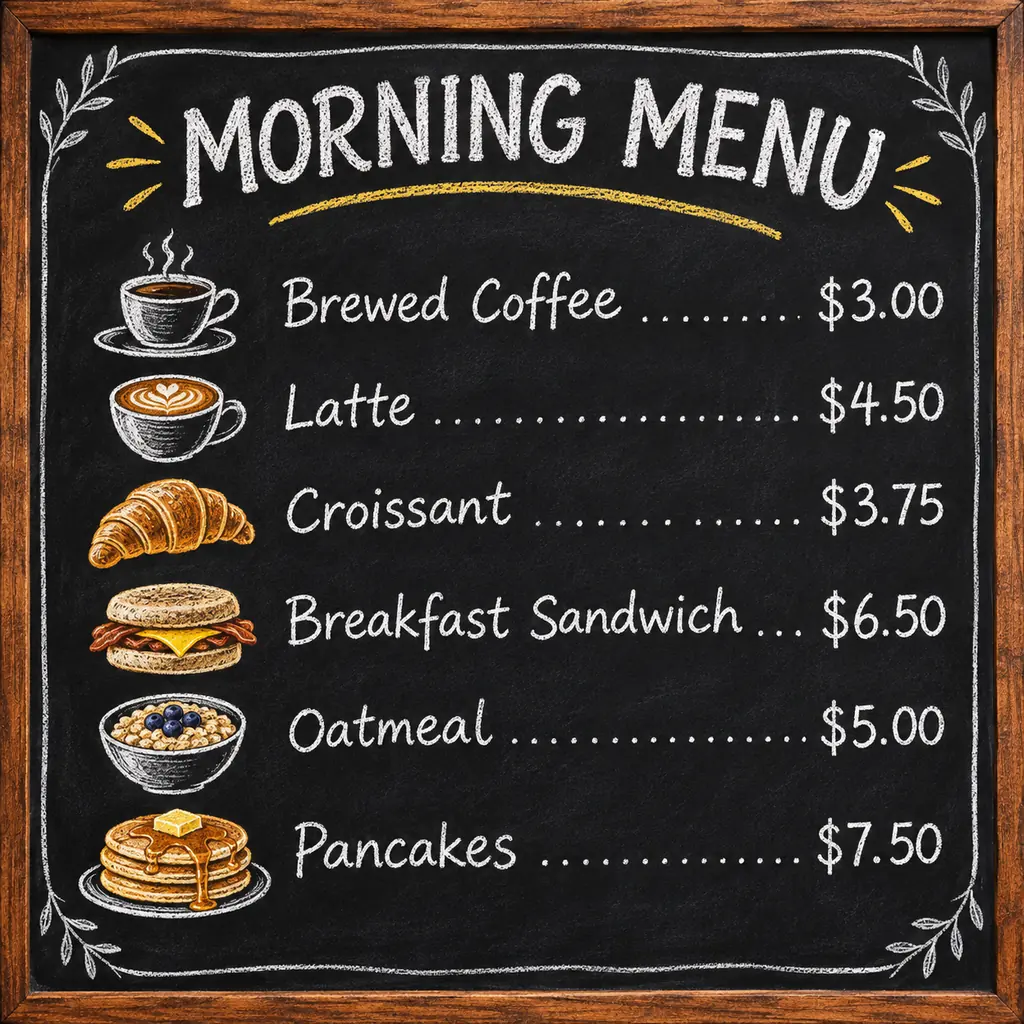
Illustration: a chalkboard café menu titled MORNING MENU with six items and pricesIllustration

Café menu board

Text to image · 1:1 · 2K

Prompt: A chalkboard café menu that reads "MORNING MENU" at the top, six items with prices: "Brewed Coffee $3.00", "Latte $4.50", "Croissant $3.75", "Breakfast Sandwich $6.50", "Oatmeal $5.00", "Pancakes $7.50", small chalk drawings next to each item, wooden frame
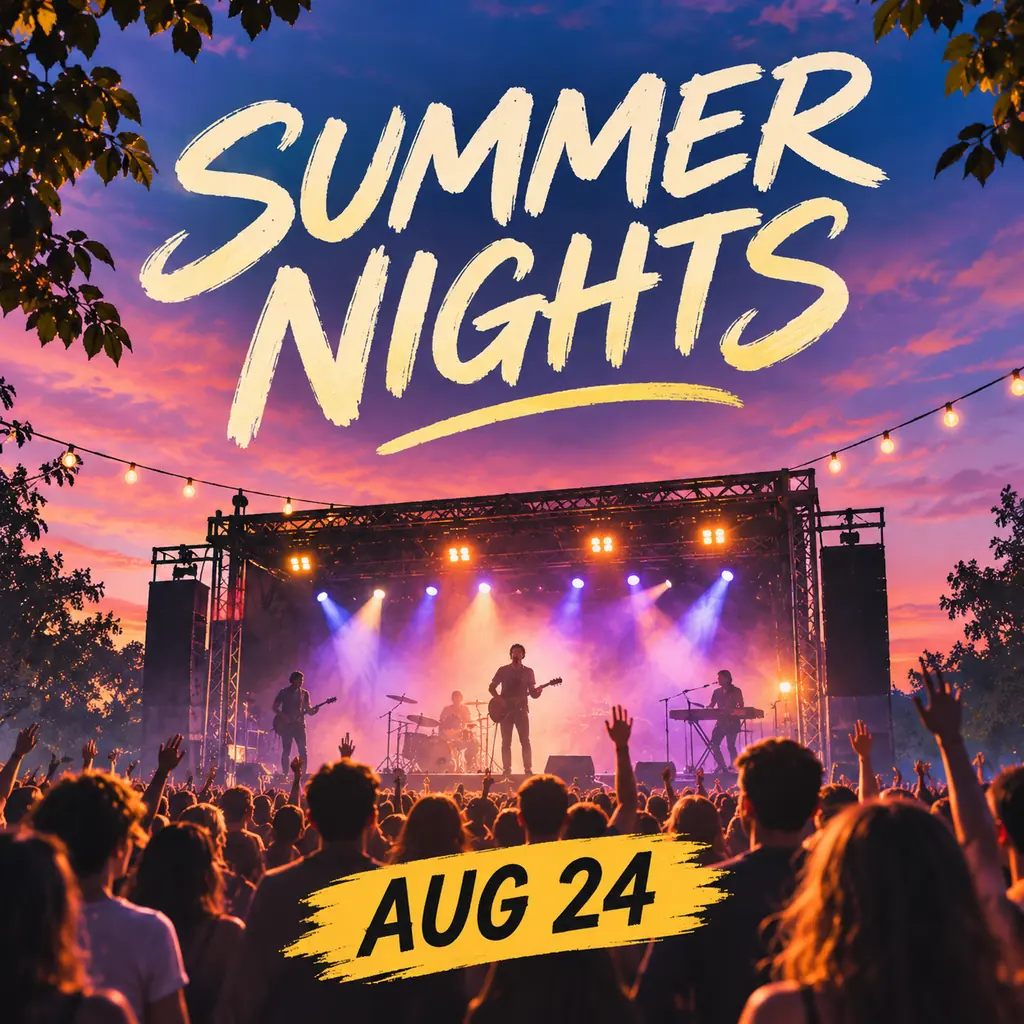
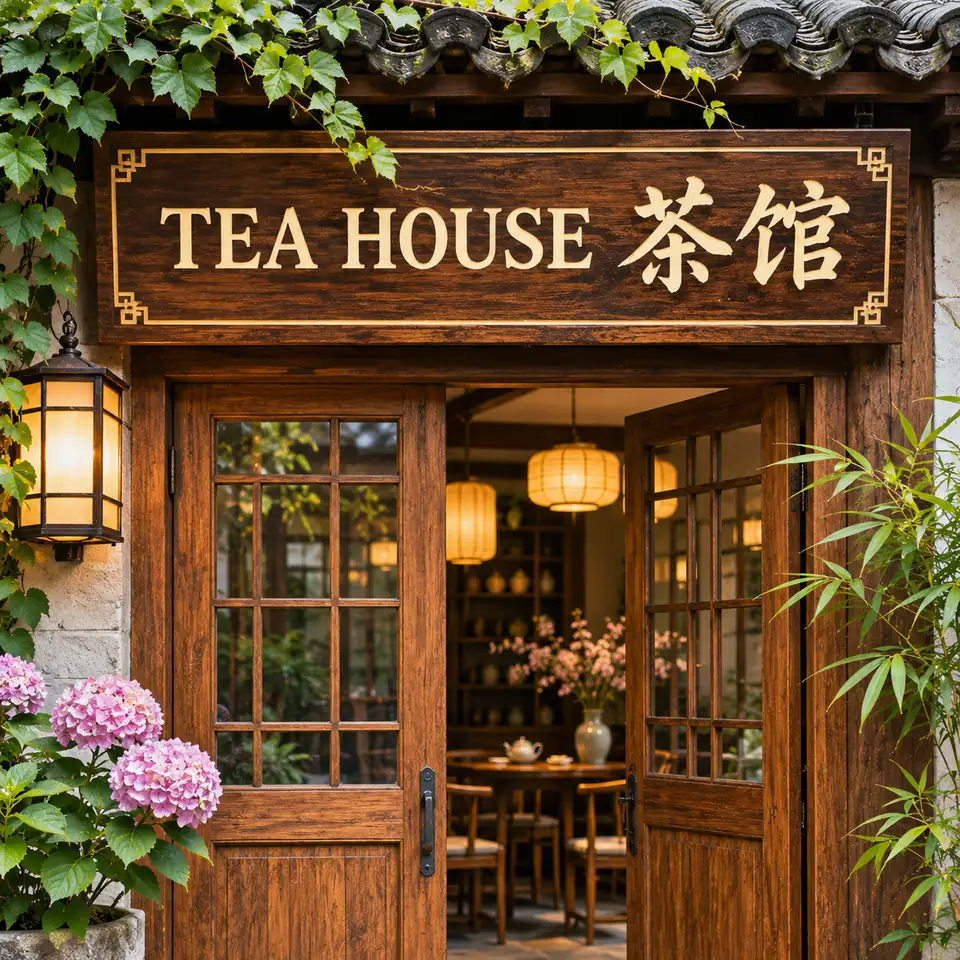
Illustration: a concert poster reading SUMMER NIGHTS and AUG 24 over a stage at sunsetIllustration

Concert poster

Text to image · 1:1 · 2K

Prompt: A concert poster that reads "SUMMER NIGHTS" in big cream brush lettering, with "AUG 24" on a yellow banner at the bottom, an outdoor stage at sunset with lights and a cheering crowd

Illustration: a wooden sign reading TEA HOUSE in English and Chinese above a doorIllustration

Bilingual shop sign

Text to image · 1:1 · 2K

Prompt: A carved wooden shop sign that reads "TEA HOUSE 茶馆" above an open wooden door, warm paper lanterns, pink hydrangeas and ivy around the entrance, photo

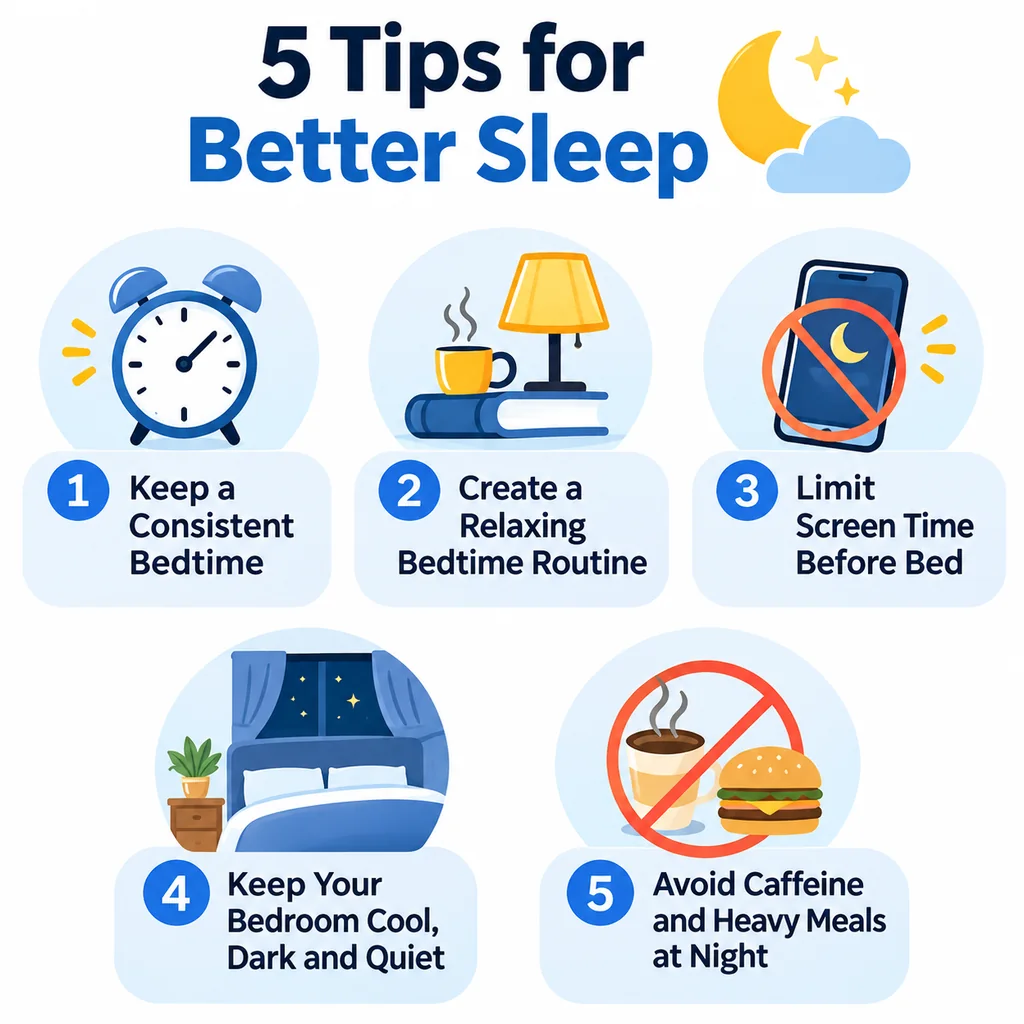
Illustration: an infographic titled 5 Tips for Better Sleep with five numbered cardsIllustration

Five-step infographic

Text to image · 1:1 · 2K

Prompt: An infographic titled "5 Tips for Better Sleep" with five numbered cards and icons: "Keep a Consistent Bedtime", "Create a Relaxing Bedtime Routine", "Limit Screen Time Before Bed", "Keep Your Bedroom Cool, Dark and Quiet", "Avoid Caffeine and Heavy Meals at Night", white background, blue accents

Q02

What is Qwen Image 3.0?

Qwen Image 3.0 is an image model from Alibaba’s Qwen team. It is known for text inside the picture: headlines, menus, labels and whole layouts that come out readable.

On Imgveo you can run Qwen Image 3.0 for 8 credits an image at 1K or 2K, or Qwen Image 3.0 Pro for 10 credits at 1K and 18 at 2K. Both make 1 to 4 images per run in 8 aspect ratios.

Alibaba’s documentation for the Pro version describes text as small as 10 px, native rendering in 12 languages and dense layouts, such as newspapers, menus and storyboards, made in one pass.

Qwen Image 3.0 on Imgveo today

What you can make right now. Every number comes from the generator’s own settings.

Versions
Qwen Image 3.0 and 3.0 Pro
Resolution
1K or 2K
Starts from
A text promptNo reference images on Imgveo
Aspect ratios
1:1 · 16:9 · 9:16 · 4:3 · 3:4 · 3:2 · 2:3 · 21:9
Images per run
1 to 4
Price
From 8 credits per imagePro: 10 at 1K, 18 at 2K

Q03

Qwen Image 3.0 or 3.0 Pro?

Alibaba doesn’t publish a side-by-side of the two, so we won’t invent one. Here is how they differ on Imgveo, and when we would switch.

Qwen Image 3.0

8 credits at 1K and 2K

Start here for posters, signs, covers and labels with a few lines of text. 1K and 2K cost the same, so render at 2K.

Qwen Image 3.0 Pro

10 credits at 1K · 18 at 2K

Switch when the text gets small or dense: full menus, newspapers, storyboards, price lists. That is the work Alibaba’s Pro documentation describes.

Our habit: draft the layout on 3.0, then run the final on Pro if the small print isn’t clean.

Q04

How to use Qwen Image 3.0 in 3 steps

From an idea to a finished poster, menu or sign.

2:31:121:9
01

Pick the format and shape

Choose 2:3 for a poster, 1:1 for a social post, 9:16 for a phone screen or 21:9 for a banner. 8 shapes in all.

“”
02

Write the words in quotes

Spell out every line exactly as it should appear, and say where it goes: top, middle, bottom.

03

Generate and check

Run 1 to 4 images, then check every word at full size. Failed images are refunded.

Q05

How to write text Qwen Image 3.0 gets right

The model writes what you put in quotes, so treat the prompt like a layout brief. Each example pairs an illustration of the idea with a prompt written for Qwen Image 3.0.

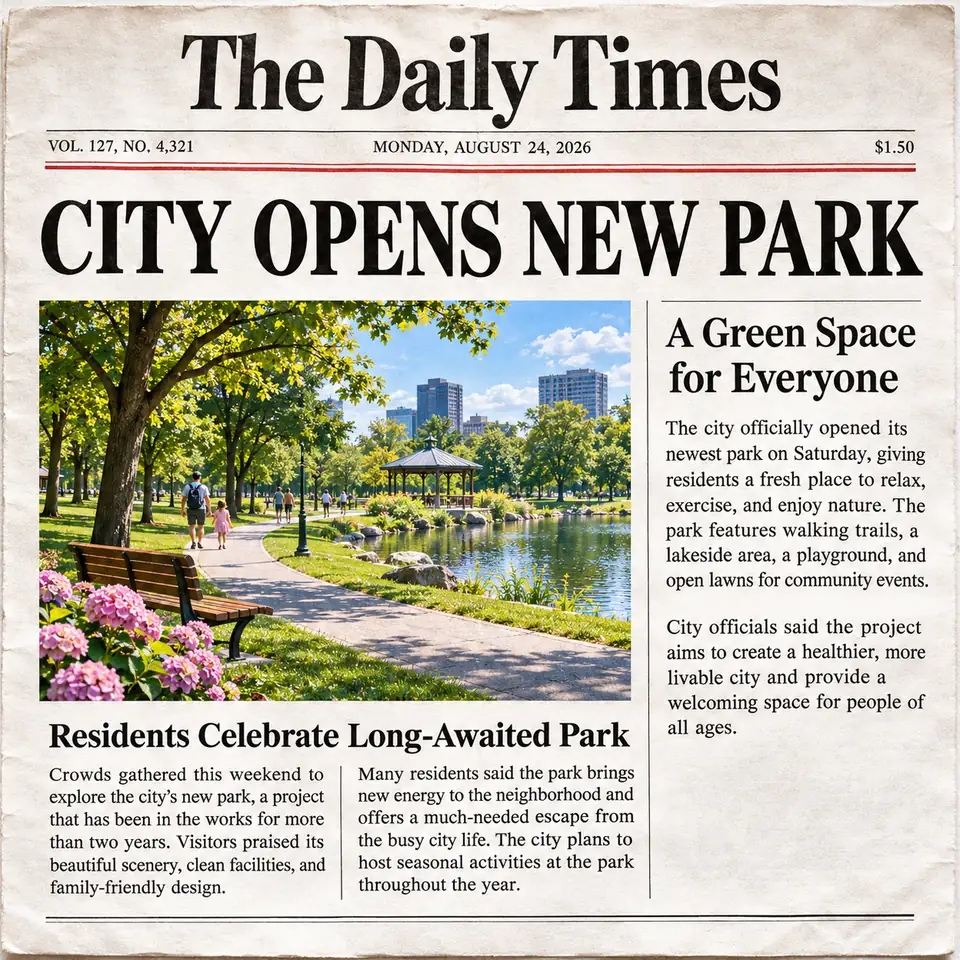
Illustration: a newspaper front page with the headline CITY OPENS NEW PARKIllustration

Newspaper front page

Prompt

A newspaper front page with a masthead, the headline "CITY OPENS NEW PARK", a photo of the park, the subhead "A Green Space for Everyone" and two columns of short news text

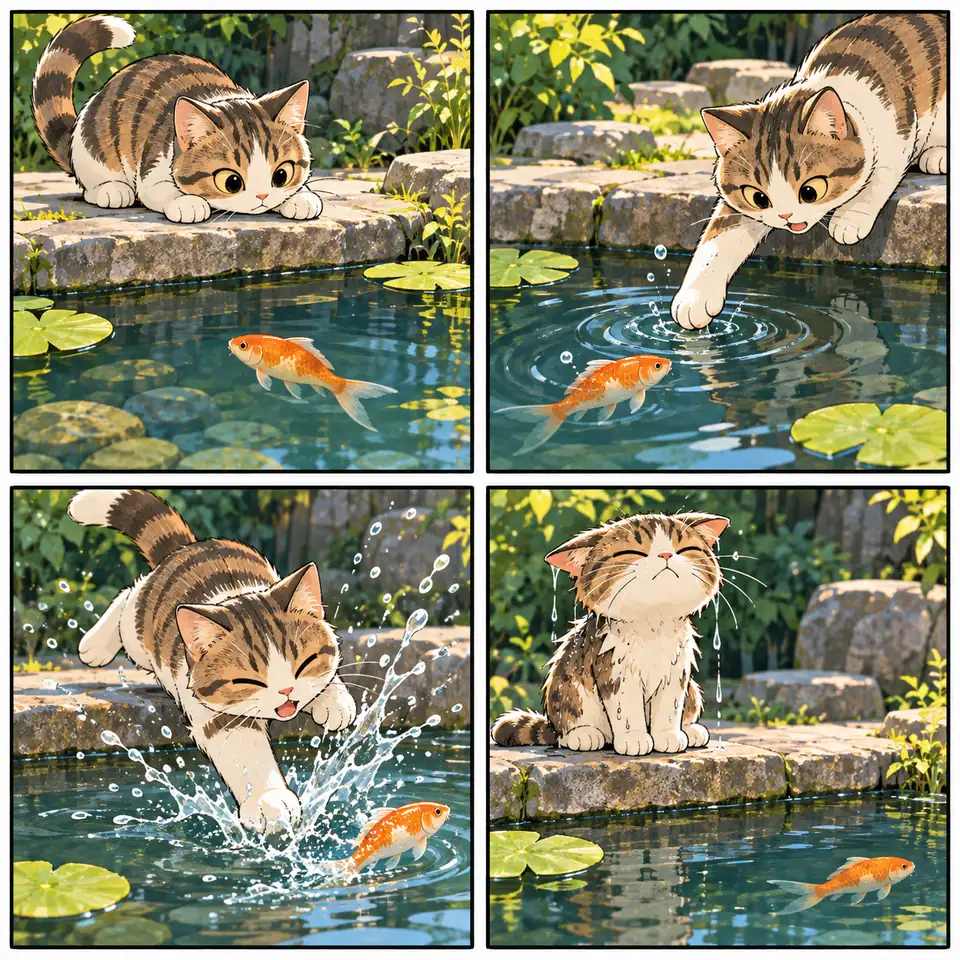
Illustration: a four-panel comic of a cat trying to catch a goldfishIllustration

Four-panel comic

Prompt

A four-panel comic page: a tabby cat watches a goldfish in a pond, reaches for it, falls into the water, then sits wet and grumpy on a rock, bright anime style, no speech bubbles

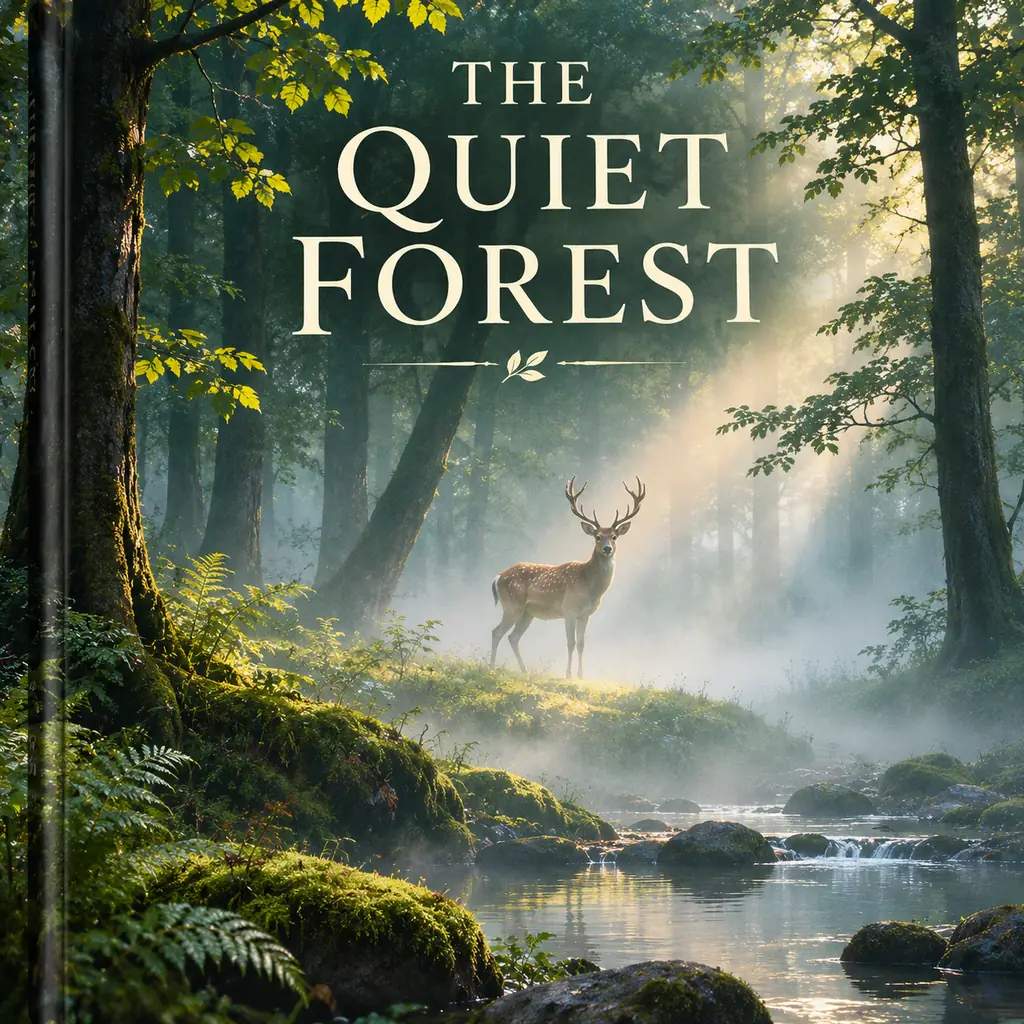
Illustration: a book cover reading THE QUIET FOREST with a deer in the mistIllustration

Book cover

Prompt

A book cover that reads "THE QUIET FOREST" in elegant cream serif letters, a deer standing in a misty forest at dawn, a small leaf ornament under the title

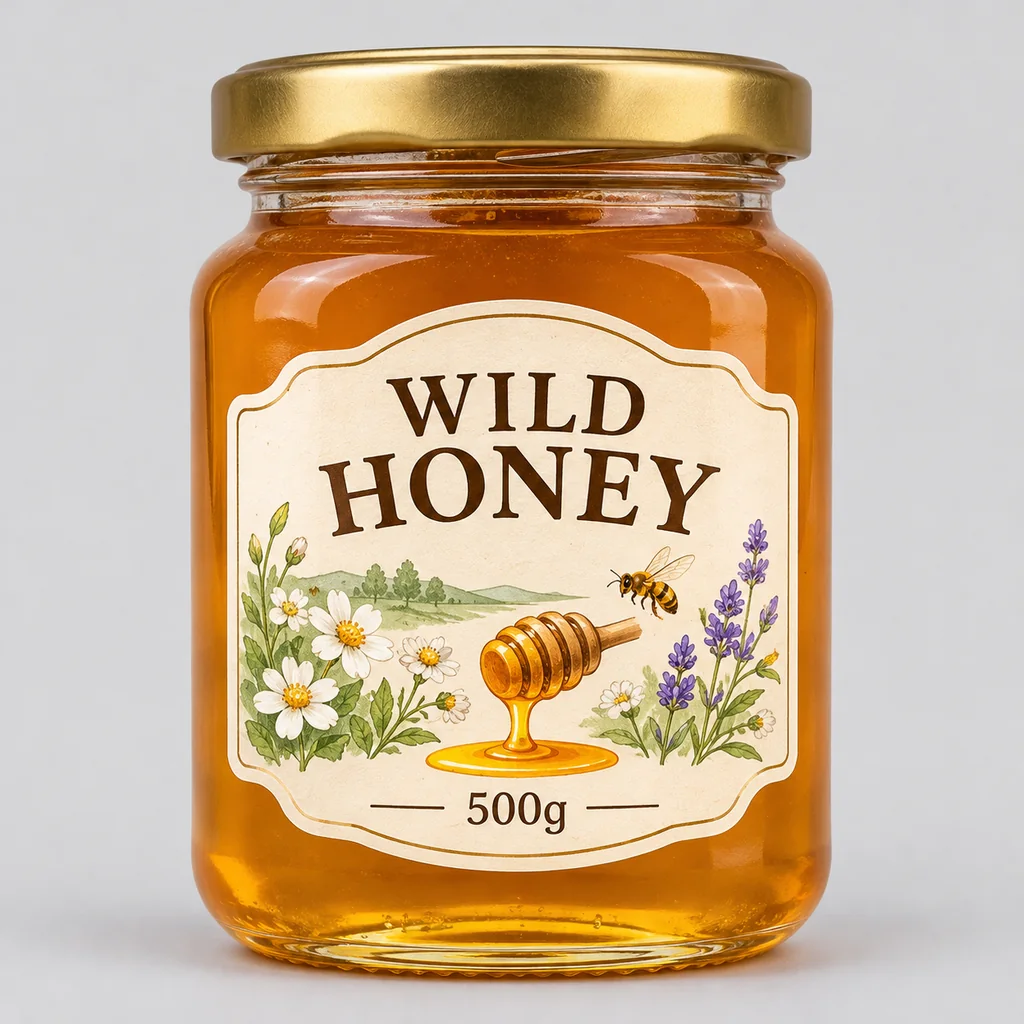
Illustration: a honey jar with a label reading WILD HONEY 500gIllustration

Product label

Prompt

A glass honey jar with a gold lid and a cream label that reads "WILD HONEY" and "500g", wildflowers, a bee and a honey dipper drawn on the label, plain light gray background

H1H2PPXS

Give the text a size order

Say which line is the headline, which is the subhead and which is small print. A clear order keeps the big words big and the small print tidy.

Five rules for text in images

Every word in quotes

Write “MORNING MENU”, not “a menu title”. Anything not in quotes, the model makes up.

One place per block

Headline at the top, list in the middle, address at the bottom. Say it in that order.

Keep small print short

A few words of small print stay clean. A full paragraph is a job for Pro at 2K.

Write the script you want

For Chinese or another language, put the actual characters in quotes, as in “TEA HOUSE 茶馆”.

Check before you use it

Zoom in on prices, dates and names. A wrong digit on a menu costs more than a re-run.

Q06

Write the whole layout in one prompt

Alibaba’s Pro documentation mentions prompts of about 4,500 tokens, enough to describe a full page zone by zone. This template keeps long prompts in order.

TOPMIDDLELISTBOTTOM

Long-prompt layout template

Text to image · 3:4 · 2K

A [menu board / poster / flyer], [ratio]. TOP: headline "[HEADLINE]" in [lettering style], [color]. MIDDLE: [picture description]. LIST: "[Item 1] — [price]", "[Item 2] — [price]", "[Item 3] — [price]". BOTTOM: small print "[address · hours · website]". STYLE: [palette], [font feel], [background].

01

One zone per line

Start each line with its zone name. The model reads the page in the order you write it.

02

Prices next to items

Write “Latte — $4.50” as one unit, so the item and its price stay on the same row.

03

Style comes last

Palette, font feel and background go at the end, after every word is fixed.

Q07

The Qwen Image 3.0 prompt formula

Four parts, in this order. The words go in early, so nothing pushes them out.

  1. 01

    Format

    What it is: a poster, menu board, shop sign, book cover, label.

  2. 02

    Exact text

    Every word in quotes, with its role: title, subhead, list, small print.

  3. 03

    Picture

    The image around the words: a stage at sunset, a deer in mist.

  4. 04

    Style

    Lettering, palette and material: brush script, chalk, gold foil.

Copy-ready templates

Fill in the brackets, keep the quotes, and run it.

Event poster

Text to image · 2:3 · 2K

An event poster that reads "[EVENT NAME]" in [lettering style], with "[DATE]" and "[VENUE]" at the bottom, [picture], [palette]

Menu board

Text to image · 3:4 · 2K

A [chalkboard / printed] menu that reads "[MENU TITLE]" at the top, items with prices: "[Item 1] [price]", "[Item 2] [price]", "[Item 3] [price]", "[Item 4] [price]", [small drawings or icons], [frame or background]

Shop sign

Text to image · 16:9 · 2K

A [wooden / neon / metal] shop sign that reads "[SHOP NAME]" above [door or window], [surroundings], [time of day], photo

Infographic

Text to image · 1:1 · 2K

An infographic titled "[TITLE]" with [number] numbered cards and icons: "[Step 1]", "[Step 2]", "[Step 3]", "[Step 4]", [background], [accent color]

Three common mistakes

01

Describing the text instead of writing it

“A poster announcing a sale” gets invented words. Write the words you want, in quotes.

02

Too much small print on 3.0 at 1K

Dense text needs pixels. Move to 2K, or to Pro, before you rewrite the prompt.

03

The wrong shape

A tall menu squeezed into 16:9 gets cramped. Pick the shape the piece will be used in.

Q08

Qwen Image 3.0 pricing

Every number below comes from the same code that charges you, so it changes when our prices do.

ResolutionQwen Image 3.0Qwen Image 3.0 Pro
1K810
2K818
3.0 Pro3.01081K1882K

How the price works

Credits per image × images per run (1 to 4). Four 2K images on Qwen Image 3.0 cost 32 credits.

What a plan gets you

Starter’s 1,500 monthly credits make 187 images on Qwen Image 3.0, or 83 at 2K on Pro.

Failed images are refunded

If an image fails, its credits go back to your balance automatically. You pay only for images you get.

Q09

Which model for images with text?

Five models on Imgveo that are good with words, priced by our generator at 2K.

ModelMakerPrice at 2KReference imagesTop resolution
Qwen Image 3.0Alibaba8No2K
Qwen Image 3.0 ProAlibaba18No2K
GPT Image 2.5OpenAI15Yes4K
Nano Banana ProGoogle28Yes4K
Seedream 5.5ByteDance10Yes2K

Need to edit a photo or add your own reference images? Qwen Image 3.0 is text-to-image only on Imgveo; GPT Image 2.5, Nano Banana Pro and Seedream 5.5 take references.

Q10

What people make with Qwen Image 3.0

Anywhere the words matter as much as the picture.

Menus and price lists

Chalkboard menus, café specials, salon price lists. Items and prices stay on their rows.

Event posters

Concerts, markets, sales. A big title, a date and a venue line, ready to print.

Shop signs and storefronts

Mock up a sign in two languages before you order the real one.

Infographics

Numbered steps with icons and short labels, for blogs and social posts.

Book and album covers

A title, an author line and a striking picture in one image.

Packaging and labels

Jars, boxes and bottles with a product name and weight on the label.

Q11

Qwen Image 3.0 FAQ

Want every AI model in one place?

Open Imgveo Studio to run this and every other AI video and image model from a single workspace, with one credit balance.

Open in Studio

Q12

Related models

Other image models on Imgveo that handle text well.

GPT Image 2.5 AI Image GeneratorText and layouts, with reference images.Nano Banana Pro AI Image GeneratorGoogle’s Pro model: 4K, text and references.Seedream 5.5 AI Image GeneratorPhoto edits and new images at 1K or 2K.All AI modelsEvery video and image model with live prices.

Q13

Put your words in the picture

Write the text in quotes, pick a shape and generate. Failed images are refunded.

Make an image with textSee plans

Qwen is a trademark of Alibaba Group. Imgveo is an independent platform and is not affiliated with Alibaba.