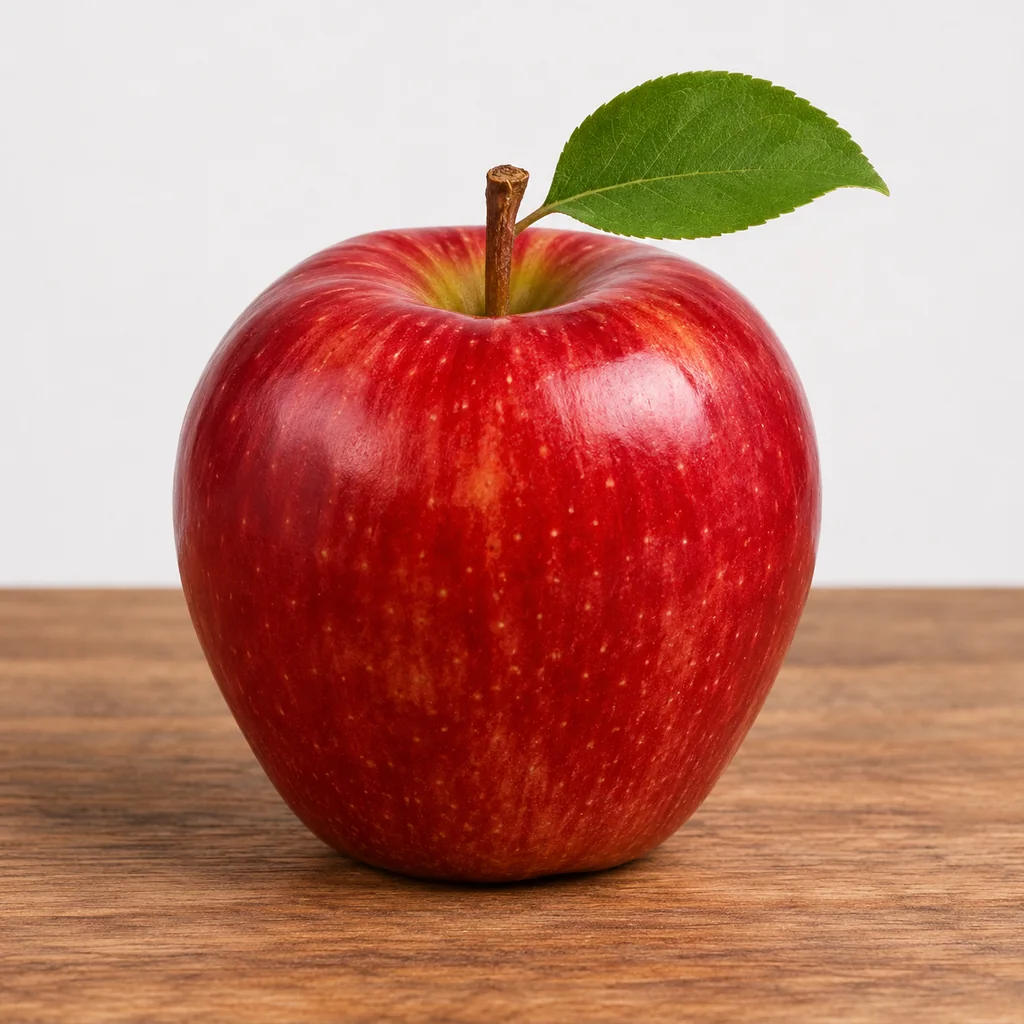
 Illustration
Studio product shot
Text to image · 1:1
Prompt: A shiny red apple with a green leaf on a wooden table, plain light background, soft studio light, product photo
Alibaba’s fast, open-weight Z-Image Turbo, ready to use online. At 3 credits an image, make four at a time and keep the best.
Short, plain prompts work well on Z-Image. Click one to load it into the generator, then run four and pick your favorite.
IllustrationText to image · 1:1
Prompt: A shiny red apple with a green leaf on a wooden table, plain light background, soft studio light, product photo
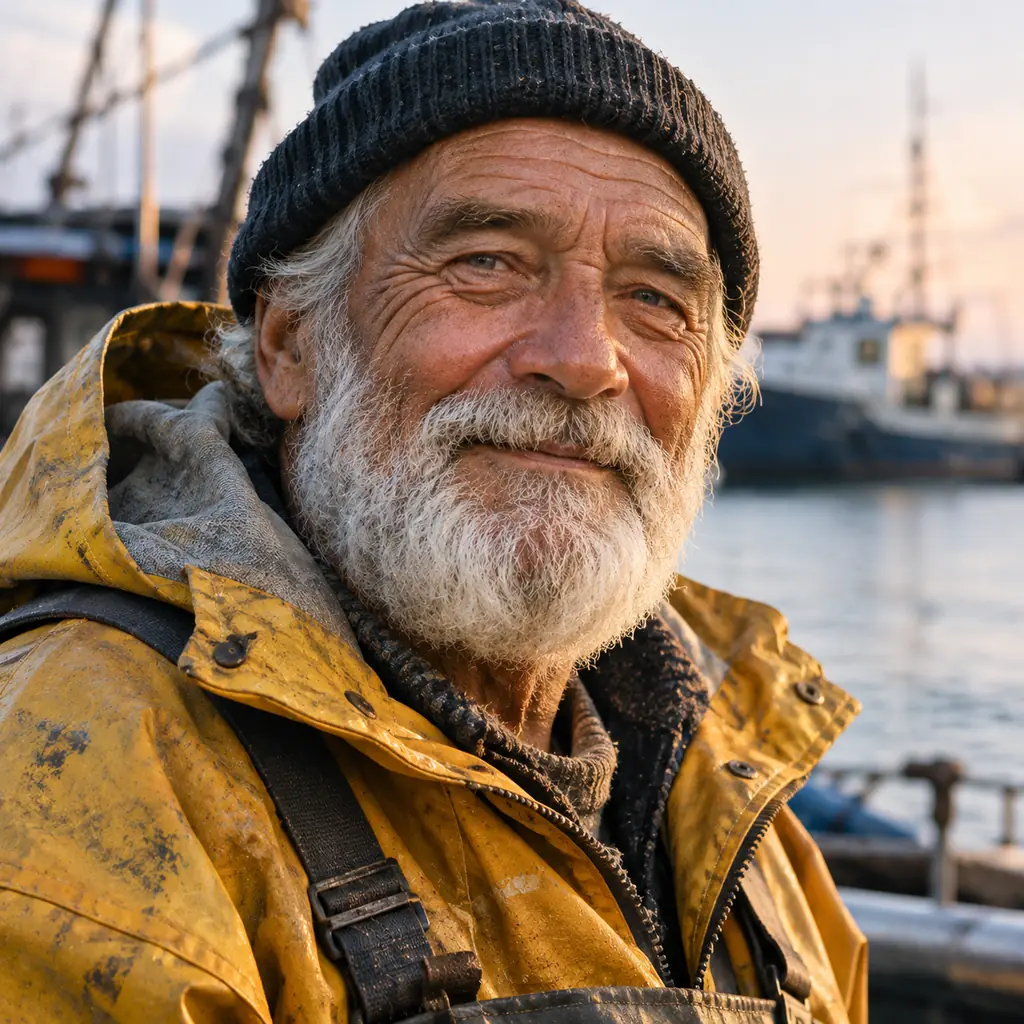 Illustration
Text to image · 1:1
Prompt: A portrait of a smiling elderly fisherman with a gray beard and a black knit cap, yellow rain jacket, harbor and boats behind him at sunrise, photo
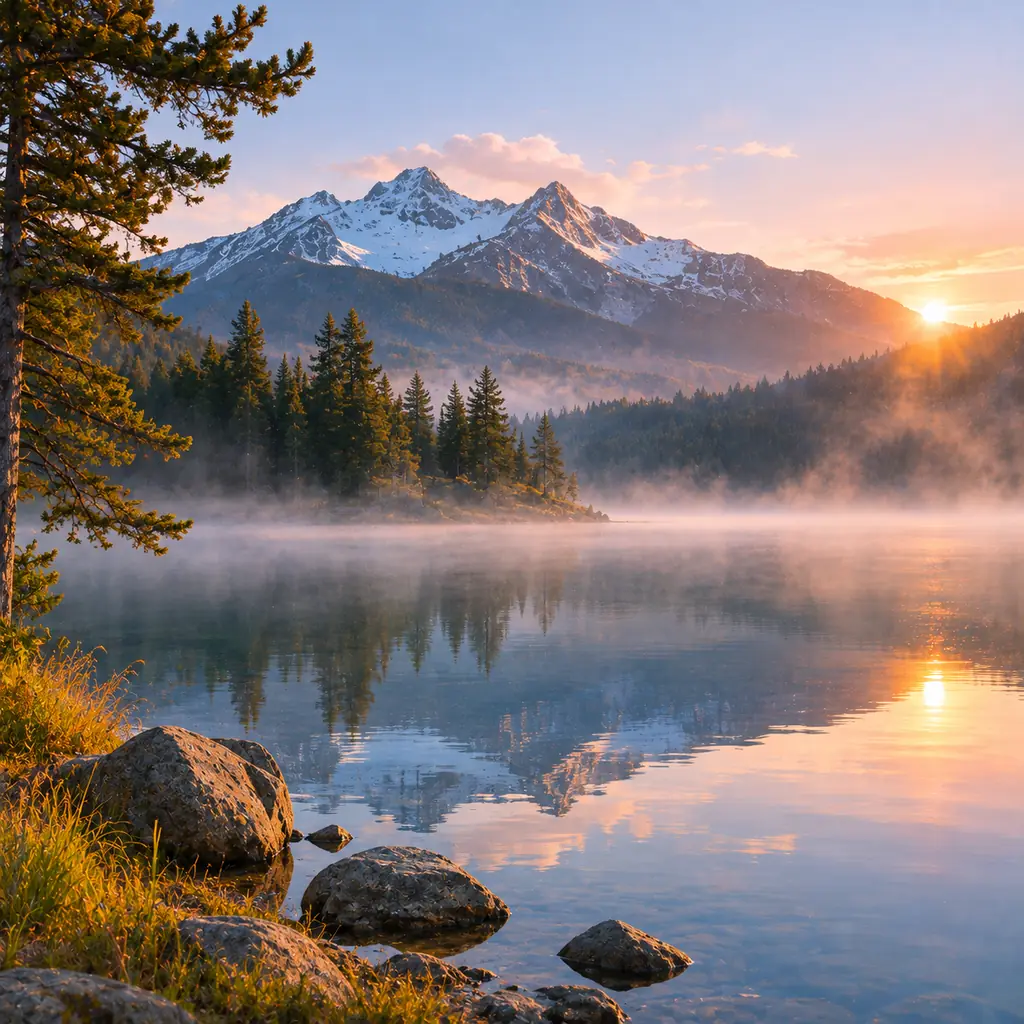 Illustration
Text to image · 1:1
Prompt: A mountain lake at sunrise with mist on the water, snowy peaks and pine trees reflected in the lake, rocks in the foreground, landscape photo
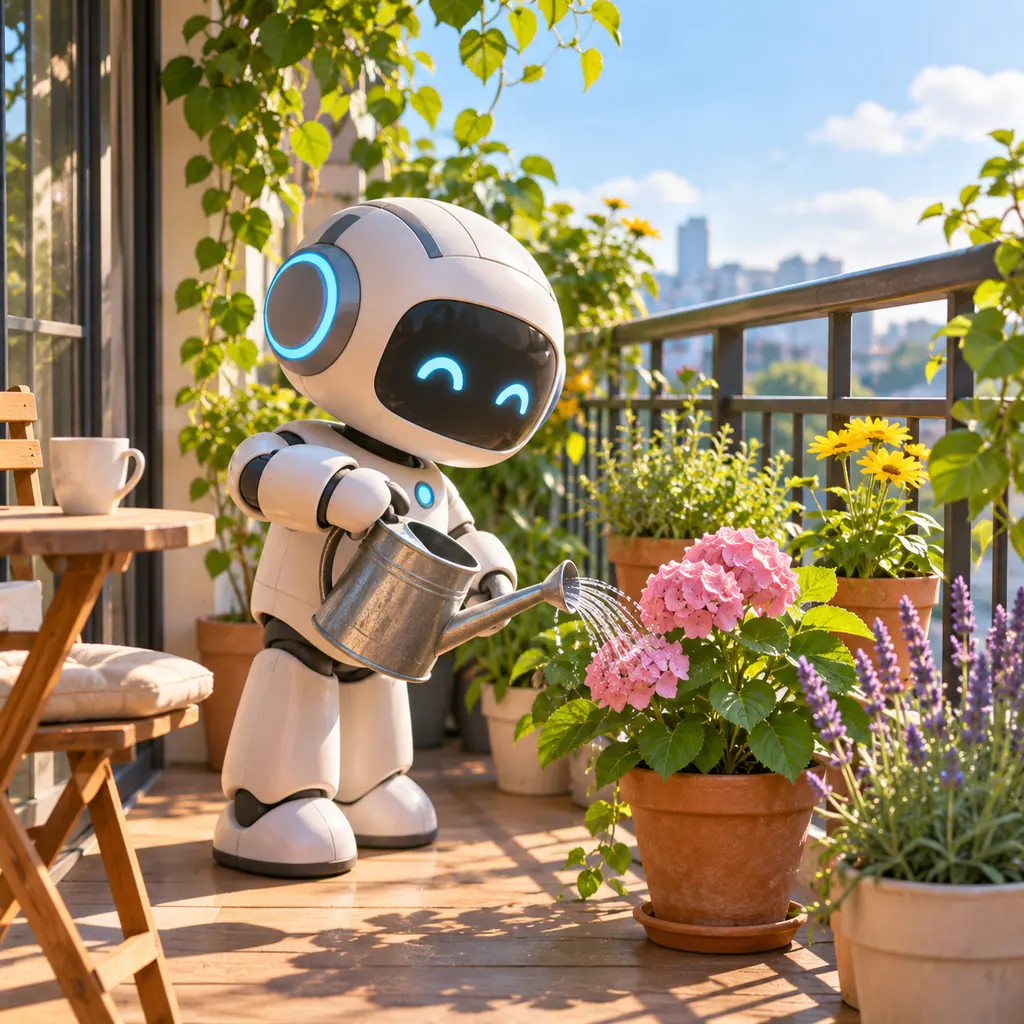 Illustration
Text to image · 1:1
Prompt: A cute white robot watering pink flowers on a sunny balcony garden, city skyline in the background, soft 3D illustration
Z-Image is an open-weight image model from Tongyi-MAI, an Alibaba lab. Turbo is its fast version, built to make an image in a few sampling steps.
On Imgveo, Z-Image Turbo costs 3 credits an image, our lowest price for a paid image model. It makes 1 to 4 images per run from a text prompt, in 5 aspect ratios.
Tongyi-MAI describes a 6-billion-parameter model that renders English and Chinese text, released under the Apache 2.0 license. Turbo came out in November 2025.
What you can make right now. Every number comes from the generator’s own settings.
Tongyi-MAI lists four versions. Only one of them is what this page runs.
| Version | Sampling steps | What it does | On Imgveo |
|---|---|---|---|
| Z-Image Turbo | 8 | Fast text-to-image | Yes, on this page |
| Z-Image | 50 | Text-to-image, slower and tunable | No |
| Z-Image Edit | 50 | Edits an existing image | Not released yet |
| Z-Image Omni-Base | 50 | Generation and editing in one model | Not released yet |
Release status as listed by Tongyi-MAI when we checked in November 2026. Turbo’s speed comes from distillation: fewer steps, so each image comes back fast.
Z-Image’s weights are open, so you can run it yourself. Here is what each route takes.
Quick enough to run again and again until it’s right.
Subject, setting, style. Plain words work; you don’t need long lists of quality tags.
5 aspect ratios. Four images cost 12 credits and give you choices.
Download the one you like, tweak the prompt and run again. Failed images are refunded.
Tongyi-MAI built Z-Image to render text in both languages. Short words on signs and labels are its sweet spot.
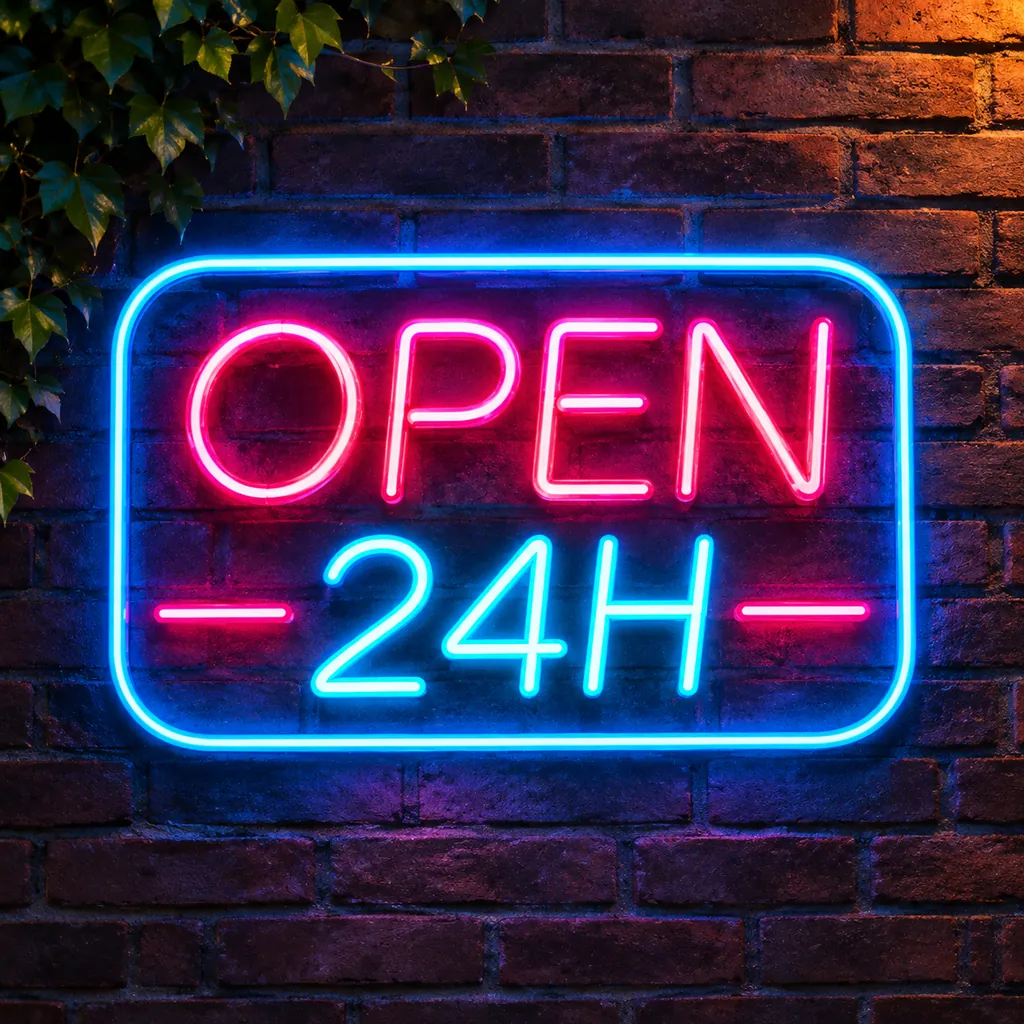 Illustration
Prompt
A neon sign that reads "OPEN 24H" on a dark brick wall at night, pink letters in a blue neon frame, ivy at the top
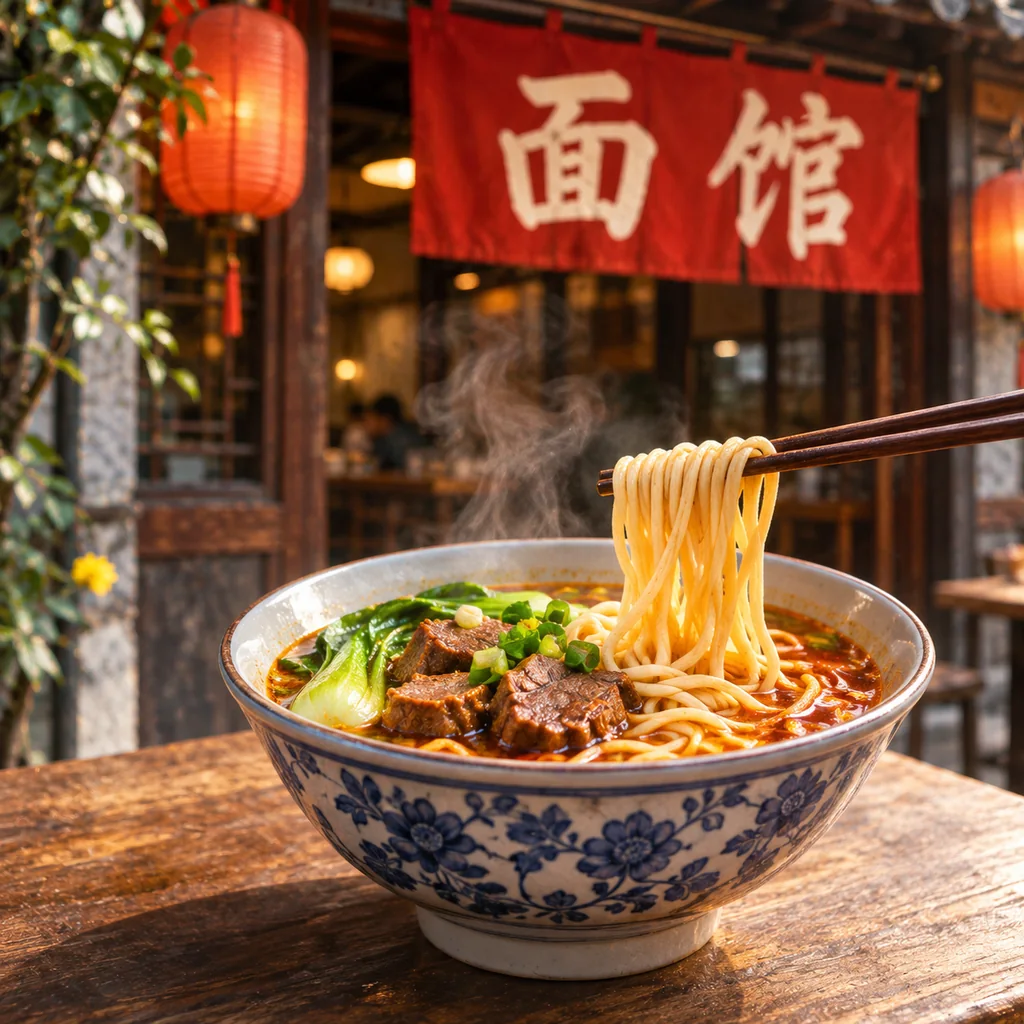 Illustration
Prompt
A bowl of beef noodle soup on a wooden table, chopsticks lifting noodles, steam rising, a red shop banner that reads "面馆" in the background, red lanterns
Write “OPEN 24H” or “面馆” in quotes, exactly as it should appear.
A word or a short line on a sign, cup or banner. Long paragraphs belong on a text-first model like Qwen Image 3.0.
Use the characters themselves, not pinyin or a translation.
Zoom in before you use the image. At this price, a re-run is cheaper than a fix.
Product shots on plain backgrounds, flat lays and social images are where a low-cost model pays off. Each example pairs an illustration of the idea with a prompt written for Z-Image.
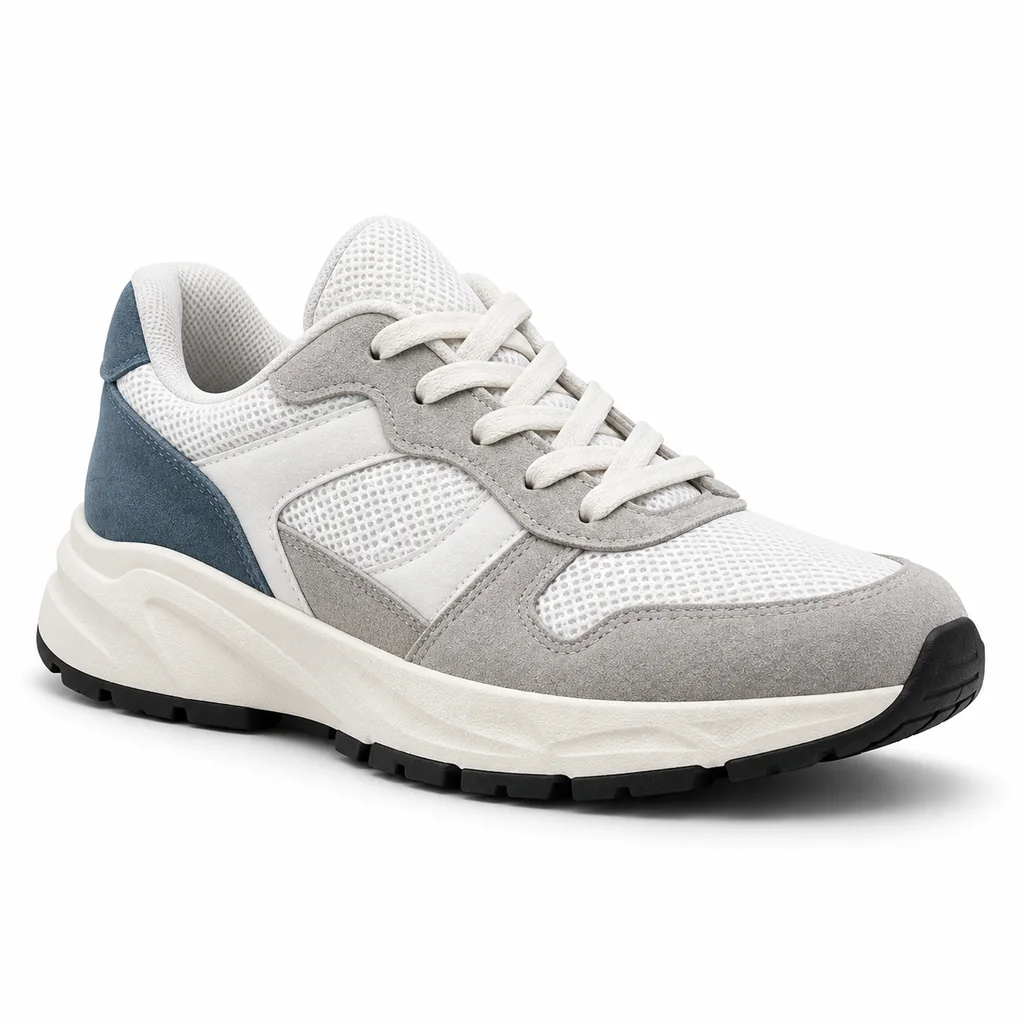 Illustration
Prompt
A white and gray running sneaker with blue suede details on a plain white background, side view, product photo
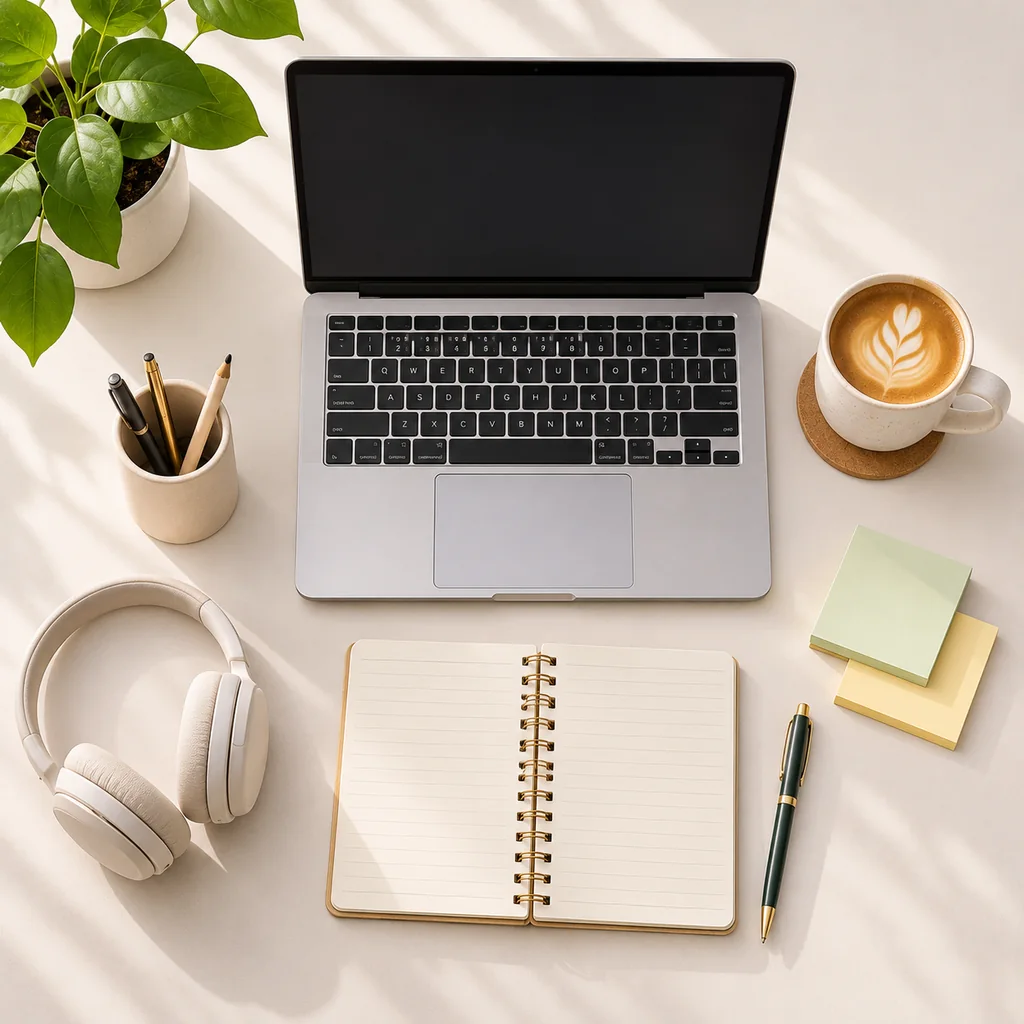 Illustration
Prompt
A flat lay of a desk with a laptop, a notebook, a coffee cup, headphones and a plant, plain light background, top view
Four short parts. Z-Image does well with clear, simple sentences.
What the image is of: a red apple, an old fisherman, a robot.
Where it is: a wooden table, a harbor at sunrise, a sunny balcony.
Photo, 3D illustration, watercolor, flat vector.
Light, angle and background: soft window light, top view, plain white background.
Fill in the brackets and run four.
Text to image · 1:1
A [product] on [surface or plain background], [lighting], [angle], product photo
Text to image · 3:4
A portrait of [person: age, look, clothing], [expression], [setting] behind them, [light], photo
Text to image · 16:9
[Place] at [time of day], [weather or mist], [foreground detail], [color mood], landscape photo
Text to image · 1:1
A [cute / flat / watercolor] illustration of [subject] [doing what] in [setting], [palette]
Z-Image here takes no reference image. To change a photo, use Seedream 5.5 or Nano Banana 2 Lite.
There is no resolution setting. For large prints, pick a model with 2K or 4K output.
Keep words to a short line. Menus and infographics need a text-first model.
Every number below comes from the same code that charges you, so it changes when our prices do.
3 credits per image, whatever the shape. One run makes up to four: 12 credits.
Starter’s 1,500 monthly credits make 500 Z-Image images.
If an image fails, its credits go back to your balance automatically.
Low-cost image models on Imgveo, priced by our generator. Move up a rung when you need what the next one adds.
| Model | Credits per image | Reference images | Resolution options |
|---|---|---|---|
| Z-Image Turbo | 3 | No | Fixed |
| Seedream 5 Flash | 5 | Yes | 1K / 2K |
| Grok Imagine Image 2.0 | 6 | Yes | Fixed |
| Nano Banana 2 Lite | 6 | Yes | Fixed |
| Qwen Image 3.0 | 8 | No | 1K / 2K |
| GPT Image 2.5 | 10 | Yes | 1K / 2K / 4K |
On the free plan? Flux 2 Klein is included and runs on your free monthly credits.
Everyday images where speed and price matter more than 4K.
Try ten directions for a campaign before you spend on a premium model.
Daily images for feeds and stories, four options per run.
Clean product-style shots on plain or simple backgrounds.
Header images that fit the topic, without stock-photo fees.
Fill a board with styles, colors and scenes in minutes.
Signs, cups and banners with a few words in English or Chinese.
Open Imgveo Studio to run this and every other AI video and image model from a single workspace, with one credit balance.
Other image models on Imgveo to try next.
Describe it, run four, keep the best. Failed images are refunded.
Z-Image is developed by Tongyi-MAI at Alibaba. Imgveo is an independent platform and is not affiliated with Alibaba.