 Illustration
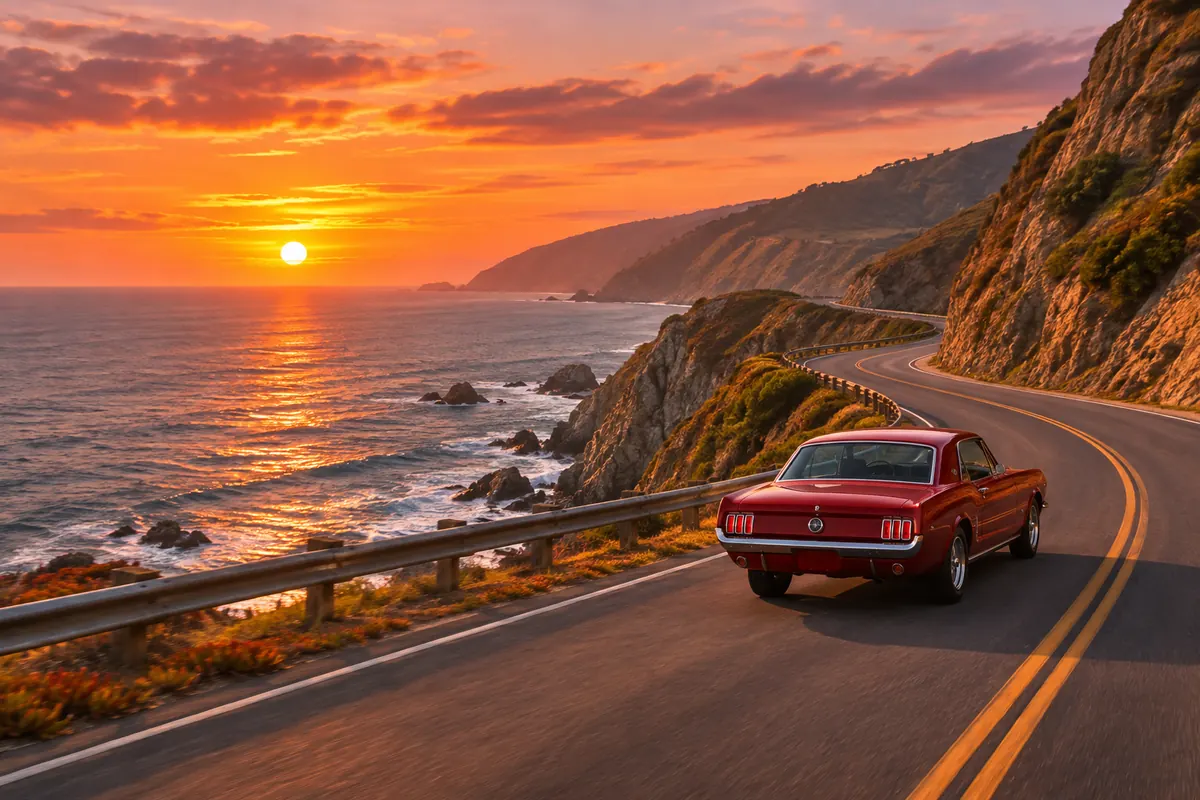
Coastal drive at sunset
Text to video · 16:9 · 5 s
Prompt: Slow aerial tracking shot: a red vintage car drives along a coastal cliff road at sunset, waves breaking below, warm golden light, the camera rises to reveal the coastline
Up to 30 seconds in one take at 720p or 1080p, with first and last frame control. Kling 4.0 Flash makes faster 720p drafts.
Pick an idea and press Try this prompt: it lands in the generator above, where you can change any word before you generate.
IllustrationText to video · 16:9 · 5 s
Prompt: Slow aerial tracking shot: a red vintage car drives along a coastal cliff road at sunset, waves breaking below, warm golden light, the camera rises to reveal the coastline
 Illustration
Text to video · 16:9 · 5 s
Prompt: Close-up, handheld: a barista pours steamed milk into a cup and a leaf of latte art forms, sunlight through the café window, steam rising, the camera pushes in slowly
 Illustration
Text to video · 16:9 · 5 s
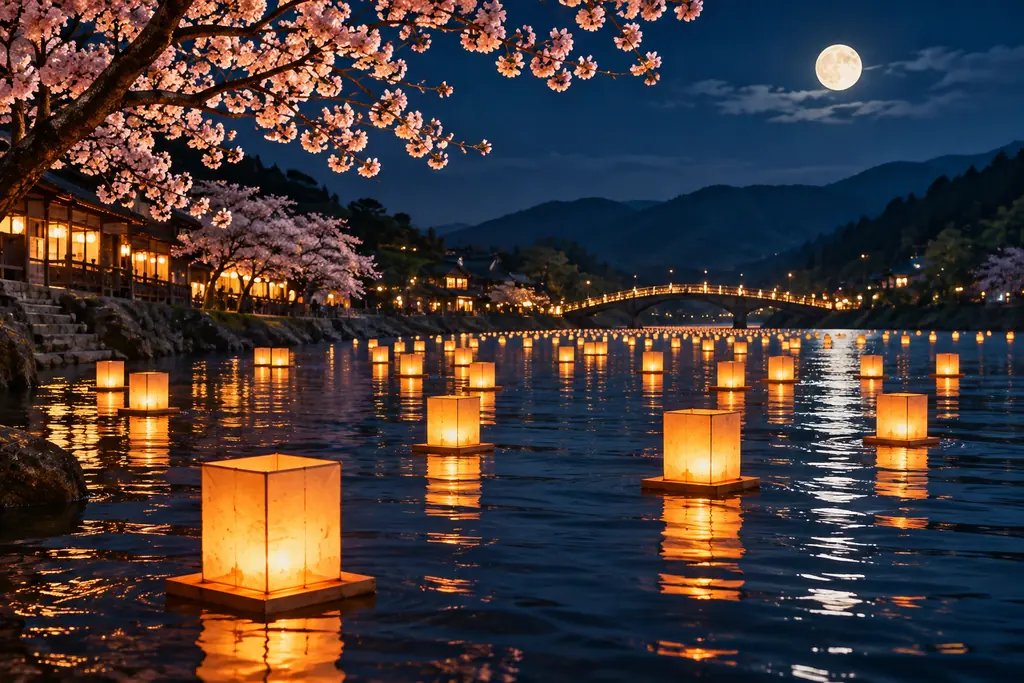
Prompt: Wide shot at night: paper lanterns drift down a calm river under cherry blossoms, reflections shimmer on the water, a slow dolly forward along the bank
 Illustration
Text to video · 16:9 · 5 s
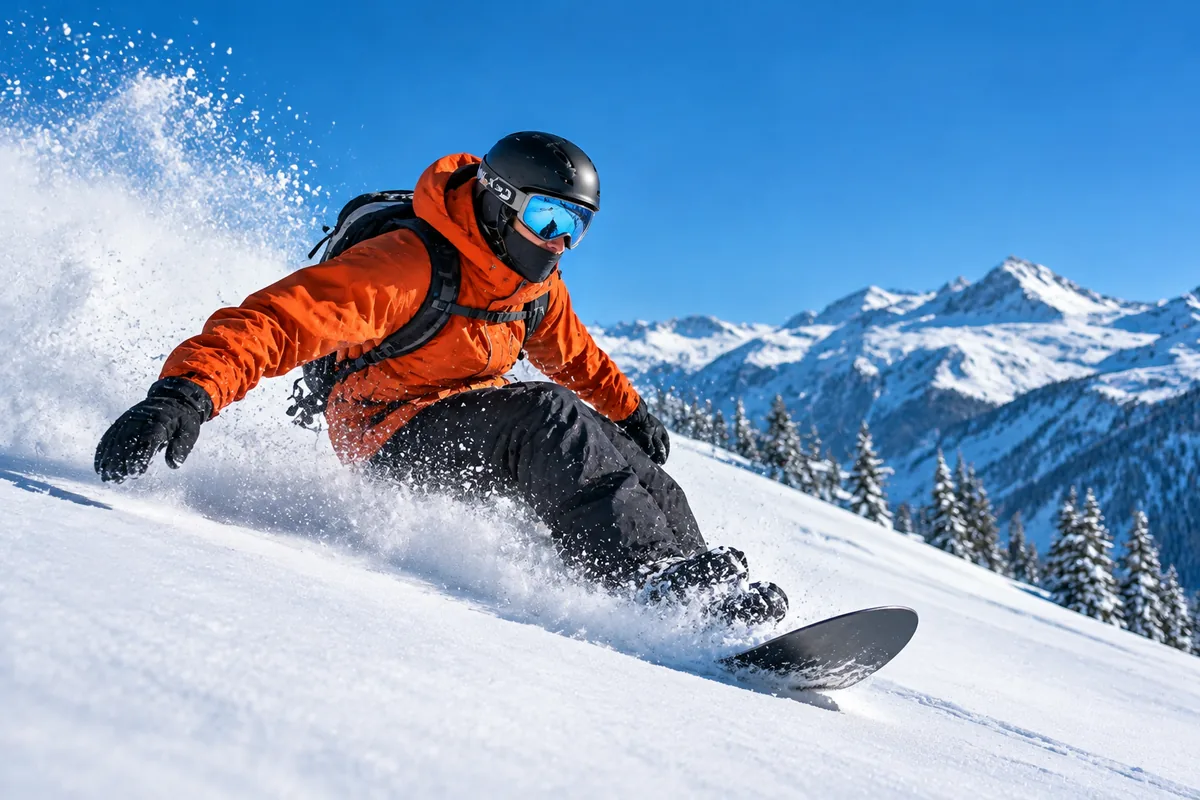
Prompt: Low-angle tracking shot: a snowboarder carves down a fresh powder slope, snow spraying in the sun, alpine peaks behind, ending in a slow-motion turn
Kling 4.0 is Kuaishou's newest AI video model. It turns a text prompt, a photo, or a first and last frame into one continuous take of up to 30 seconds at 720p or 1080p. On Imgveo it costs 29 credits per second at 720p, and failed clips are refunded.
Kling 4.0 arrived in October 2026, about eight months after Kling 3.0. The headline change is length: a single generation now runs twice as long, so a scene can build, turn and land without stitching clips together.
Kling 4.0 Flash is the lighter version of the same model, made for quick 720p drafts. Test an idea there, then move the prompt to Kling 4.0 for the final take.
What you can generate right now. Every price comes from the generator itself.
Kling 4.0 keeps what made Kling 3.0 popular and stretches it further. Here is what changed, according to Kuaishou's own comparison.
| Kling 3.0 | Kling 4.0 | |
|---|---|---|
| Single take | 3–15 seconds | 3–30 seconds |
| Keyframes | First and last frame | Up to 10 keyframes |
| Reference assets | Up to 7 images or elements | Up to 15 images, clips, elements and voices |
| Sound | Mono, 5 languages | Stereo, sharper lip sync, more languages |
| Dynamic range | 8-bit SDR | 10-bit HDR at 1080p and 4K |
| Aspect ratios | 16:9, 9:16, 1:1 | Adds 21:9 |
Source: Kuaishou's Kling 4.0 vs 3.0 comparison, September 2026. On Imgveo today: 720p and 1080p, text, photo and first-and-last-frame modes.
Compare: Kling 4.0 vs Kling 3.0 · Kling 4.0 vs Seedance 2.5
Kling 3.0 stopped at 15 seconds. The new model runs to 30, so a slow reveal or a full product turn fits in one generation, with one consistent look from the first frame to the last.
Kuaishou's own app accepts up to 10 keyframes per take. On Imgveo you set the first and the last frame today, and the model fills in everything between them.
The model can read up to 15 reference images, clips, elements and voices in a single request, which helps keep a character the same across a long take.
Kuaishou says the new model renders two-channel sound and matches lip movement more closely than Kling 3.0, in more languages.
It adds a cinematic 21:9 ratio, which you can pick on Imgveo for text-to-video. Kuaishou also lists 10-bit HDR at 1080p and 4K.
Both run on Imgveo. Pick by length, resolution and budget, and keep Kling 3.0 in mind when you need native 4K.
For final takes: up to 30 seconds at 1080p, with a first and last frame to pin where the shot begins and ends.
5 s at 720p: 145 credits
For testing ideas: 720p clips up to 20 seconds at a lower rate. Move the prompt to Kling 4.0 once it works.
5 s at 720p: 85 credits
For native 4K, or a cheaper 720p take of 15 seconds or less when length doesn't matter.
5 s at 720p: 70 credits
| Kling 4.0 | Kling 4.0 Flash | Kling 3.0 | |
|---|---|---|---|
| Longest take | 30 s | 20 s | 15 s |
| Resolution | 720p or 1080p | 720p | 720p to 4K |
| First and last frame | Up to 30 s | — | Up to 5 s |
| Credits per second, 720p | 29 | 17 | 14 |
| Credits per second, 1080p | 43 | — | 18 |
Kling 3.0 rates are for its std (720p) and pro (1080p) modes without sound; sound costs extra on Kling 3.0.
No editing software and no setup: the generator at the top of this page does the whole job.
Write a prompt, upload one photo as the first frame, or upload a first and a last frame. Then pick the full model or Flash.
Lead with the camera, then the subject and what happens. For a long take, say what changes along the way and how the shot ends.
Choose 720p or 1080p and 5 to 30 seconds; the button shows the exact credits. Download the MP4 when it's ready, with no watermark.
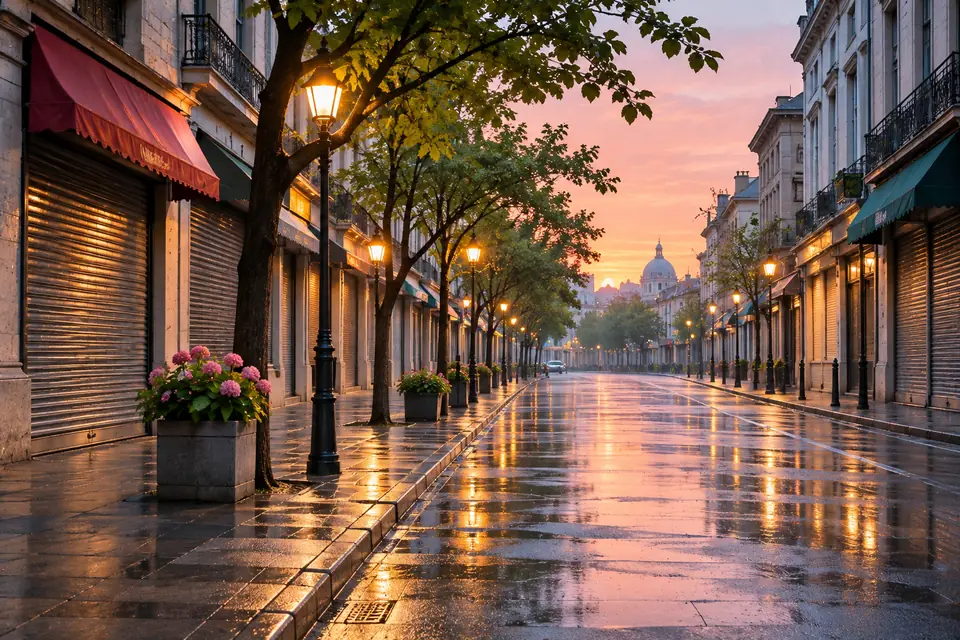
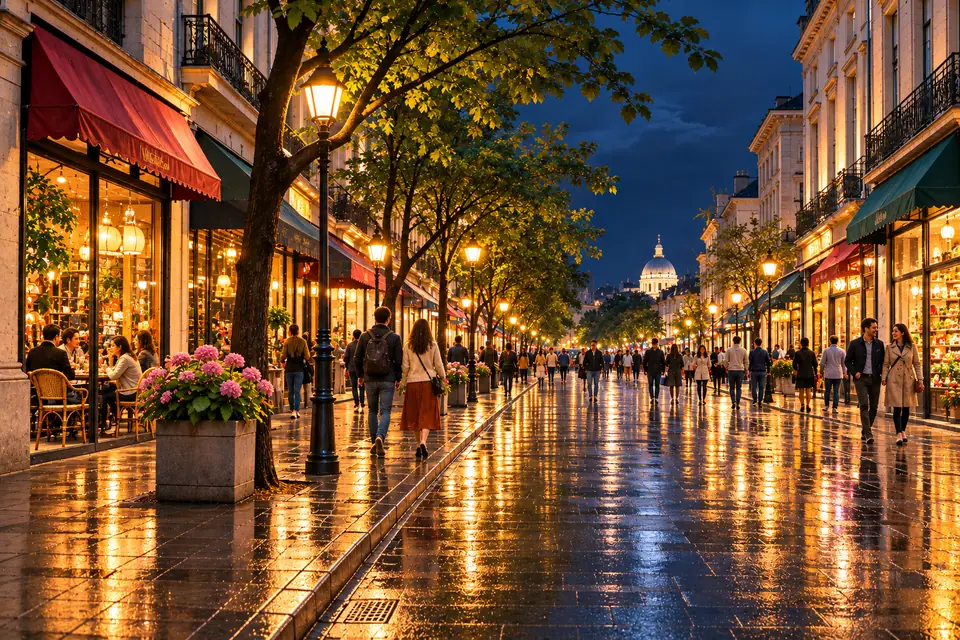
A long take drifts when the model has to guess where it ends. Give it both ends and it only has to plan the journey between them. We call this the Bookend Method.
 Illustration
 Illustration
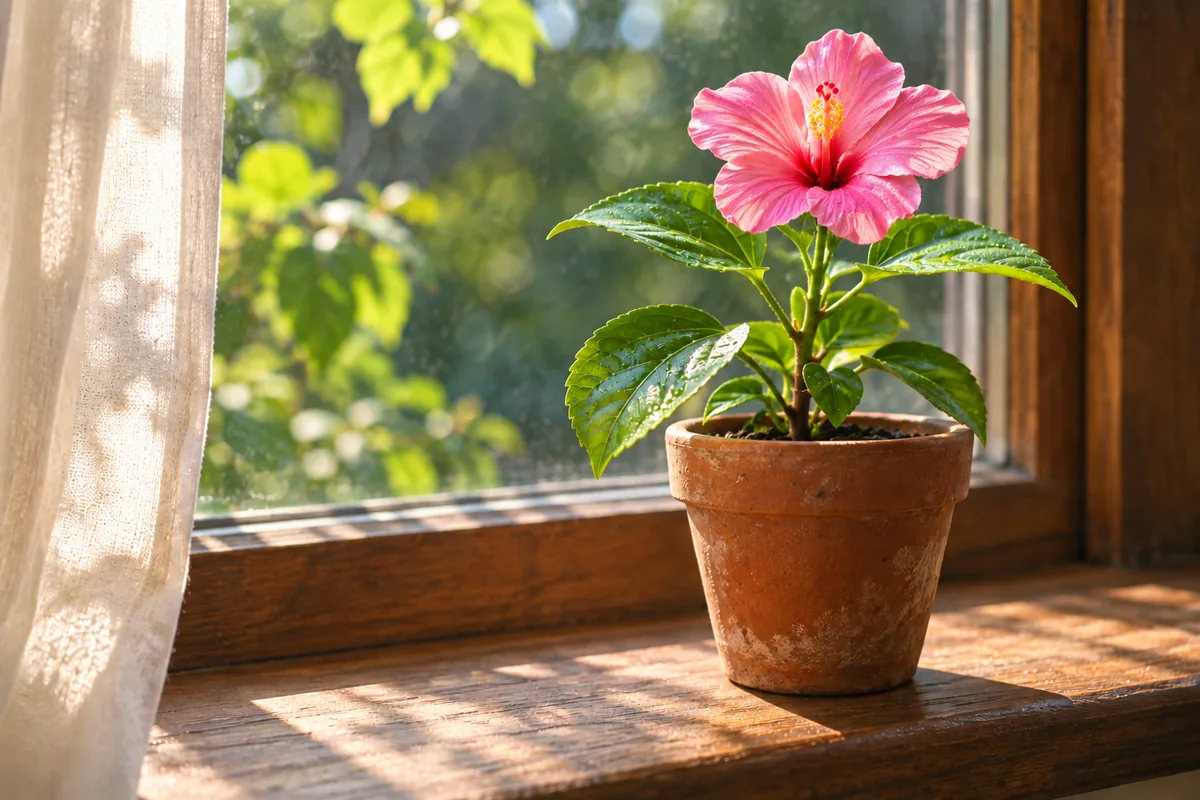
Prompt: One continuous static close-up on the windowsill: the hibiscus bud slowly opens into a full pink flower, the morning light stays the same, leaves move slightly in a breeze
 Illustration
 Illustration
Prompt: One continuous locked-off wide shot of the street: the sky moves from dawn to night, the shops open and light up, people gradually fill the pavement, reflections grow on the wet stones
Decide where the shot has to land, then work backwards. A clear ending gives every second before it a direction.
Make both frames from the same angle, lens and light. The model can then spend its effort on the change instead of reconciling two different pictures.
Your frames already show the start and the end. Use the prompt for what happens between them: the order of events, the pace, and anything that should stay still.
The video takes the first frame's aspect ratio, so give the last frame the same one.
A flower opening or a day turning to night reads clearly. Five changes at once look like a jump cut.
Give a large transformation 10 to 15 seconds. A small one looks natural at 5.
Writing “one continuous shot” helps the model avoid cutting between your two frames.
For longer stories built from several takes, read how to make longer AI videos
Kuaishou's own advice is to lead with the camera and describe each beat. This four-part order turns that into a habit.
Shot size and movement first: wide, close-up, tracking, locked-off or aerial.
Who or what is on screen, with two or three concrete details.
What happens, in order. Plan one beat for every 5 to 10 seconds of the take.
How the shot lands: a final pose, a reveal, or the camera settling.
Replace the words in brackets. Each template is written for the length shown.
Text to video · 16:9 · 10 s
[Slow orbit shot]: a [product] on a [surface], [lighting]. The camera circles once as [detail] catches the light. Ends on a close-up of [feature].
Text to video · 21:9 · 15 s
[Aerial drone shot] over [place] at [time of day]. The camera flies toward [landmark] while [weather detail] drifts through the frame. Ends with the camera rising above [landmark].
Image to video · 9:16 · 10 s
[Medium shot]: the person in the photo [action] in [setting]. Halfway through, they [second action]. Ends as they [final pose], the camera holding still.
Text to video · 16:9 · 30 s
[One continuous tracking shot]: [subject] [first beat]. Then [second beat]. Then [third beat]. Ends with [final image], [lighting] throughout.
“A beautiful beach at sunset” gives the model nothing to animate. Add what moves and how the camera behaves.
The model makes one continuous shot. Asking for “then cut to” three times usually produces morphing instead of edits.
If your idea has one beat, a 5-second clip says it. Save the long takes for shots that genuinely develop.
You pay per second of video. Every number below comes from the same code that prices the generator.
| Length | 720p | 1080p | Flash 720p |
|---|---|---|---|
| Per second | 29 | 43 | 17 |
| 5 seconds | 145 | 215 | 85 |
| 10 seconds | 290 | 430 | 170 |
| 15 seconds | 435 | 645 | 255 |
| 20 seconds | 580 | 860 | 340 |
| 30 seconds | 870 | 1,290 | — |
credits
Credits = seconds × the per-second rate. A 10-second 1080p clip costs 430 credits; the same length on Flash at 720p costs 170.
The Starter plan's 1,500 monthly credits cover about 10 five-second 720p clips on Kling 4.0, or 17 on Flash.
If a generation fails, the credits go back to your balance automatically. You only pay for the videos you receive.
For the full cost math, including retries, read AI video credits explained
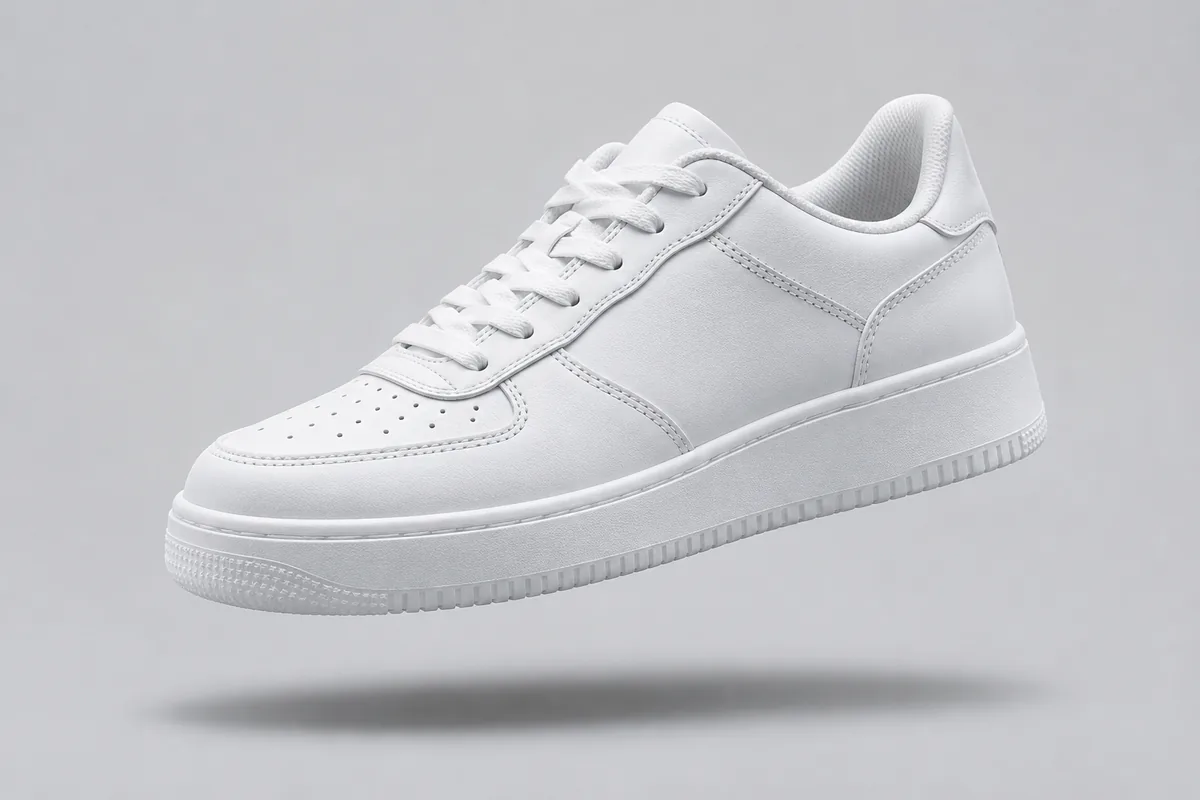
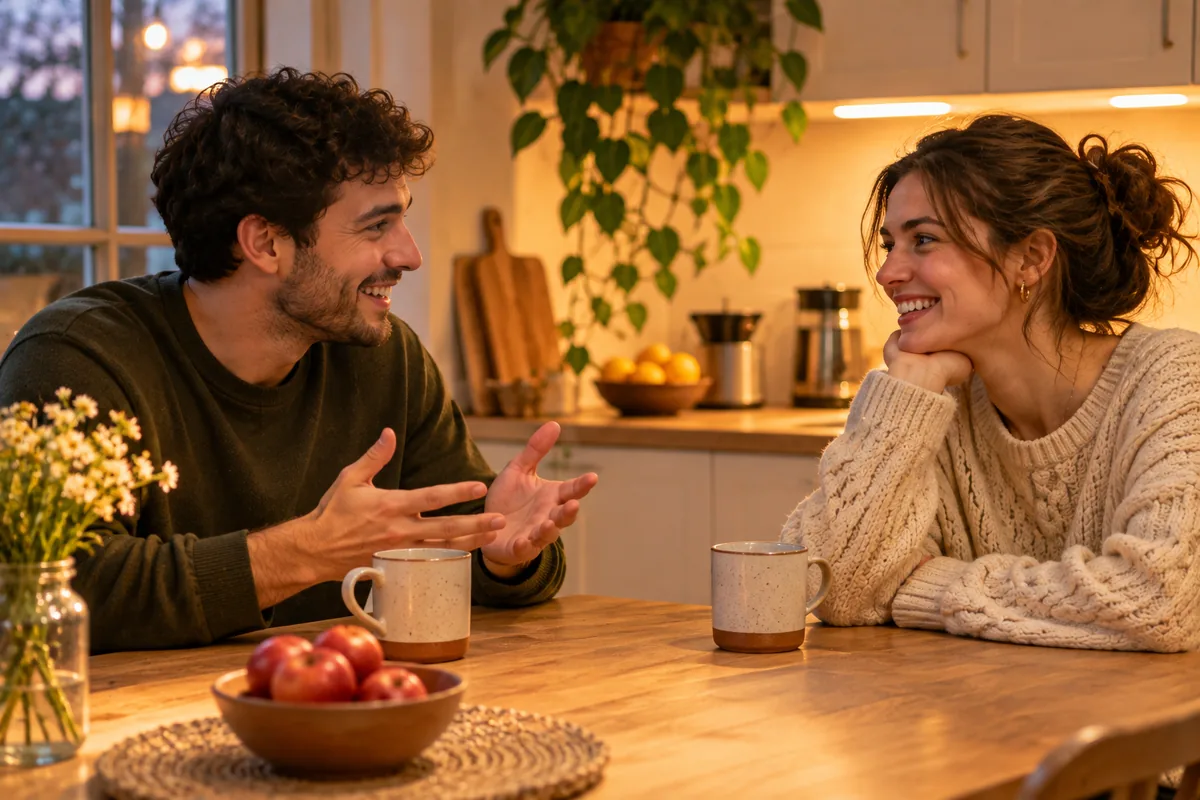
Ideas that suit a 30-second model. The pictures illustrate each idea; they are not Kling 4.0 output.
 Illustration
A full product turn or reveal in one take, ready for a store page or a paid social ad.
 Illustration
Two characters, one table, and a conversation that builds over 15 to 30 seconds without a cut.
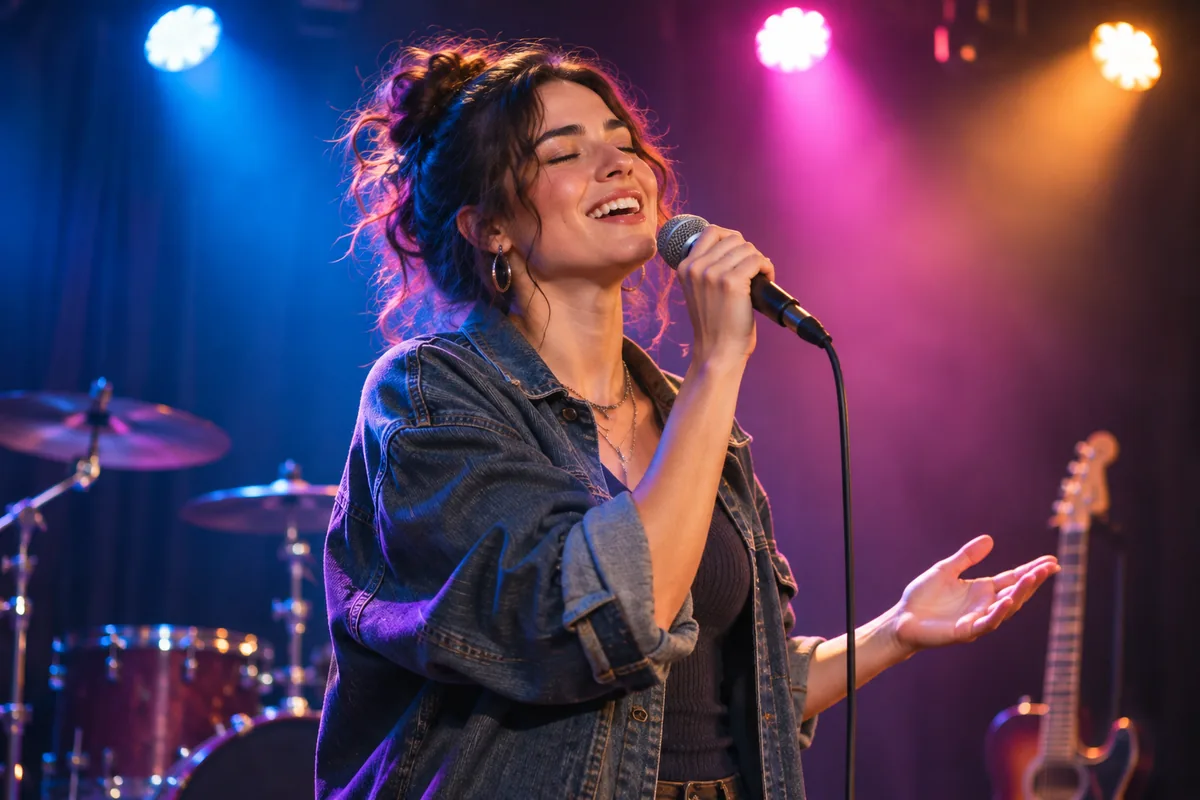 Illustration
Performance shots under stage lights, timed to the length of a chorus.
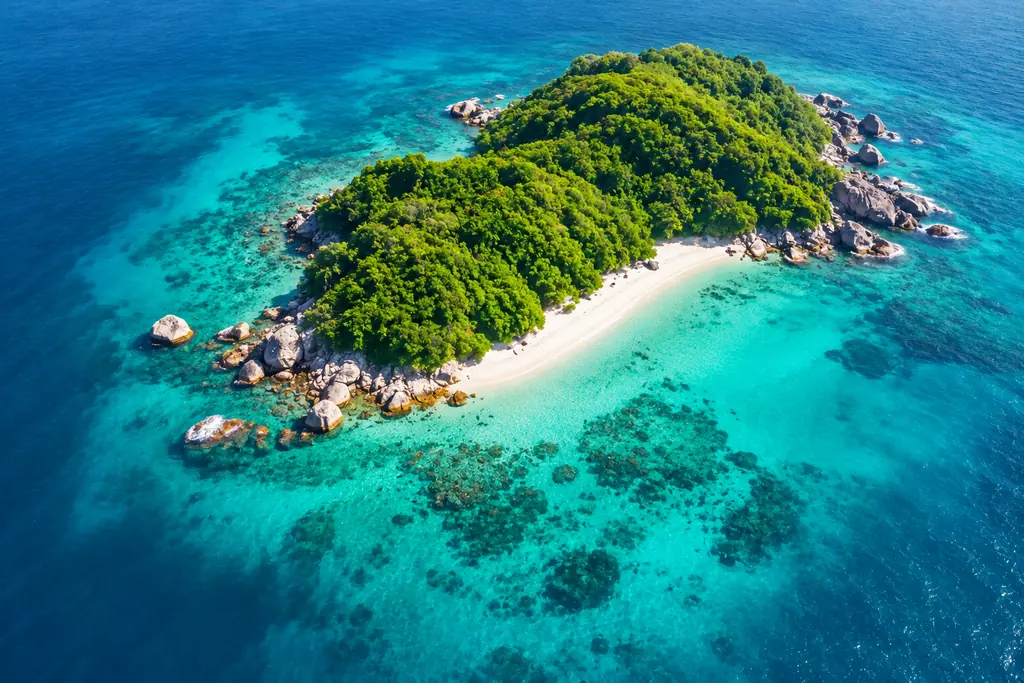 Illustration
Aerial reveals and slow pans over a place, long enough to sit under a voice-over.
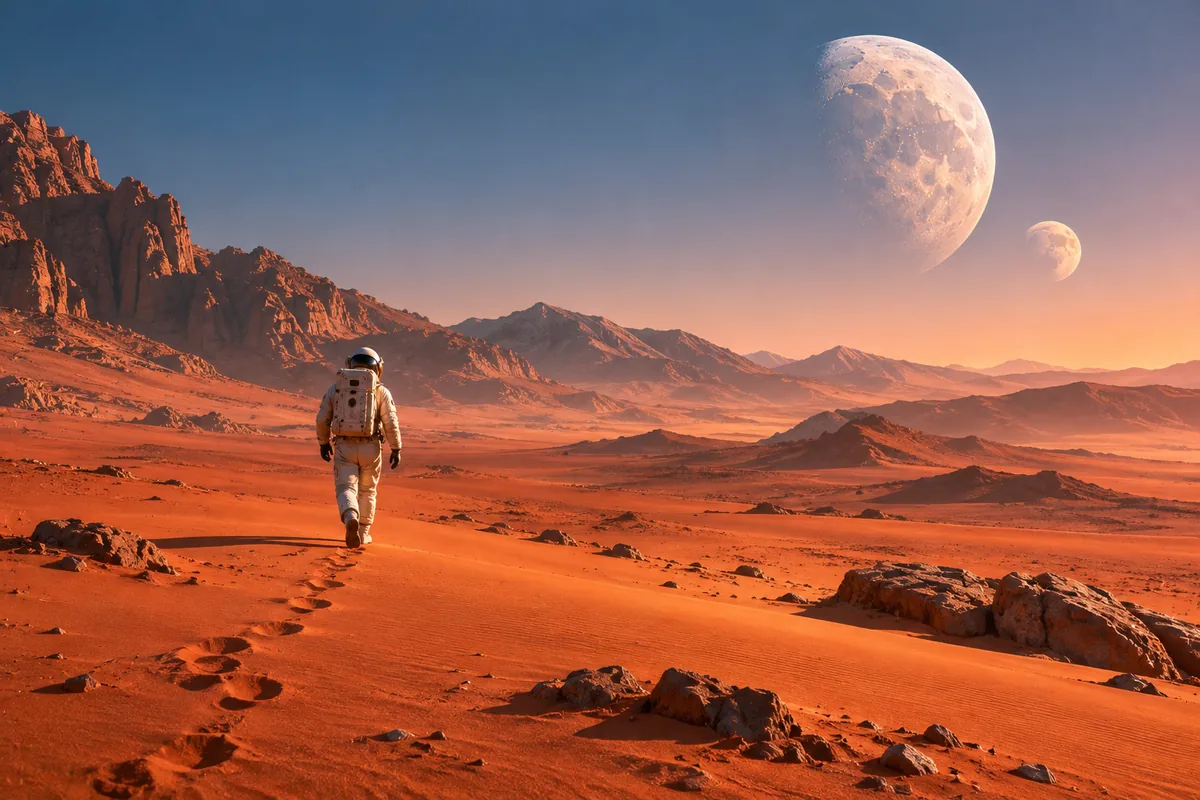 Illustration
Wide 21:9 shots with room to build tension before the reveal.
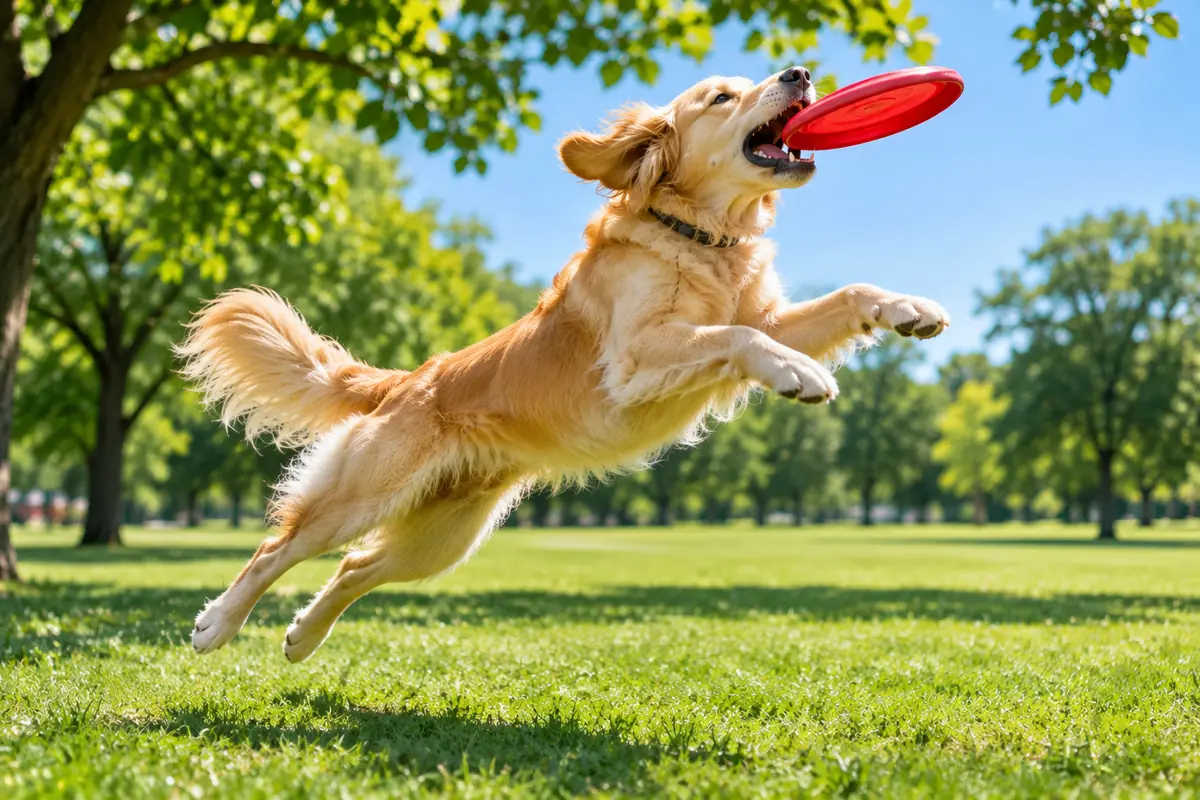 Illustration
Quick, joyful moments for Shorts, Reels and TikTok. Draft them on Flash first.
Open Imgveo Studio to run this and every other AI video and image model from a single workspace, with one credit balance.
Compare Kling 4.0 with the models you already know, or open the tool that fits your shot.
Write a prompt or pick an idea above, choose 5 to 30 seconds, and generate. Failed clips are refunded, and every video downloads without a watermark.
Kling is a trademark of Kuaishou. Imgveo is an independent platform and is not affiliated with Kuaishou.