 Illustration
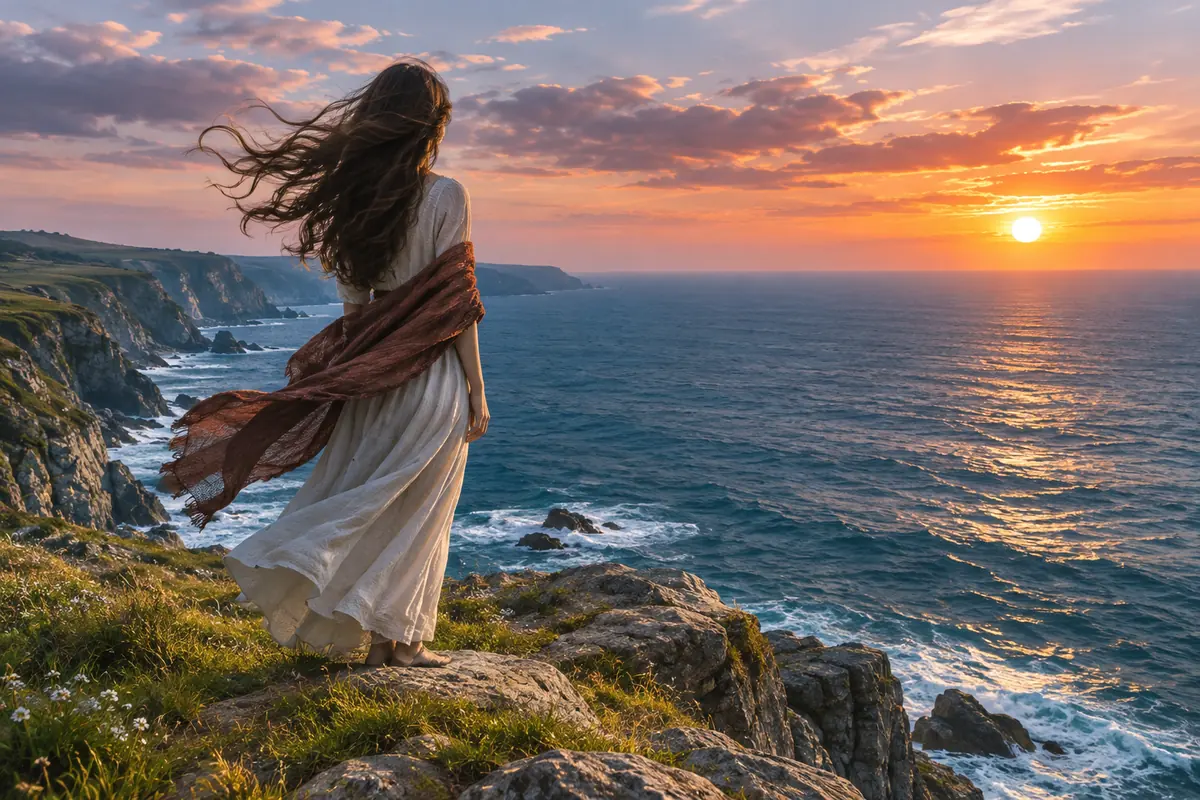
Wind on the cliff
Image to video · 5 s
Prompt: Her long hair and scarf blow in the strong sea wind, her dress ripples, waves roll in below the cliff, the camera slowly pushes in from behind. Sound: wind and crashing waves
Turn a picture into a clip of up to 15 seconds with sound, made by xAI’s Grok Imagine Video 1.5. Upload a start frame or try one below.
No start image yet? Make one with Grok Imagine Image 2.0 for 6 credits
Each card is a start frame plus a motion prompt. Click one and the picture goes into the upload slot, the prompt into the box, ready to run.
IllustrationImage to video · 5 s
Prompt: Her long hair and scarf blow in the strong sea wind, her dress ripples, waves roll in below the cliff, the camera slowly pushes in from behind. Sound: wind and crashing waves
 Illustration
Image to video · 5 s
Prompt: Rain keeps falling into the puddle, the paper boat drifts slowly to the right on the rippling water, a yellow leaf floats past, shallow focus. Sound: steady rain on the street
 Illustration
Image to video · 5 s
Prompt: The old man scatters a handful of seeds, pigeons flutter down and peck at the ground, one bird takes off, autumn leaves drift down. Sound: wings flapping, soft cooing
 Illustration
Image to video · 5 s
Prompt: The dog turns its head toward the camera and pants happily, the tall grass sways in the warm wind, the sun sinks slowly behind the hills. Sound: gentle wind, one happy bark
Grok Imagine is xAI’s family of image and video models. Video 1.5 turns a picture into a short clip with motion and sound, and Image 2.0 makes the picture.
On Imgveo, Video 1.5 starts from an image you upload and makes a clip of 5 to 15 seconds at 480p or 720p, for 5 credits per second at 480p. Every clip comes with sound, at no extra cost.
xAI made Video 1.5 generally available on its API in June 2026 and calls it its best image-to-video model so far.
What you can make right now. Every number comes from the generator’s own settings.
xAI’s own API offers more options than this page does. Here is the split, so you know what to expect before you spend a credit.
We list xAI’s figures so you know what the model can do elsewhere. On this page you get the left column.
No picture yet? Make one with Image 2.0, then animate it with Video 1.5. A 5-second 480p clip from a fresh still costs 31 credits in all.
6 credits an image, five aspect ratios, reference images welcome. Describe the scene and leave space for the motion you have in mind.
Upload the still and describe what moves and how the camera moves. 25 credits for 5 seconds at 480p, with sound.
From a picture to a finished clip in about a minute of your time.
A JPG, PNG or WebP picture. The clip keeps its look and its shape, so pick the frame you want to open on.
Say what moves, what moves around it and how the camera moves. Add what you want to hear, too.
5, 8, 10, or 15 seconds at 480p or 720p. Press Create; failed clips are refunded.
On an image-to-video model the first frame decides most things: the look, the light, the framing and the shape of the clip. These habits help.
A single person, animal or object that the motion can belong to. Crowded frames leave the model guessing what should move.
If the dog should run to the right, leave space on the right. Subjects cropped at the edge have nowhere to go.
The clip takes your image’s aspect ratio. Crop to 16:9, 9:16 or 1:1 before you upload.
Light, colors and detail carry over from the picture, so a sharp, well-lit frame gives the model more to work with.
The model can already see the picture. Spend your words on what changes.
The main action: “she turns toward the sea”, “the boat drifts to the right”.
Secondary motion that sells the scene: hair in the wind, rain, falling leaves.
Slow push-in, pan left, orbit, or a locked-off shot.
Every clip has sound, so name it: waves, rain on the street, a bark.
Fill in the brackets, upload your picture and run it.
Image to video · 5 s
The [product] turns slowly on [surface], light sweeps across [its material], [small detail like water drops or petals] settle around it, the camera holds still. Sound: [soft ambience]
Image to video · 5 s
The [person] [small action: smiles, looks up, turns their head] while [hair, clothes or background] moves in [wind or light], the camera pushes in slowly. Sound: [ambience]
Image to video · 10 s
[Main element] [moves how], [secondary motion: clouds, water, crowd, leaves], the camera [pans, orbits or tracks] [direction]. Sound: [ambience], [one spot sound]
Image to video · 5 s
The [animal] [action: tilts its head, wags its tail, jumps], [what moves around it], the camera stays at its eye level. Sound: [the animal sound], [ambience]
“A golden retriever in a field at sunset” tells the model nothing new. Say what the dog does.
A start frame of a beach won’t become a city street. Big changes fight the picture; small, natural motion works best.
Five seconds fits one or two actions. For a longer story, choose 10 or 15 seconds.
Every number below comes from the same code that charges you, so it changes when our prices do.
| Clip | 480p | 720p |
|---|---|---|
| Per second | 5 | 6 |
| 5 seconds | 25 | 30 |
| 8 seconds | 40 | 48 |
| 10 seconds | 50 | 60 |
| 15 seconds | 75 | 90 |
Credits per clip. Sound is included.
Seconds × the rate for your resolution: 5 credits per second at 480p, 6 at 720p, and at least 20 credits a clip.
Image 2.0 costs 6 credits per image, so a fresh still plus a 5-second 480p clip is 31 credits.
If a clip fails, the credits go back to your balance automatically. You pay only for videos you get.
The same 10-second 720p clip from a picture, priced by our generator.
| Model | 10 s at 720p | Sound | Longest clip |
|---|---|---|---|
| Grok Imagine Video 1.5 | 60 | In every clip | 15 s |
| Seedance 2 Mini | 100 | Included | 15 s |
| Wan 3.0 | 160 | Included | 30 s |
| Kling 4.0 | 290 | No sound setting | 30 s |
Grok Imagine is the cheapest of these by a wide margin. The others can also start from text alone, and some run up to 30 seconds.
Short clips from pictures you already have. Use photos you own or have permission to use.
 Illustration
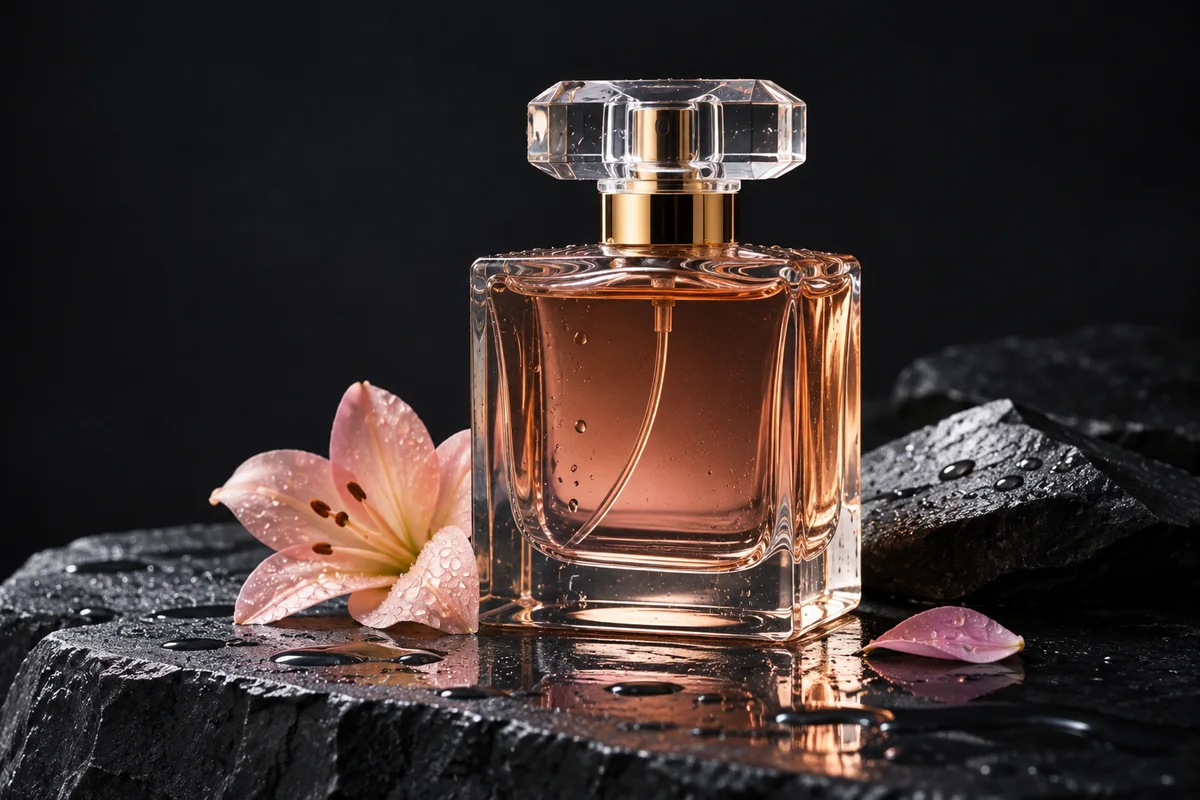
Light sweeping over glass, a slow turn, petals settling. A still product photo becomes a clip for ads and listings.
 Illustration
Steam rising from a cup, a pour, a smile. Animate a photo of your shop for social posts in seconds.
 Illustration
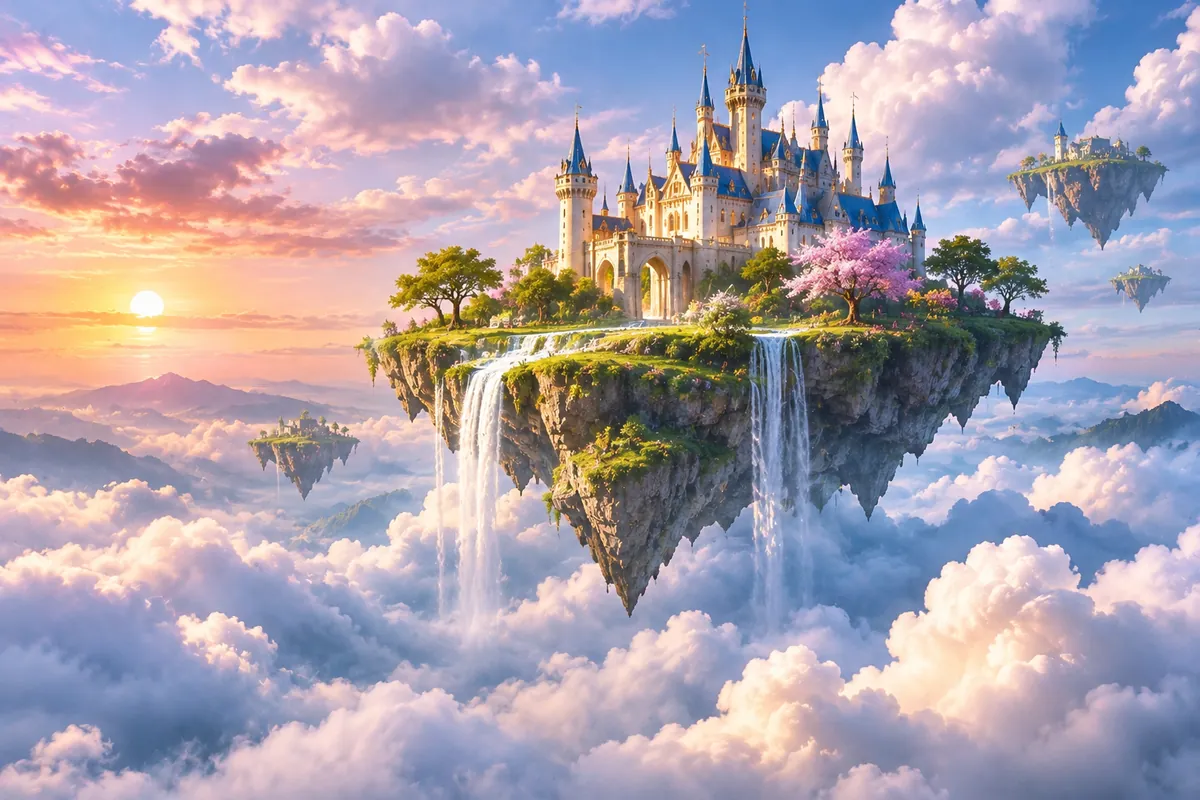
Clouds drift past a floating castle and waterfalls fall. Make the art with Image 2.0, then set it moving.
 Illustration
A gentle laugh and a breeze through the porch. Bring a favorite photo to life to share with the family.
Open Imgveo Studio to run this and every other AI video and image model from a single workspace, with one credit balance.
Other ways to turn a picture into video on Imgveo.
Upload a start frame, describe the motion and get a clip with sound. Failed clips are refunded.
Grok is a trademark of xAI. Imgveo is an independent platform and is not affiliated with xAI.