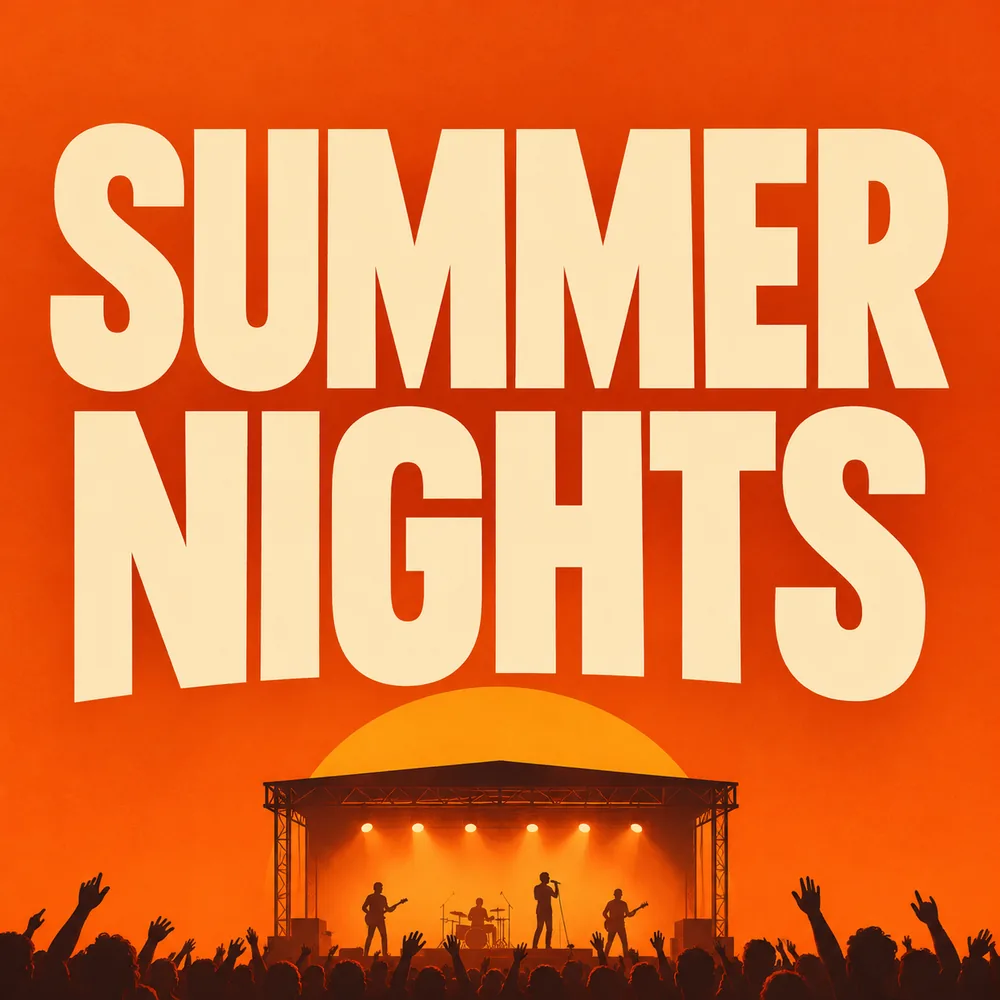
 Illustration
Poster with a headline
Text to image · 1:1 · 2K
Prompt: A minimalist concert poster with the words "SUMMER NIGHTS" in large bold letters, a stage silhouette at sunset below, warm orange background
ByteDance's newest image model: edit the same picture round after round, render clean small text, and create in 1K or 2K.
Pick an idea and press Try this prompt: it lands in the generator above, ready to change before you generate.
IllustrationText to image · 1:1 · 2K
Prompt: A minimalist concert poster with the words "SUMMER NIGHTS" in large bold letters, a stage silhouette at sunset below, warm orange background
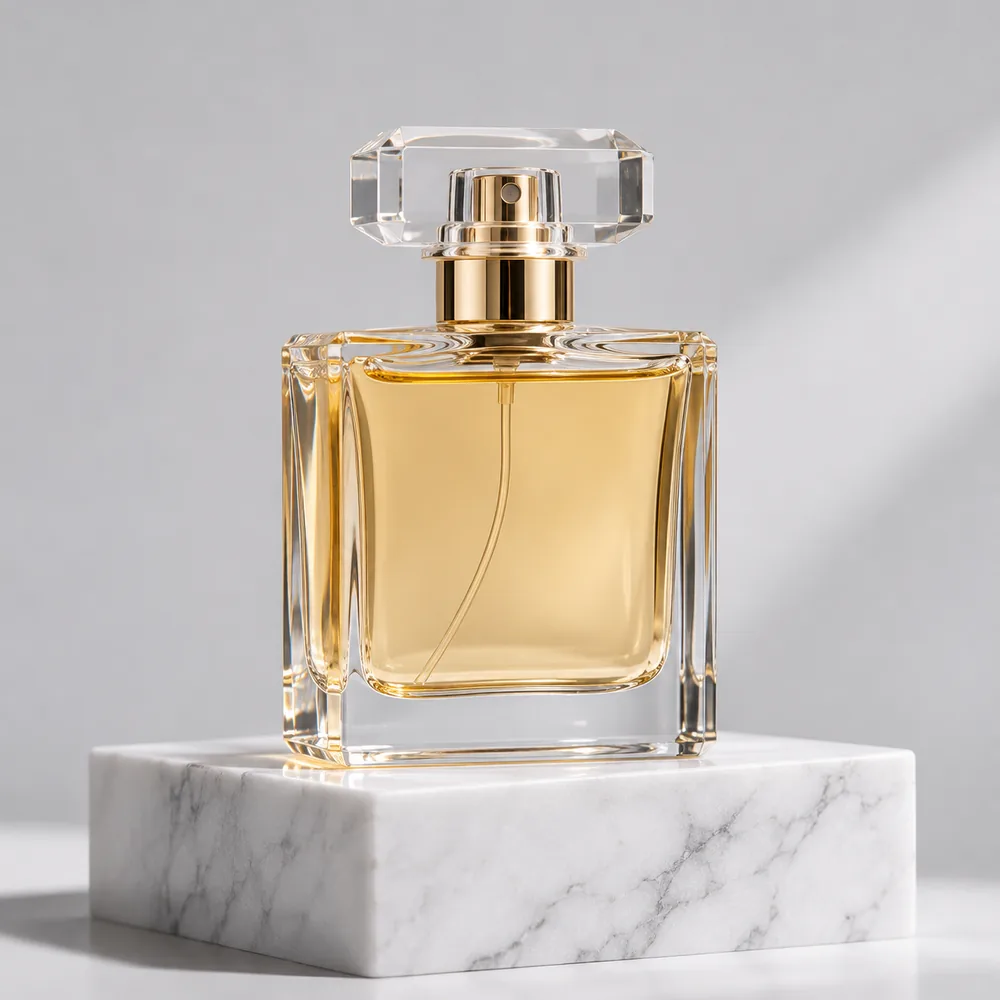 Illustration
Text to image · 1:1 · 2K
Prompt: A glass perfume bottle on a white marble block, soft studio light, plain light gray background, product photography, no text
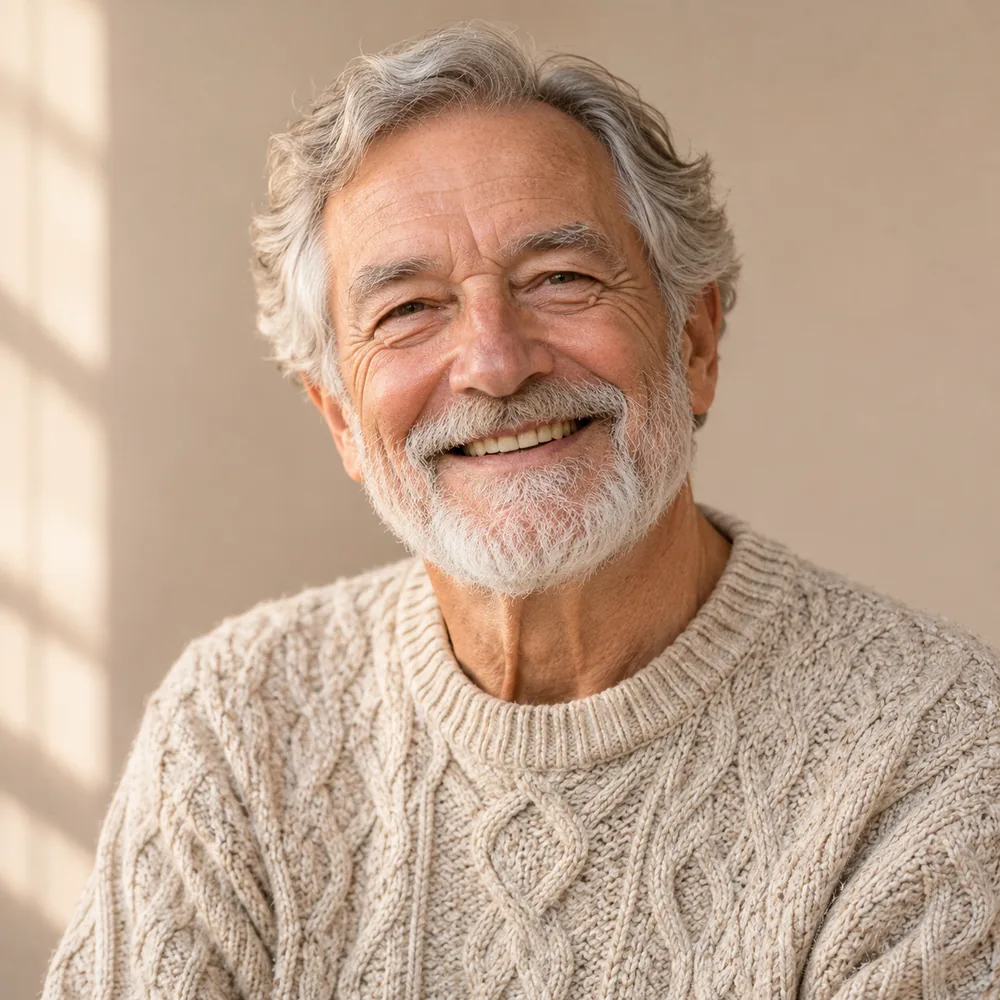 Illustration
Text to image · 1:1 · 2K
Prompt: Portrait of a smiling older man in a cream knitted sweater, soft window light, plain beige background, natural skin texture
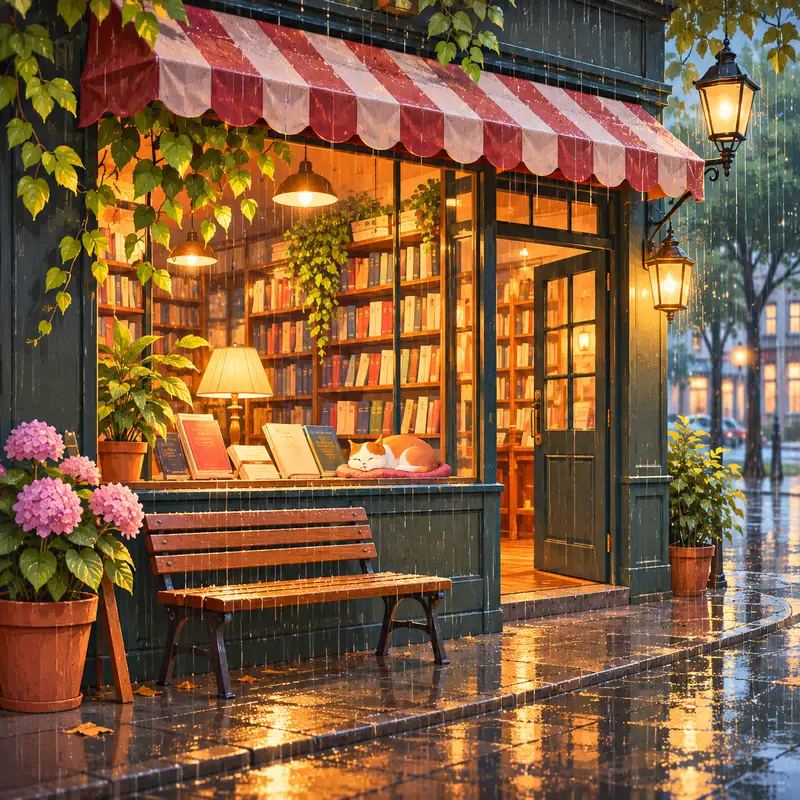 Illustration
Text to image · 1:1 · 2K
Prompt: A cozy cartoon bookstore on a rainy evening, warm light in the windows, a cat asleep among the books, soft illustration style
Seedream 5.5 is ByteDance's newest AI image model, released on November 9, 2026. It creates images from a text prompt and edits your own pictures, keeping everything you didn't ask to change. On Imgveo it renders 1K or 2K images from 6 credits each.
The release focuses on two jobs that earlier models found hard: editing the same picture many times without it drifting, and writing small, dense text that stays readable. If your work is posters, packaging, menus or step-by-step edits, this is the model to try first.
What you can make right now. Every price comes from the generator itself.
ByteDance lists four improvements over Seedream 5.0. The figures below are ByteDance's own, from its launch post.
Parts of the picture you don't ask to change stay put, pixel for pixel. ByteDance says an image holds together across as many as 100 rounds of edits.
Dense text such as menus, labels and fine print comes out cleaner. ByteDance measured severe text errors in 0.4% of images and minor ones in 1.7%.
Image-to-image results look more like real photos. ByteDance reports a +55.62% GSB (good-same-bad) score against Seedream 5.0 Pro in its own side-by-side tests.
ByteDance says the model can render full and partial transparency on its own, with no background-removal step. There is no separate transparent-background switch on Imgveo yet.
All four run on Imgveo. Seedream 5.5 is the one to start with; the 5.0 models still win on price or on 4K.
| Seedream 5.5 | Seedream 5.0 Pro | Seedream 5.0 Flash | Seedream 5.0 Lite | |
|---|---|---|---|---|
| Resolution | 1K / 2K | 1K / 2K | 1K / 2K | 2K / 4K |
| Credits per image, 1K | 6 | 11 | 5 | — |
| Credits per image, 2K | 10 | 21 | 5 | 6 |
| With a reference image, 2K | 12 | 22 | 5 | 8 |
| Reference images | Up to 4 | Up to 10 | Up to 10 | Up to 14 |
Your default for edits, text on images and anything you will refine over several rounds.
The earlier flagship. Keep it for prompts you already tuned on it.
The cheapest Seedream, with a flat price for quick drafts and big batches.
The only Seedream here that renders 4K, with up to 14 reference images.
No design software needed: the generator at the top of this page does the whole job.
Describe the image you want, or upload up to four reference images to edit or match. Seedream 5.5 is already selected.
If the image needs text, write the exact words in quotation marks and say where they go. Describe everything else plainly.
Choose 1K or 2K, an aspect ratio and up to four images. Download the PNGs, with no watermark.
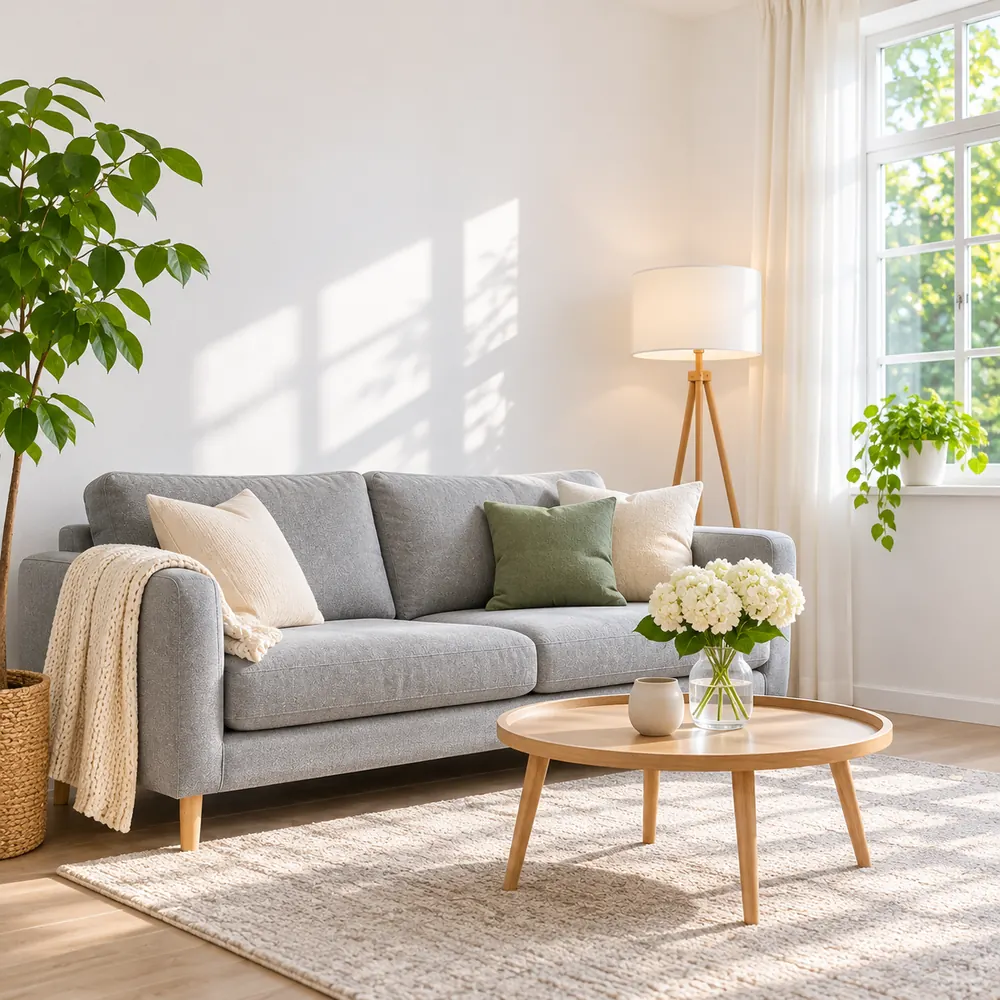
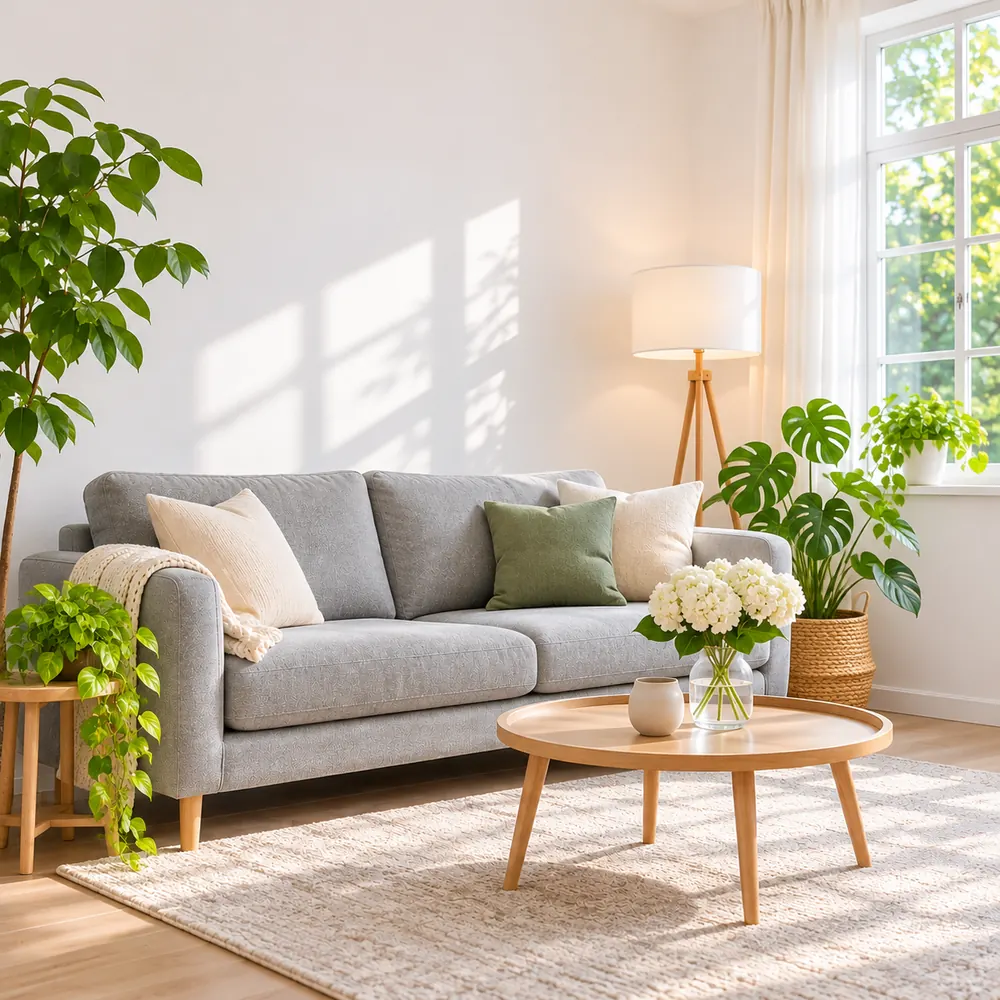
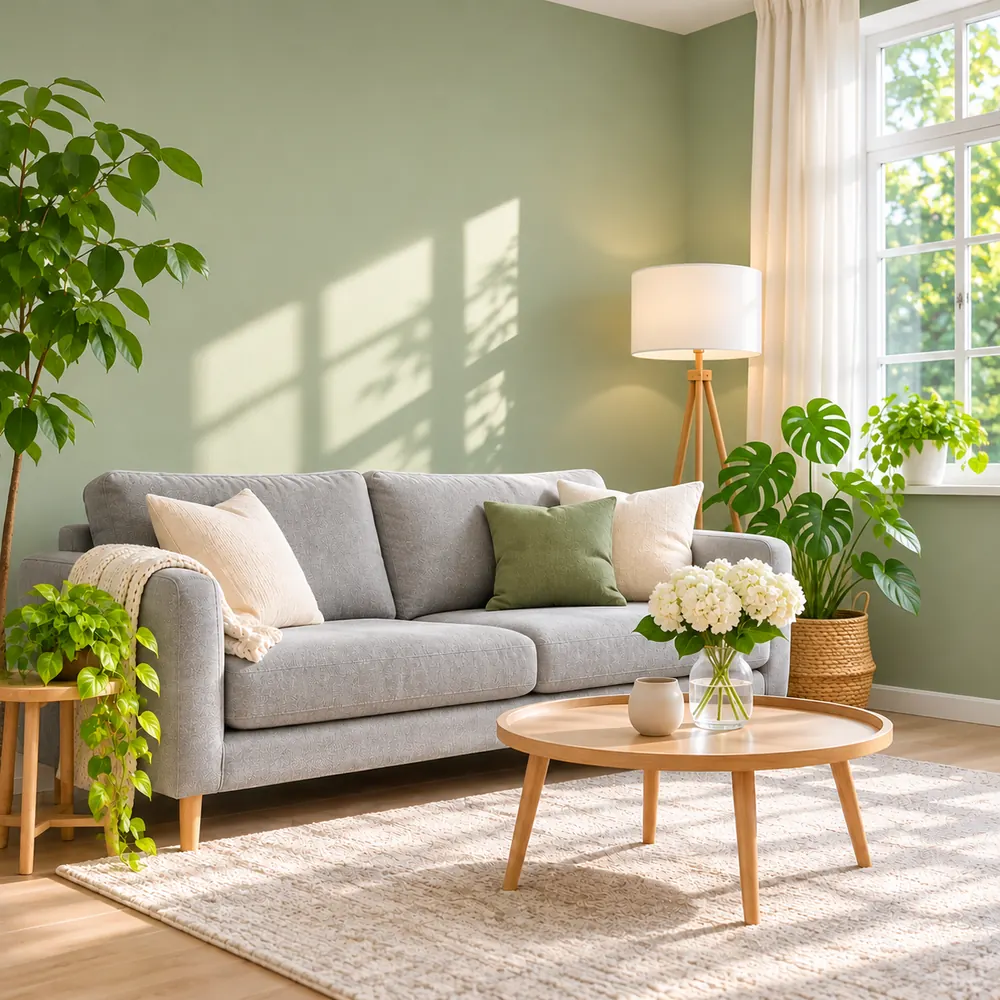
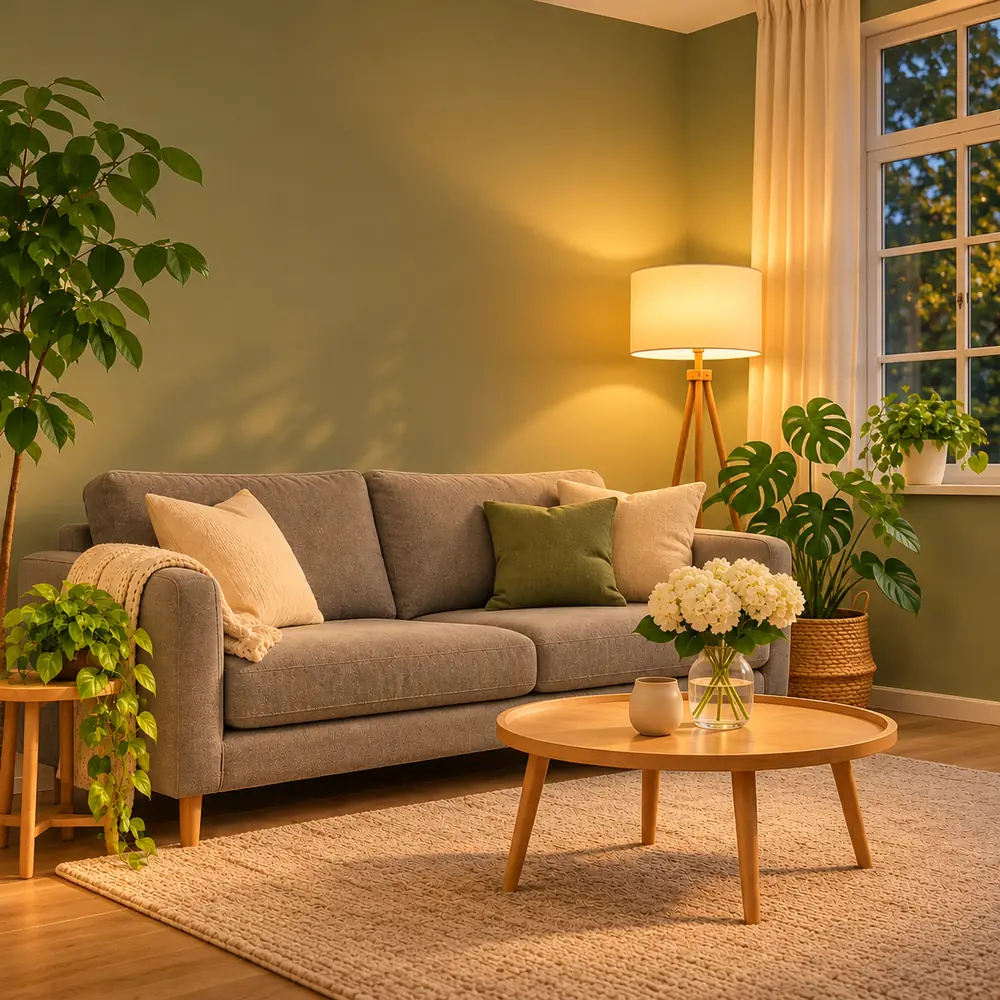
Seedream 5.5 is built for step-by-step edits. Climb one rung at a time, change one thing per round, and the picture keeps everything you didn't touch. We call this the Edit Ladder.
 Illustration
Edit instruction: A bright living room with a gray sofa, white walls and a round wooden coffee table
 Illustration
Edit instruction: Add green plants beside the sofa. Keep everything else the same.
 Illustration
Edit instruction: Paint the walls sage green. Keep the furniture, the plants and the camera angle.
 Illustration
Edit instruction: Change the light to a warm evening with the floor lamp on. Keep everything else.
One clear change is easy to check and easy to undo. Five changes at once make it hard to see what went wrong.
End each instruction with what must not change: “keep the furniture and the camera angle.”
Upload the image from the previous round as your reference, so every rung builds on the one before.
If details start to wander, go back to the last good round instead of fixing the drift with more instructions.
Text is where Seedream 5.5 improved most. Three habits get you clean lettering on the first try.
 Illustration
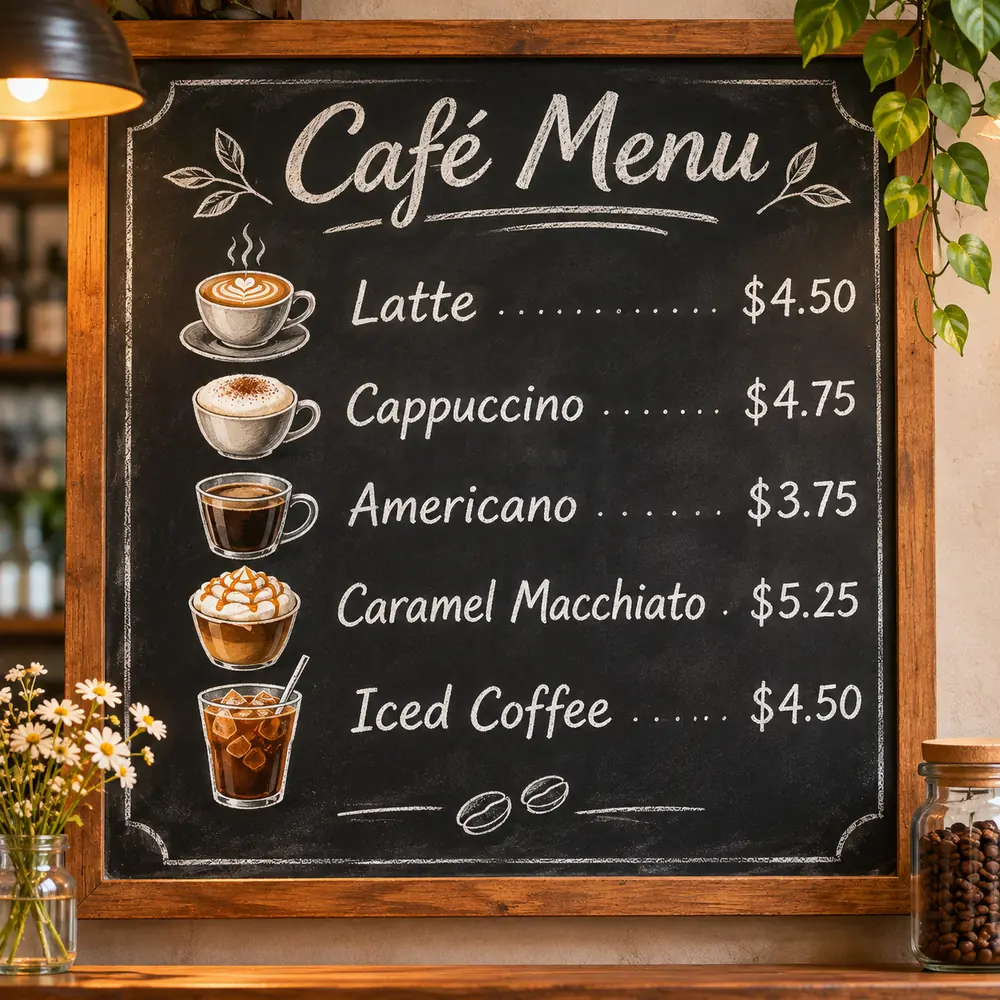
Quoted words are rendered as written. Everything outside the quotes is a description, not text to print.
Prompt: A chalkboard café menu titled "Café Menu" listing "Latte $4.50", "Cappuccino $4.75", "Americano $3.75", "Caramel Macchiato $5.25" and "Iced Coffee $4.50"
 Illustration
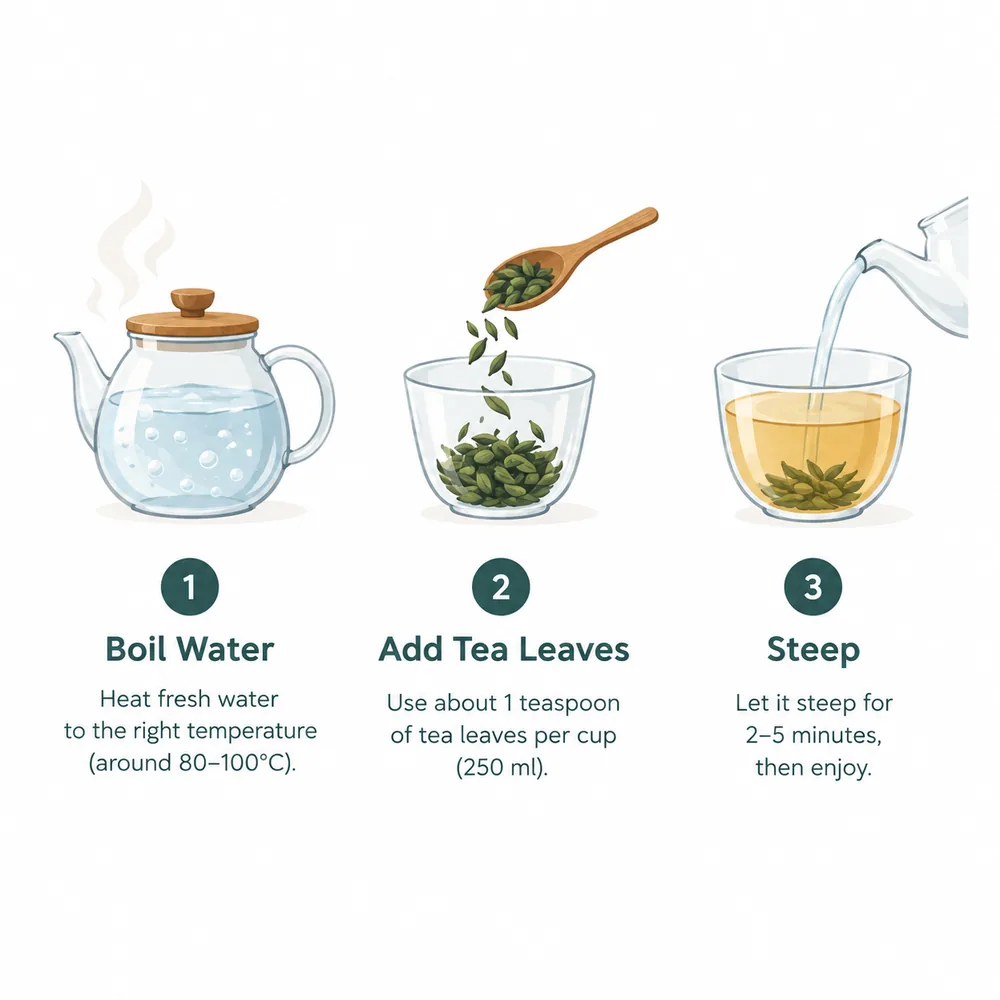
Name the place for each piece of text (a title on top, a label under each icon) so the layout is planned, not guessed.
Prompt: A clean infographic on a white background: three numbered steps with icons, titled "Boil Water", "Add Tea Leaves" and "Steep", one short line of text under each
 Illustration
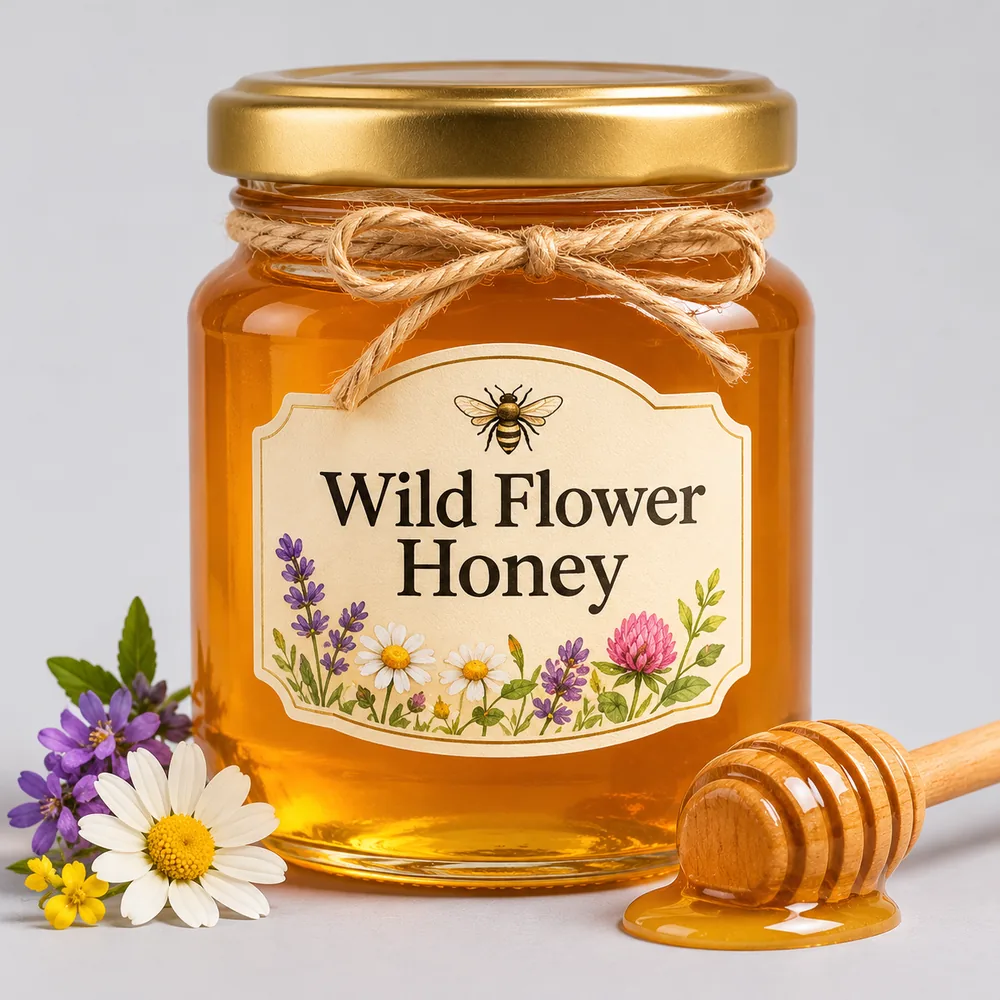
A brand name and one short line read cleanly. Paragraphs of fine print add more chances for a typo.
Prompt: A jar of honey on a light gray background with a cream label that reads "Wild Flower Honey" in a classic serif font, small wildflowers around the jar
Four parts, in this order, cover nearly every image. Leave out the text part when the picture has no words.
What the image is of, with two or three concrete details.
Where it is: a surface, a room, a plain background or a scene.
Photo, illustration, 3D or painting, plus the lighting.
The exact words in quotes and where they appear.
Replace the words in brackets. The settings line shows what each template is written for.
Text to image · 3:4 · 2K
A [style] poster with the words "[headline]" in [font style] letters, [main image] below, [background color] background
Text to image · 1:1 · 2K
[Product] on a [surface], [lighting], plain [color] background, product photography, no text
Image edit · 3:4 · 2K
Keep the person in the first image exactly as they are. Change [what to change]. Keep the face, the pose and the background.
Text to image · 1:1 · 2K
A [product] with a label that reads "[brand name]" and "[second line]" in [font style] lettering, [background]
Without quotes the model can't tell the words to print from the words describing the scene.
A big rewrite throws away what was already right. Edit in small steps instead.
Dense text renders better than before, but every extra line is another chance for a typo. Print only what a viewer would read.
Reference images let Seedream 5.5 edit your picture or match its style. Here is how many you can add and why.
Seedream 5.5 charges for every reference image on top of the picture it makes. Up to four, the price stays at 8 credits per image at 1K or 12 at 2K; past that it would cost more than we charge, so the generator stops at four.
Upload the image you are editing first, then any style or object references, and refer to them by position: “the person in the first image.”
For a straight edit, the photo you are changing is all you need. Add more only when you are combining things or matching a look.
You pay per image. Every number below comes from the same code that prices the generator.
| Images | 1K | 2K | 1K + reference | 2K + reference |
|---|---|---|---|---|
| 1 | 6 | 10 | 8 | 12 |
| 2 | 12 | 20 | 16 | 24 |
| 3 | 18 | 30 | 24 | 36 |
| 4 | 24 | 40 | 32 | 48 |
credits
Credits = images × the price per image. Four 2K images cost 40 credits; four 2K edits with reference images cost 48.
The Starter plan's 1,500 monthly credits cover about 150 Seedream 5.5 images at 2K, or 250 at 1K.
If an image fails, its credits go back to your balance automatically, even when the other images in the run succeed.
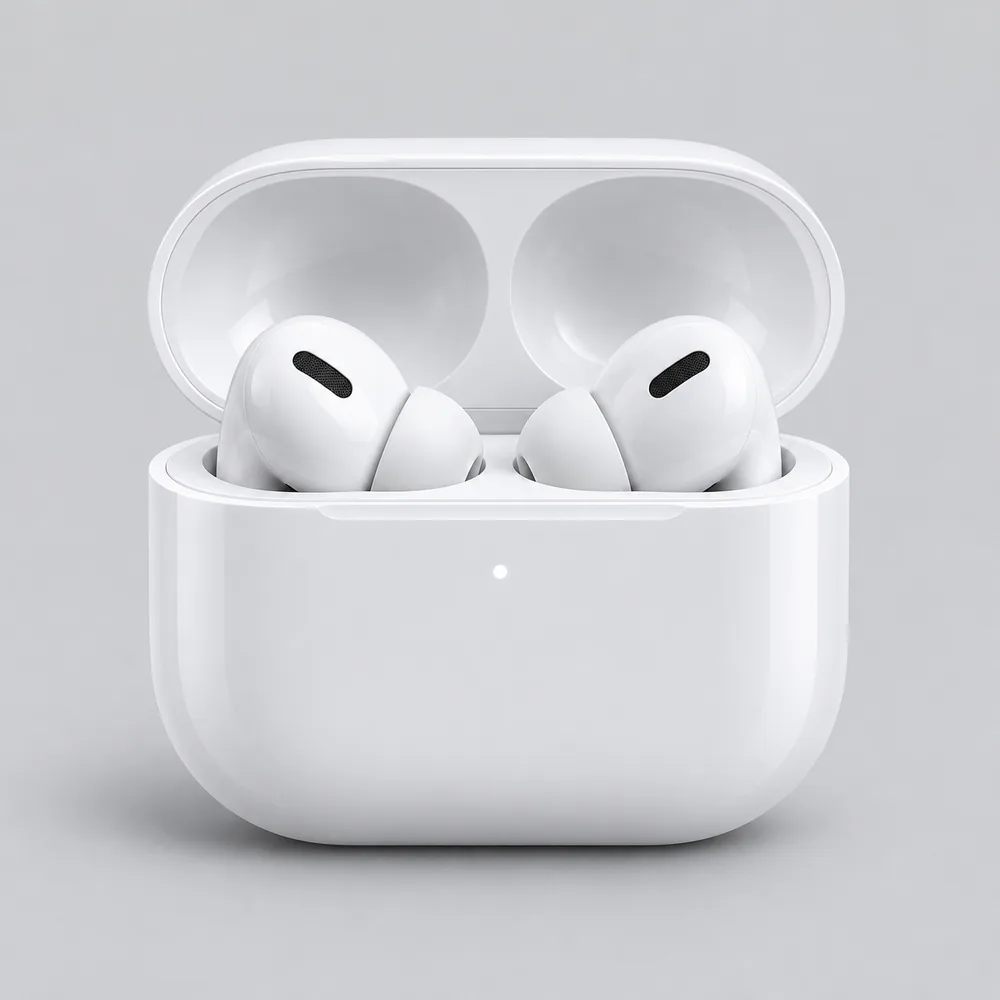
Jobs that play to its strengths: clean product shots, readable text and careful edits. The pictures illustrate each idea; they are not Seedream 5.5 output.
 Illustration
Clean product shots on plain backgrounds, then the same product in new scenes through edits.
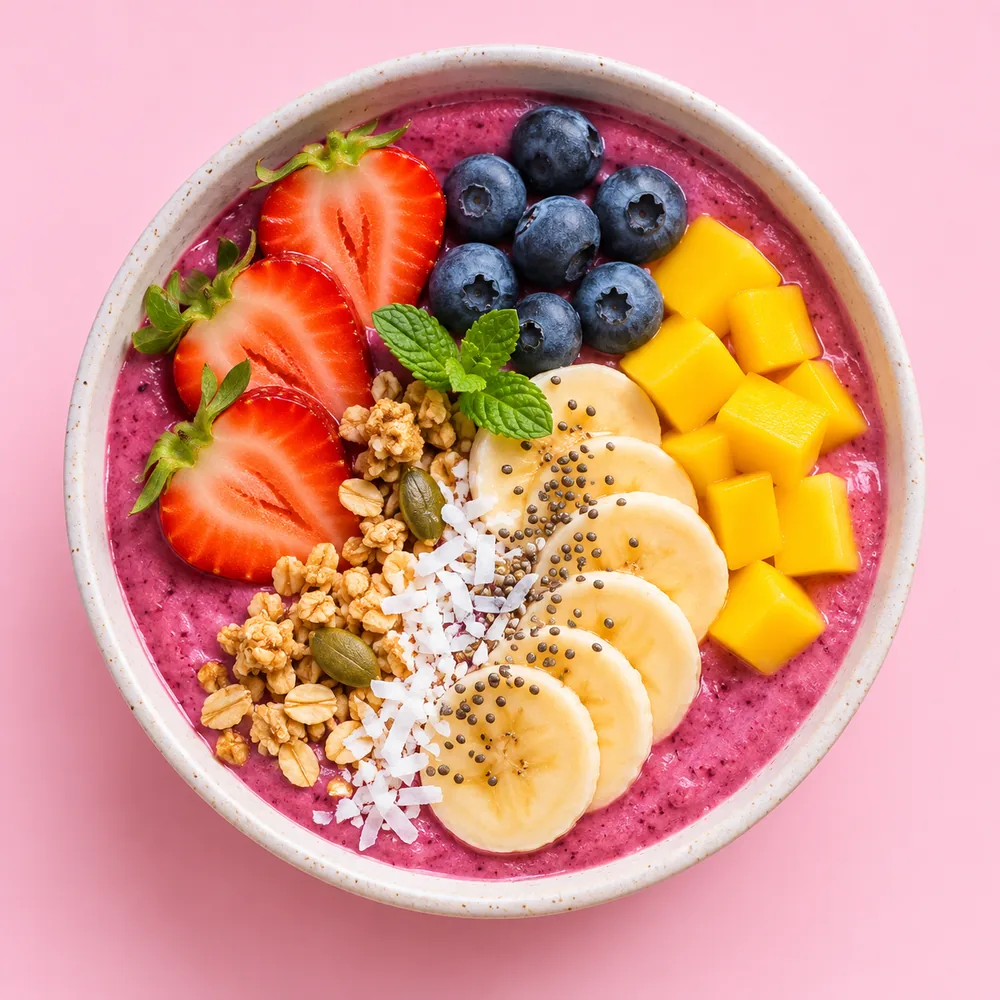 Illustration
Bright, square images for feeds and stories, in batches of up to four per run.
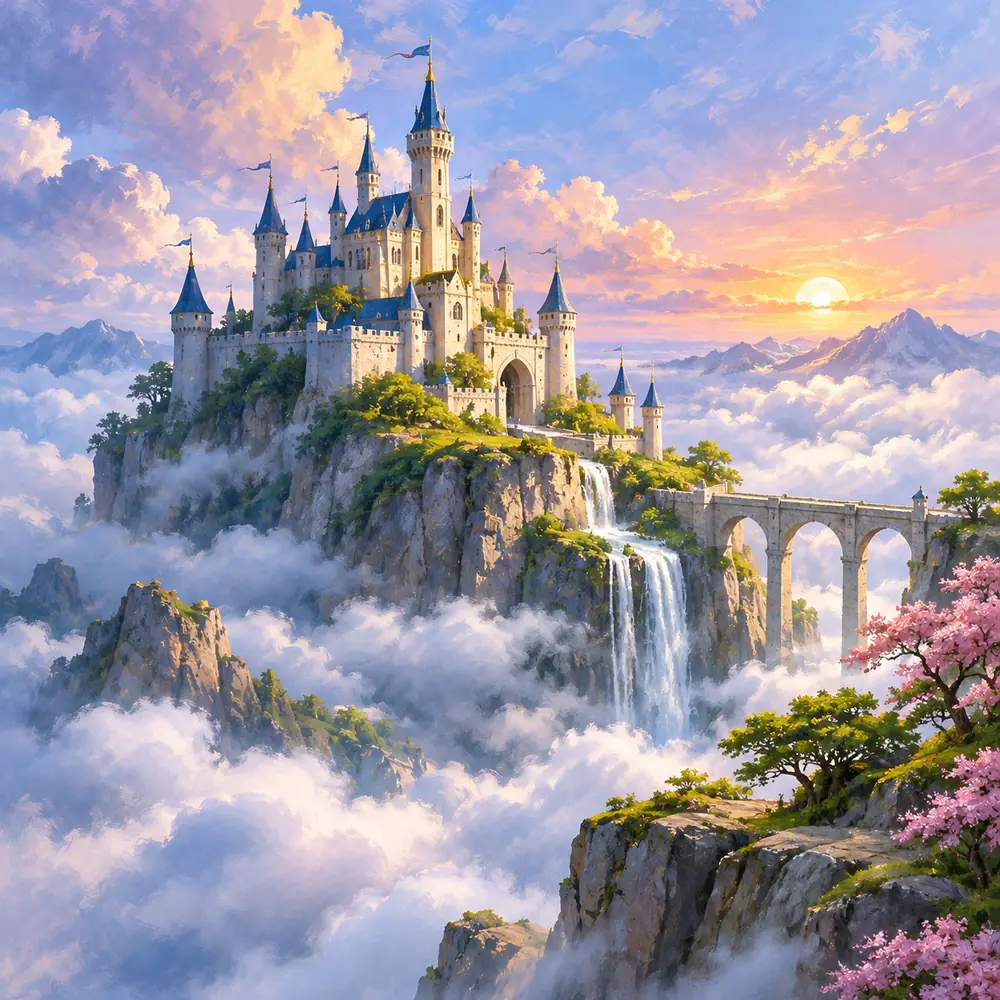 Illustration
Painted scenes with room left for a title you add in quotes.
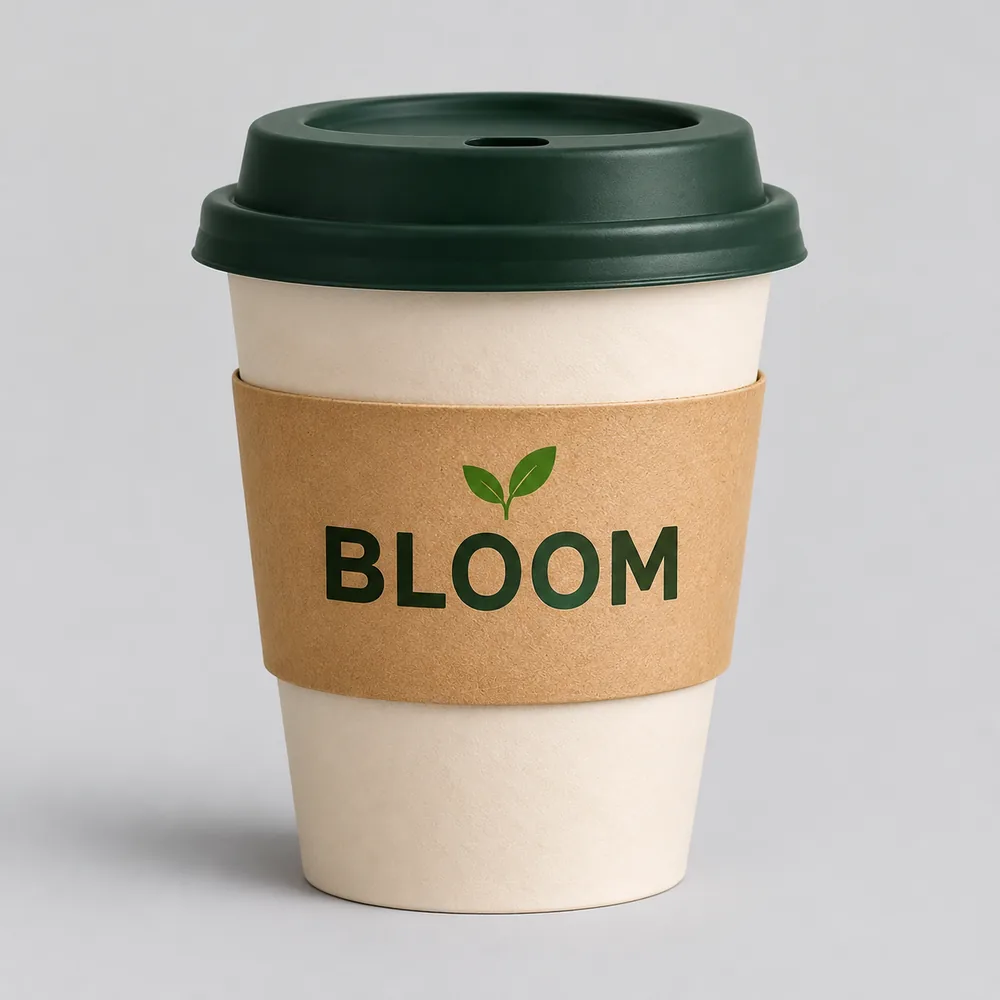 Illustration
Your brand name on cups, bags and labels, spelled the way you wrote it.
 Illustration
A character on a plain background, then new poses and outfits round by round.
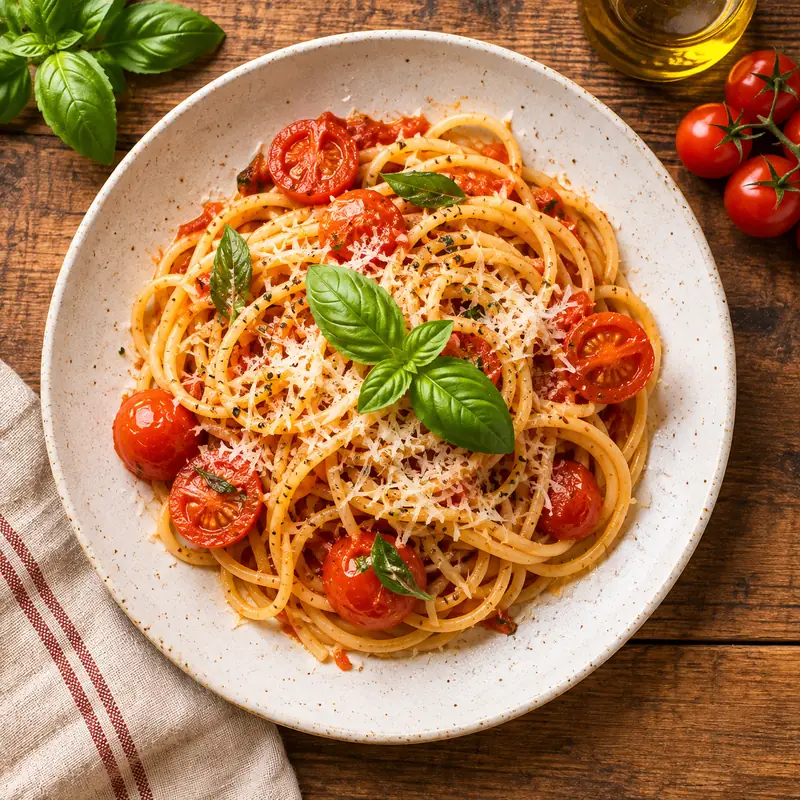 Illustration
Top-down dishes for menus and delivery apps, with the menu text made in the same model.
Open Imgveo Studio to run this and every other AI video and image model from a single workspace, with one credit balance.
Compare Seedream 5.5 with the models you know, or open the tool that fits your job.
Write a prompt or pick an idea above, choose 1K or 2K, and generate. Failed images are refunded, and every image downloads without a watermark.
Seedream is a trademark of ByteDance. Imgveo is an independent platform and is not affiliated with ByteDance.